Elevate Your Audio Experience with the Powerful SonoAudi Soundbar With Subwoofer
Looking For Theater-Quality Sound At Home?
The SonoAudi Soundbar With Subwoofer delivers professional-grade audio performance with its 360 stereo surround sound and multiple sound modes including Hi-Res, 3D Surround, and Extra Bass. Experience cinema-quality audio that fills your room with rich, detailed sound for movies, music, and gaming, making every listening session truly immersive and impactful.
Tired Of Complicated Audio Setups?
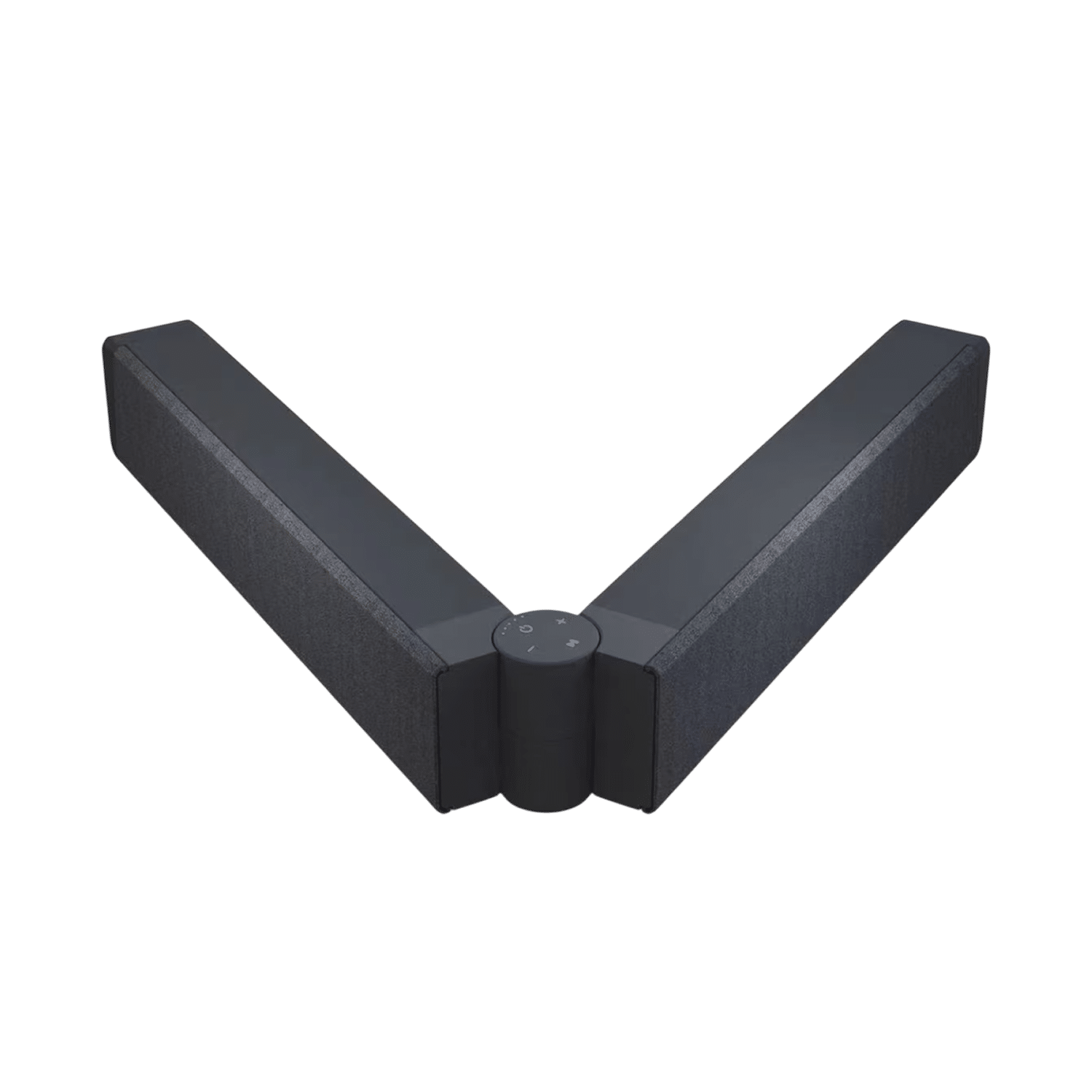
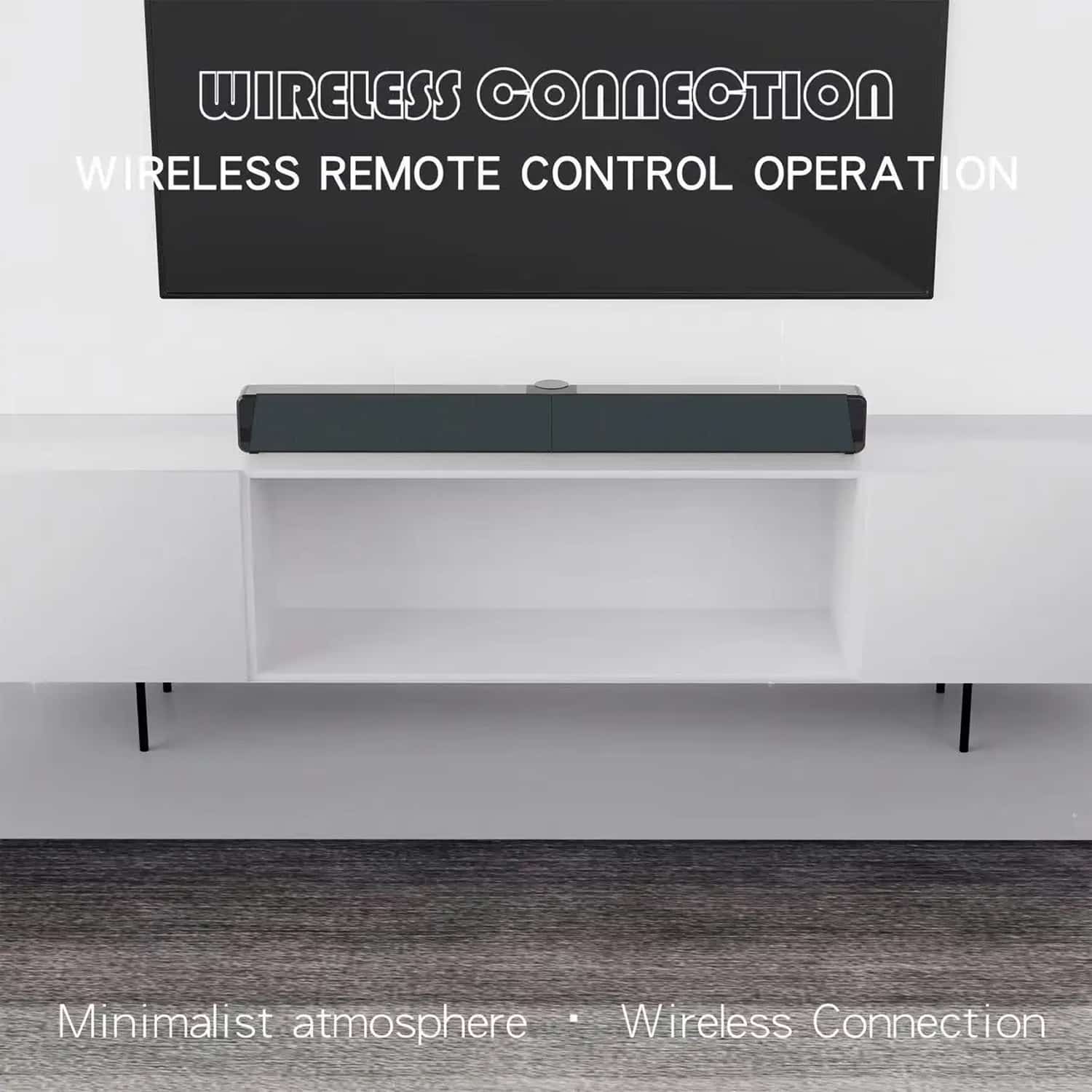
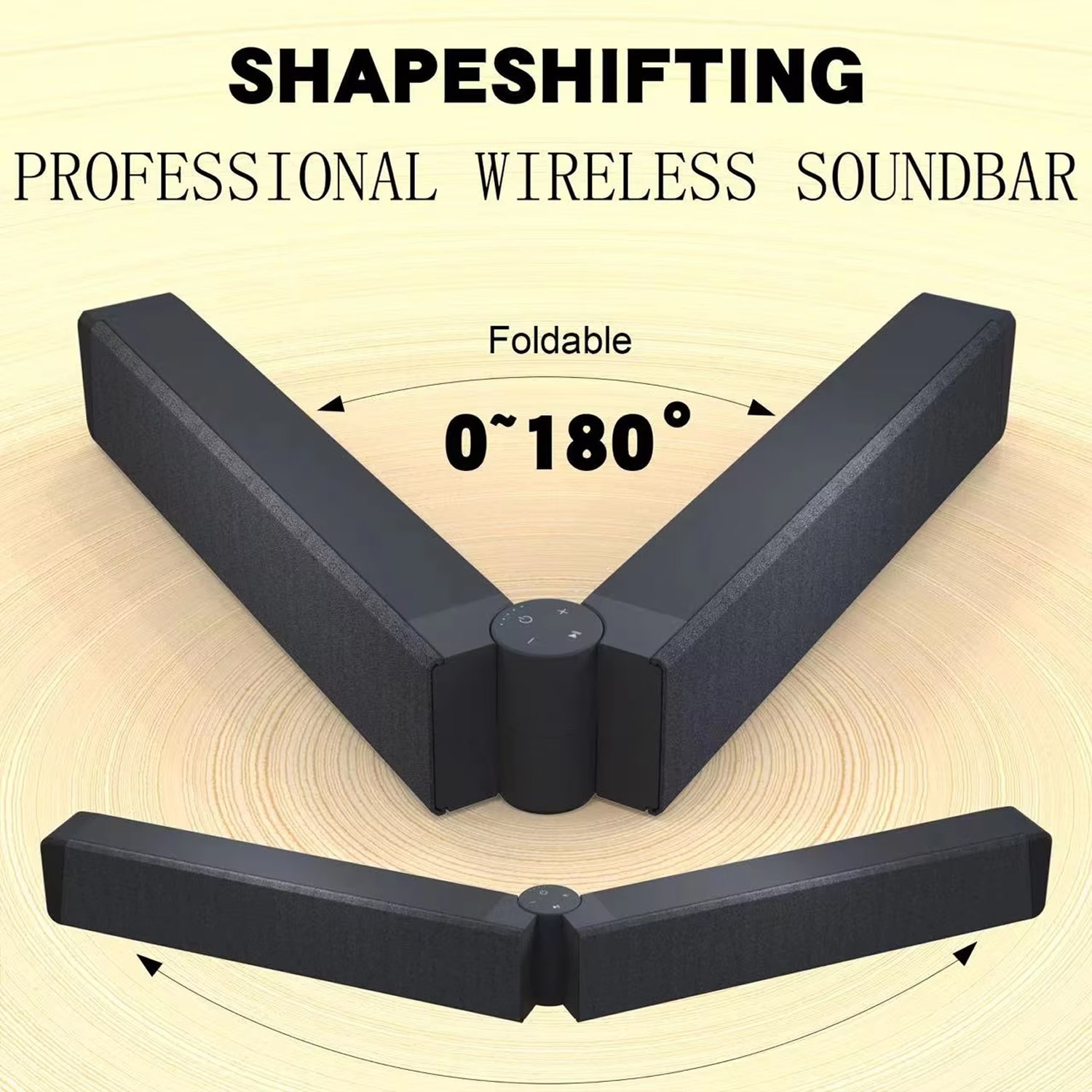
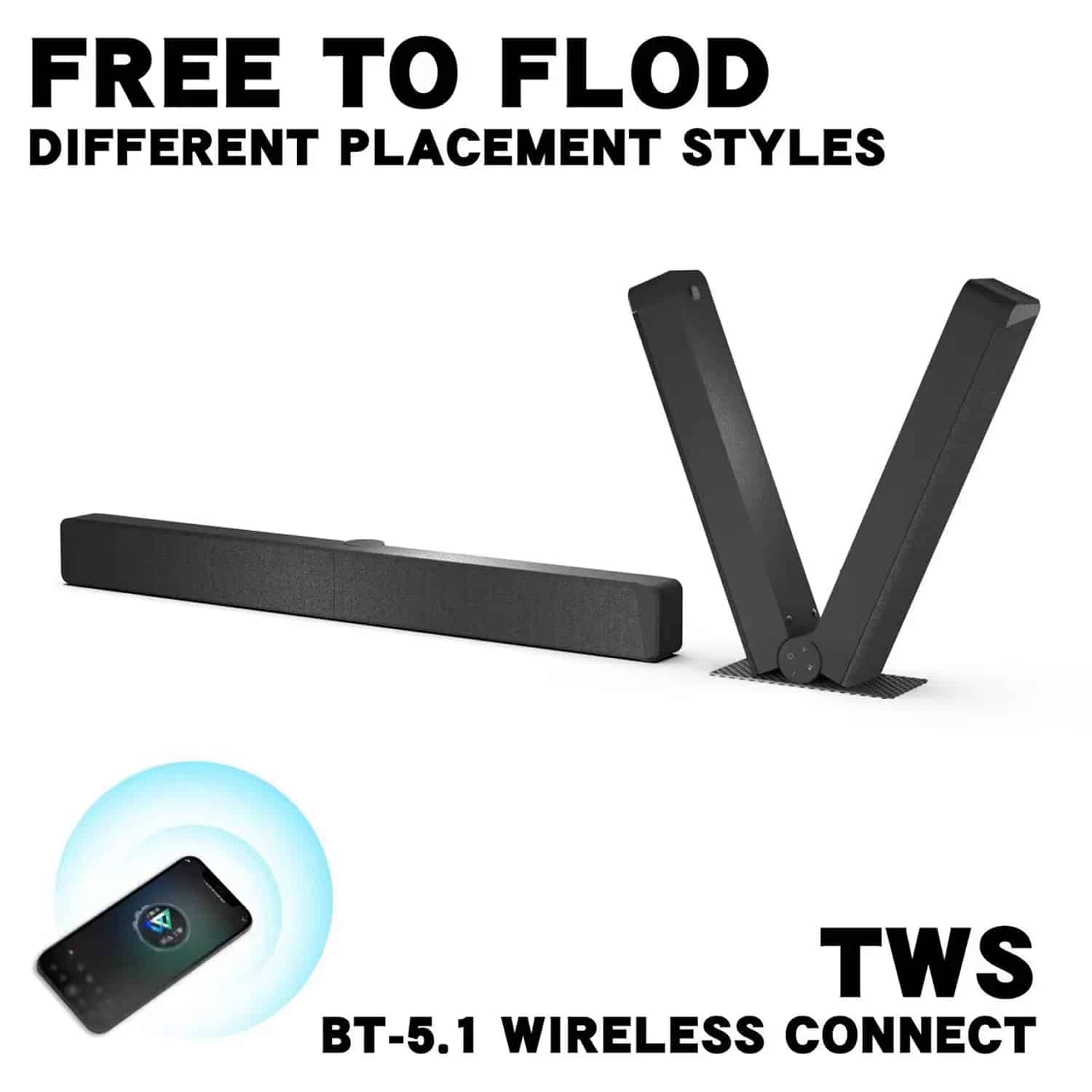
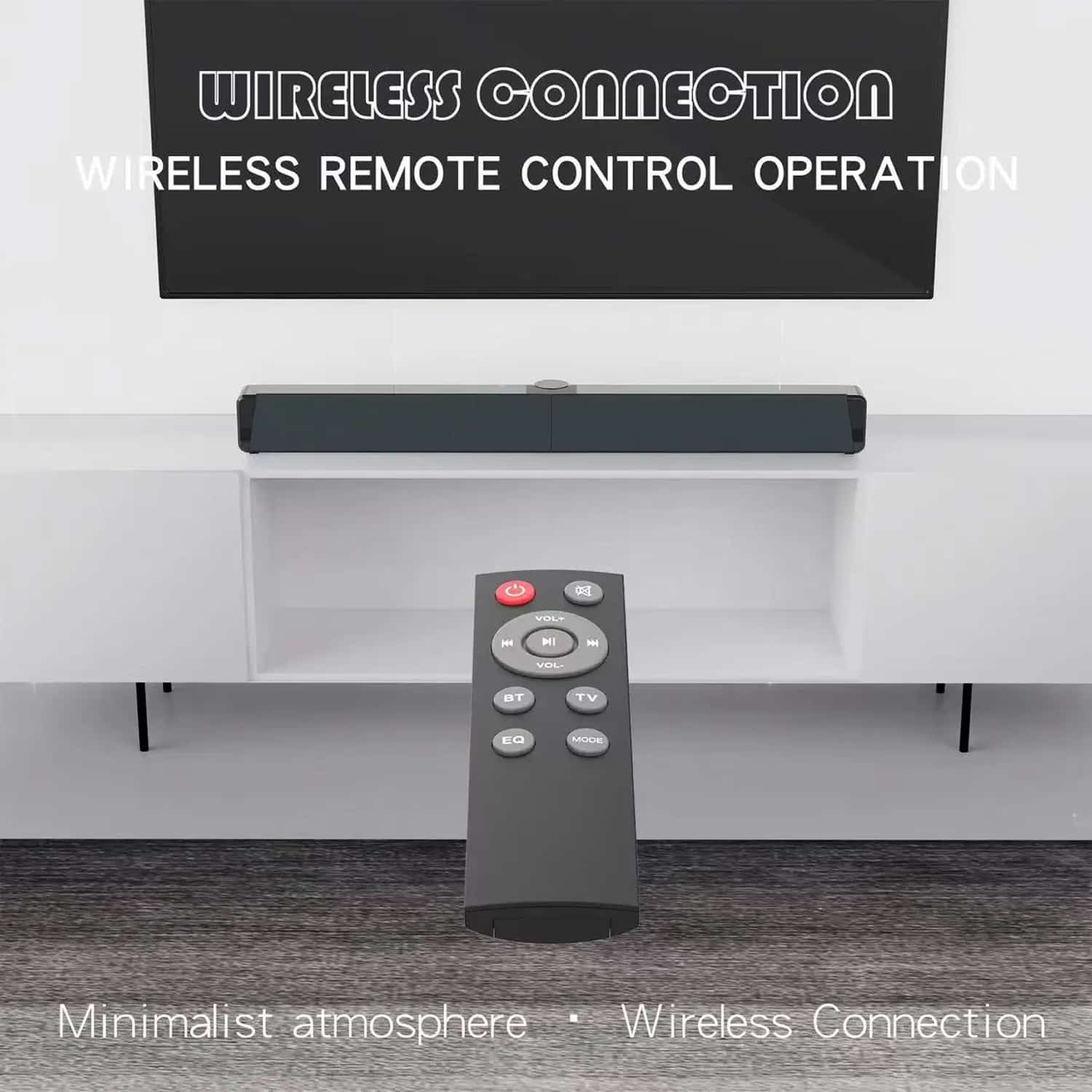
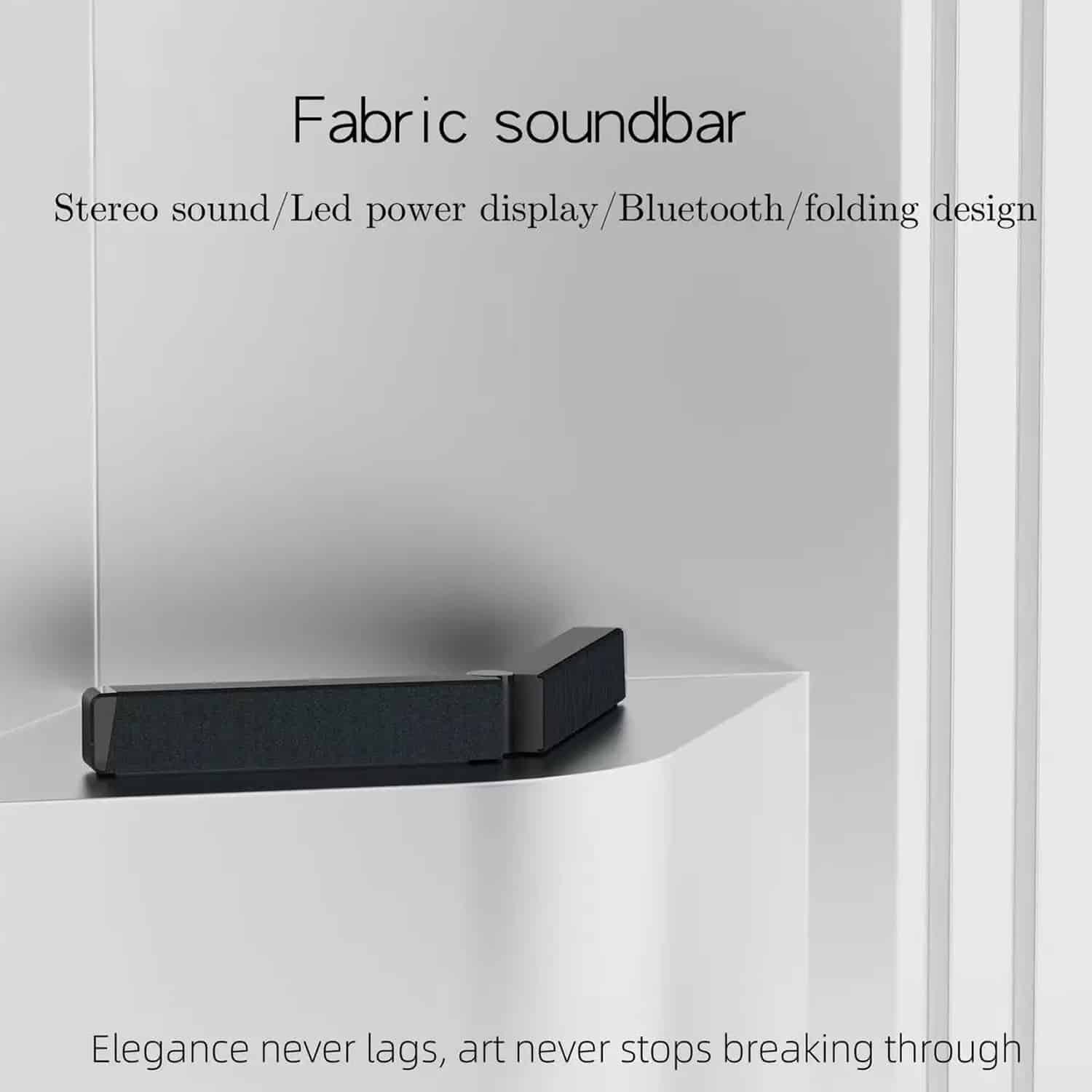
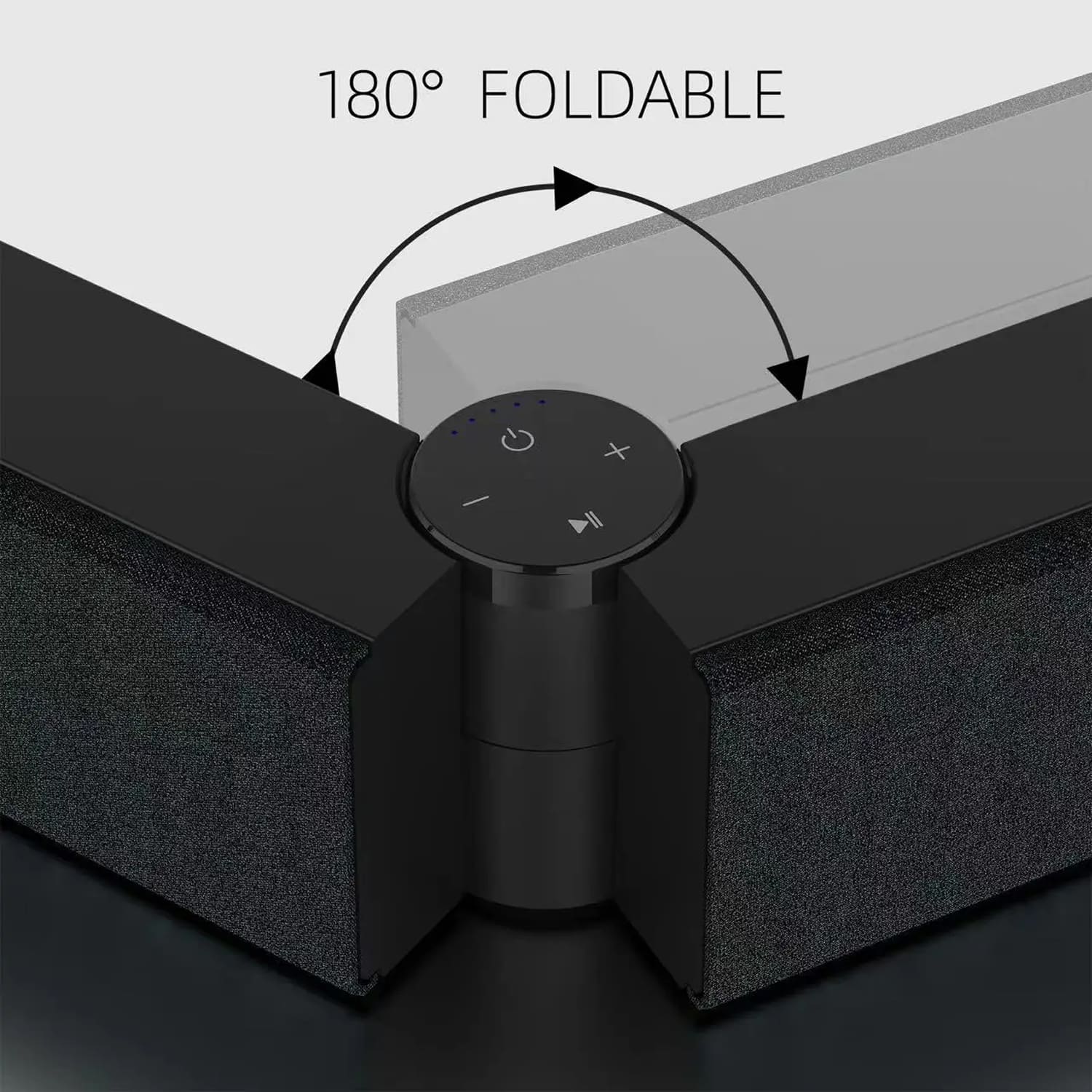
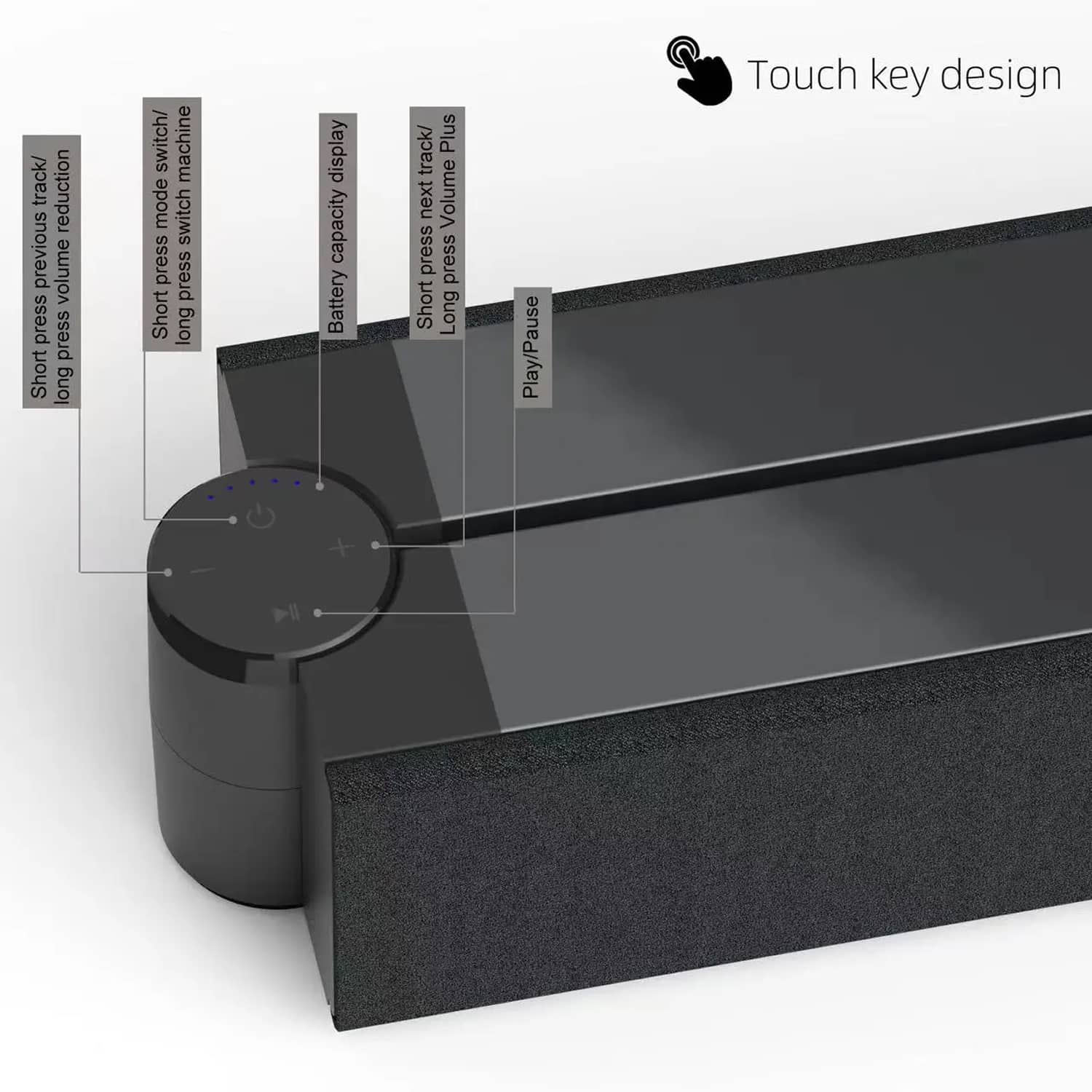
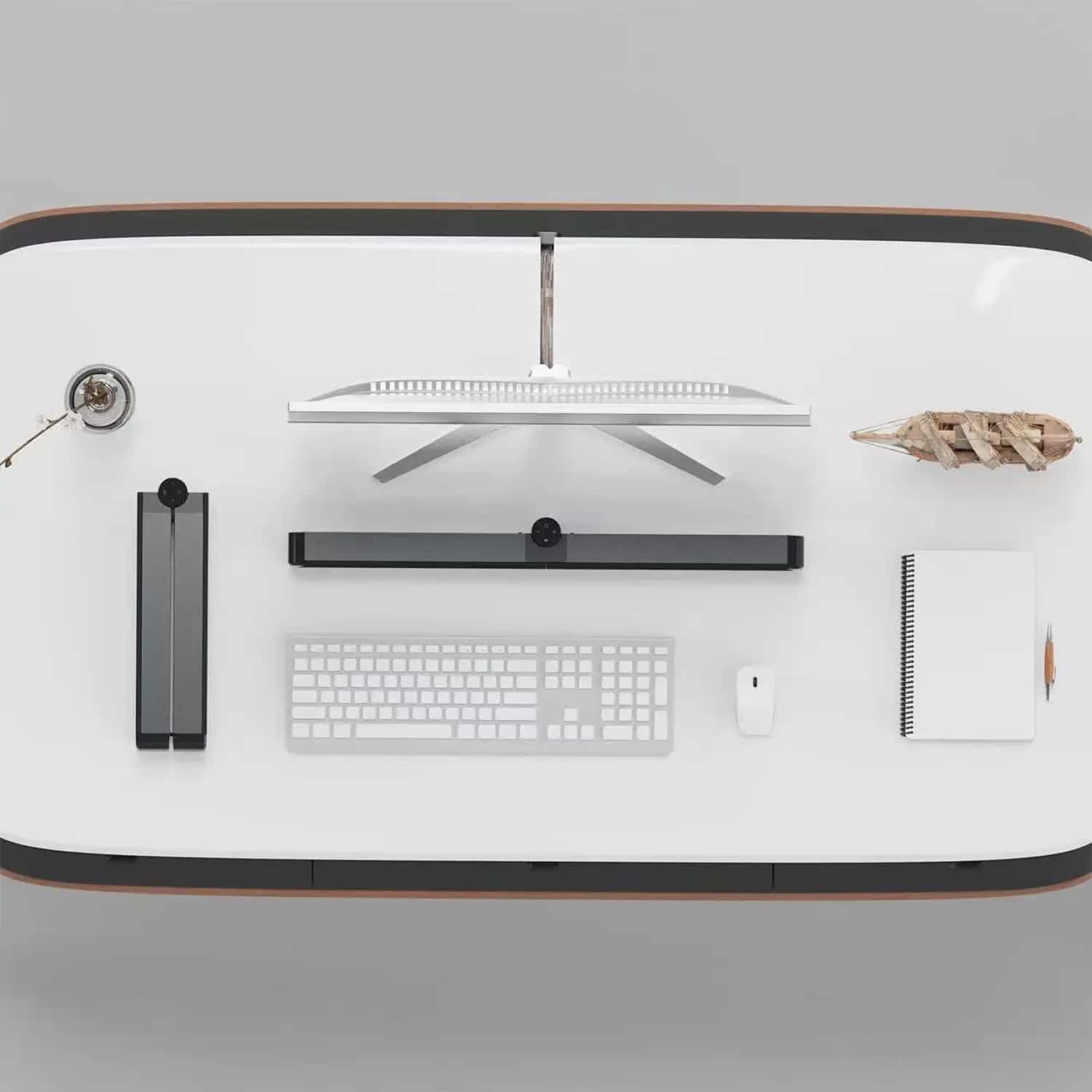
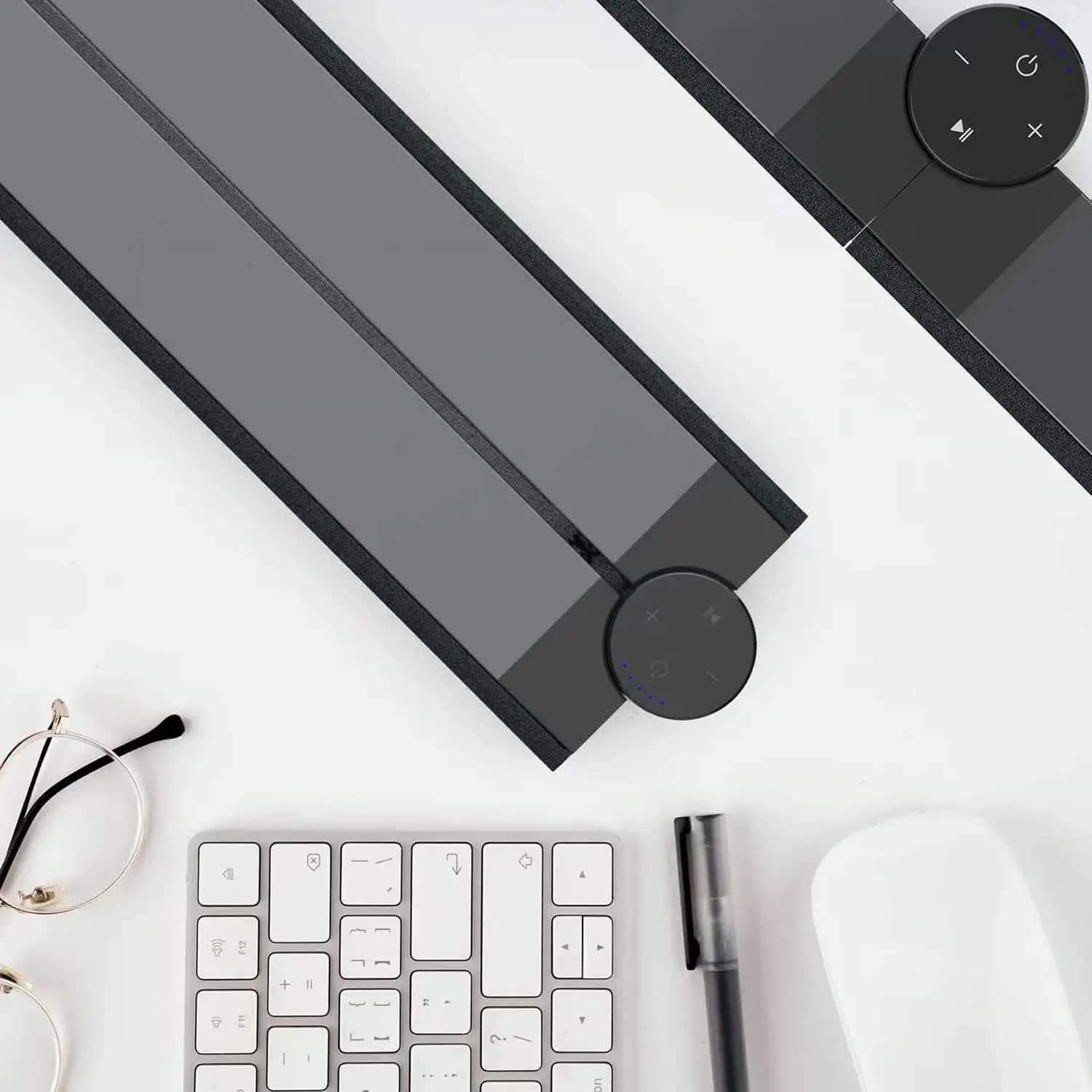
This innovative soundbar features a user-friendly touch button design and comes with a wireless remote control for effortless operation. The foldable design and simple connectivity options mean you can set up your perfect audio system in minutes without any technical expertise or complicated wiring requirements.
Worried About Limited Connectivity Options?
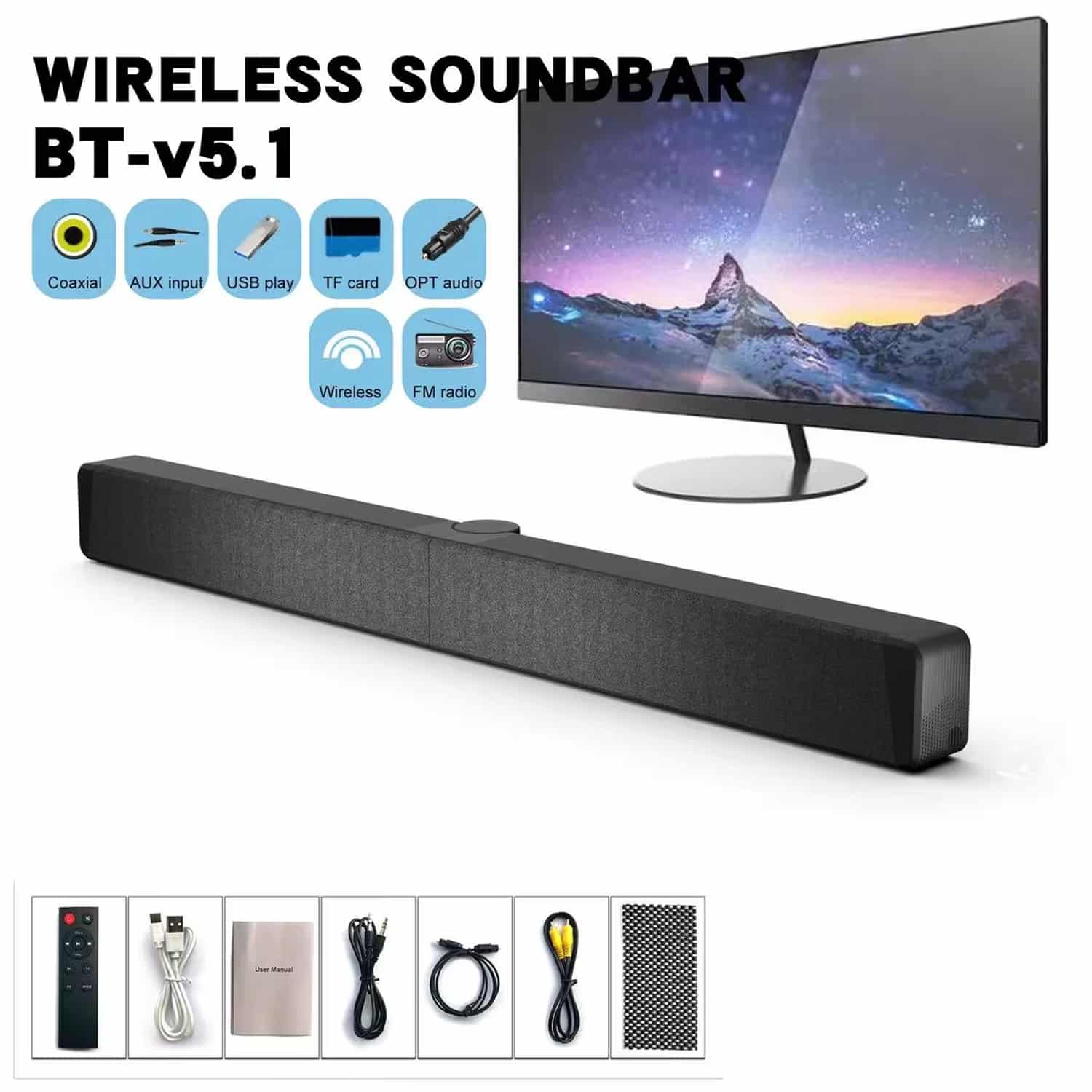
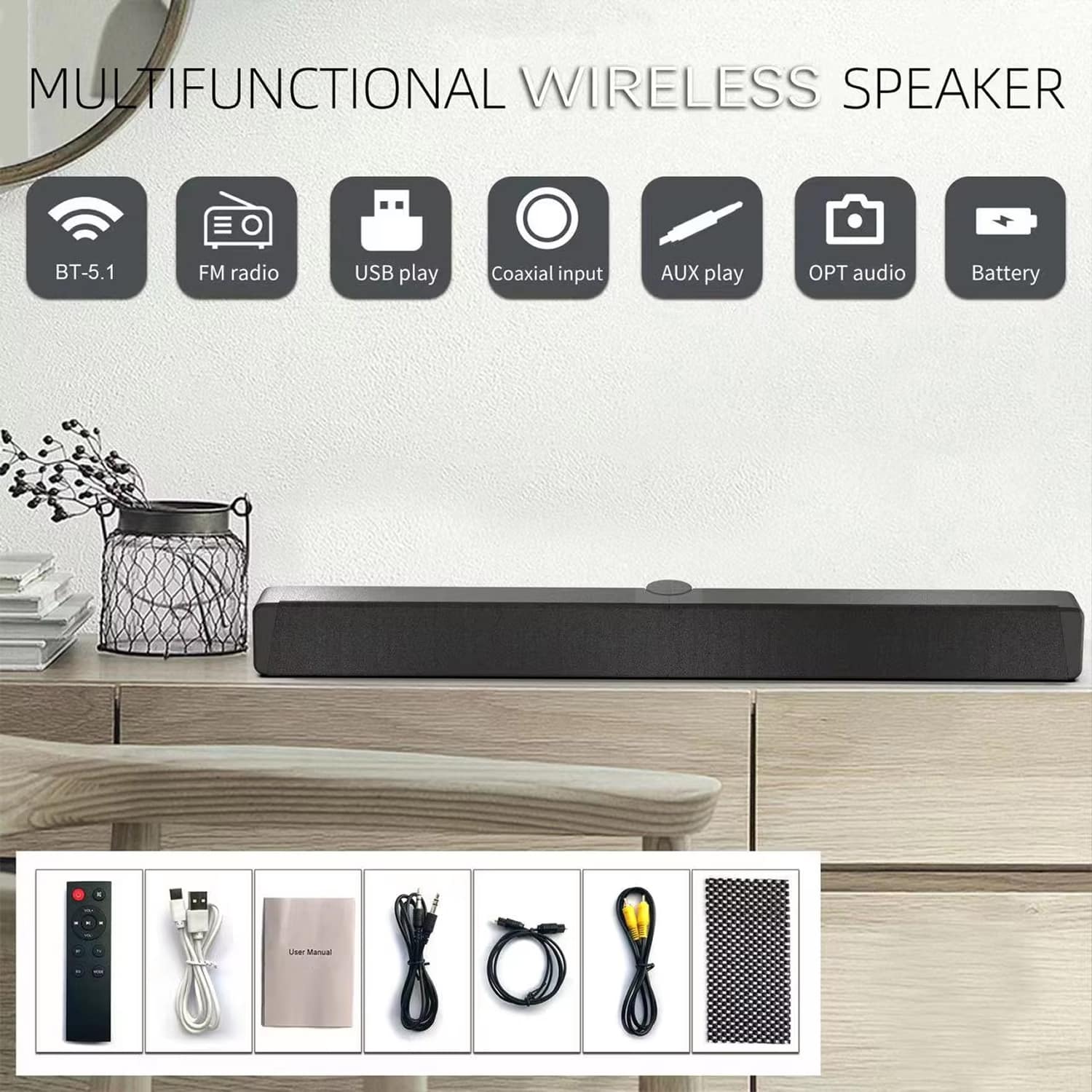
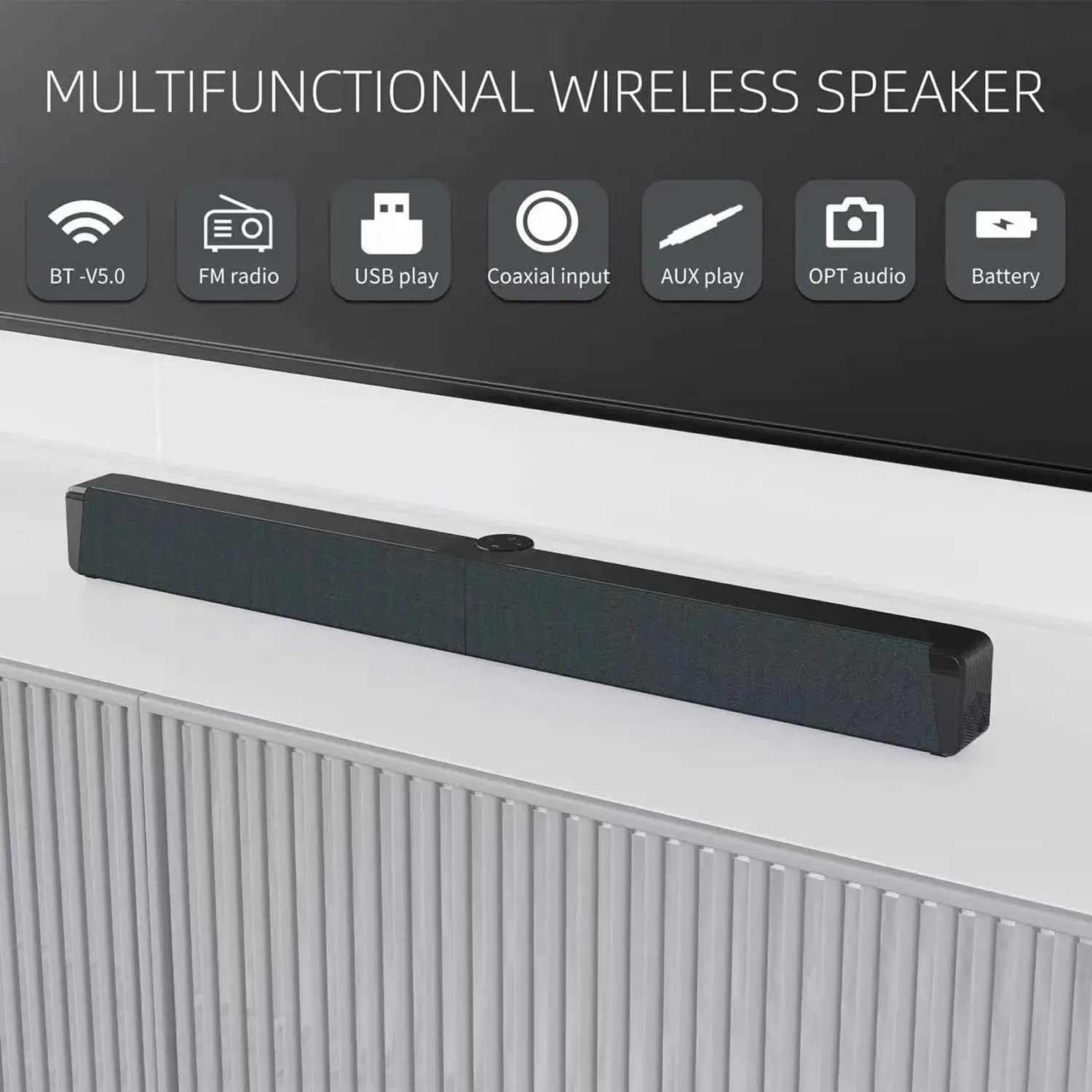
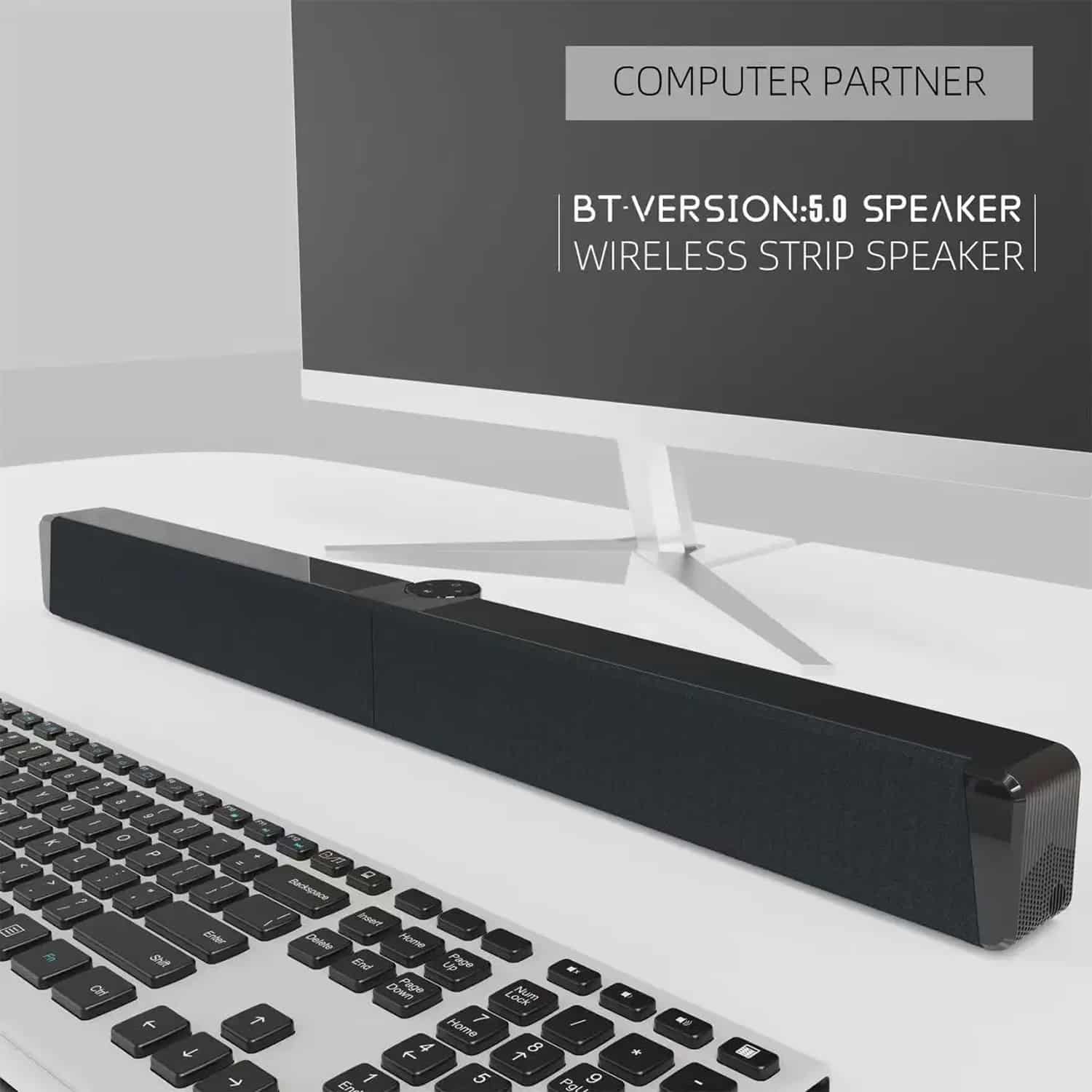
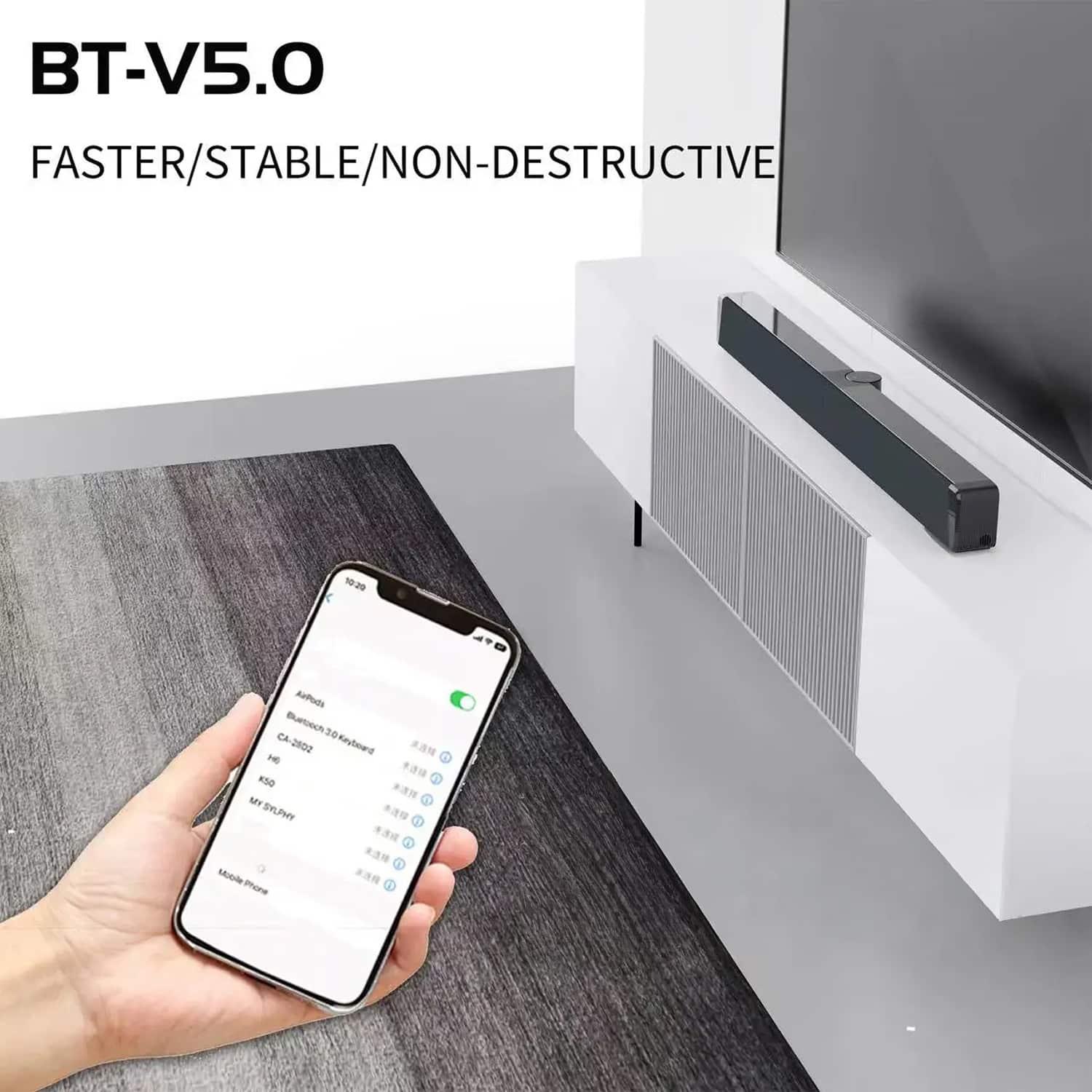
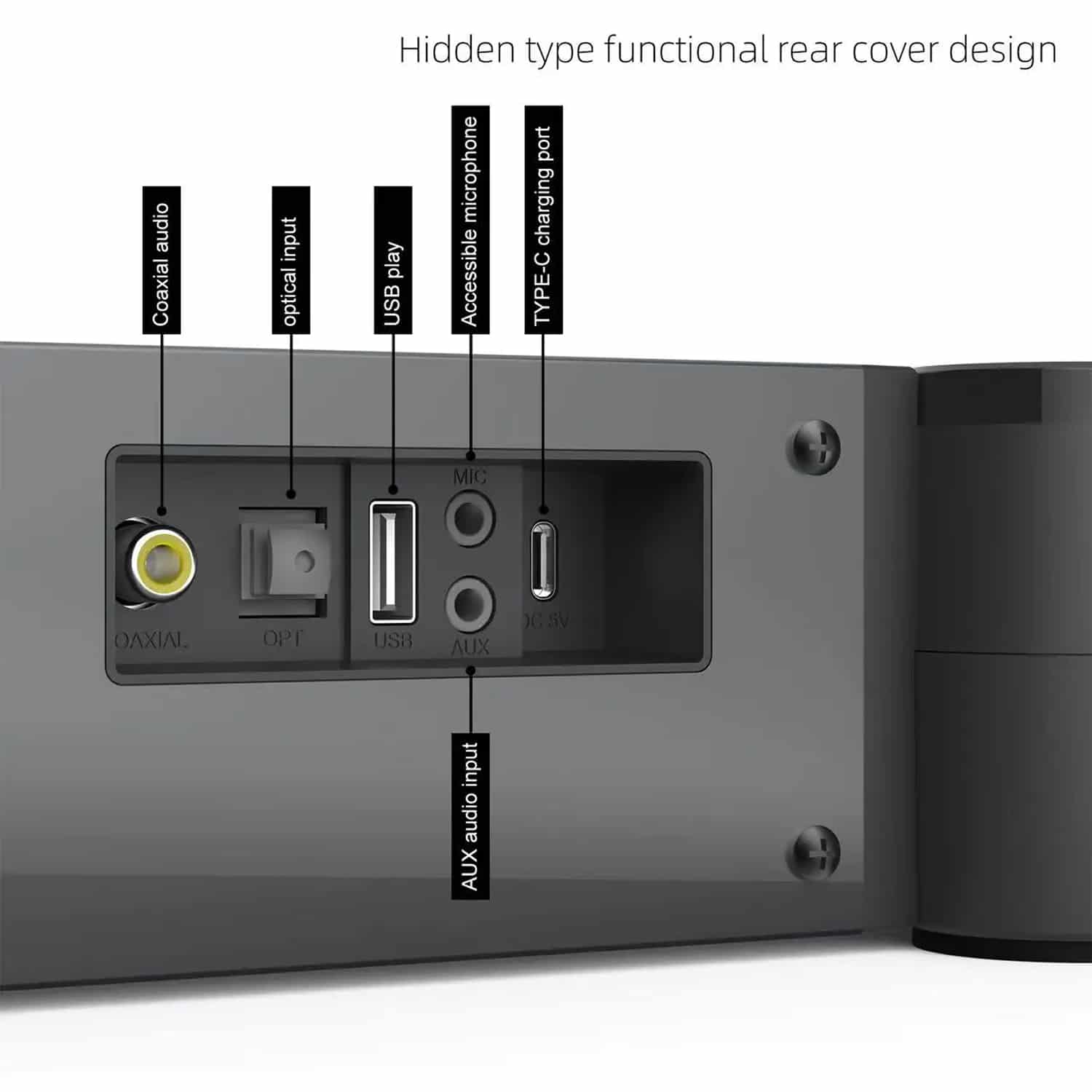
With Bluetooth 5.0, AUX, USB, TF card support, and even built-in FM radio, the SonoAudi Soundbar offers unparalleled connectivity flexibility. You can easily switch between your TV, computer, smartphone, or other devices, ensuring seamless audio streaming from all your favorite sources without any compatibility issues.
Join Thousands of Audio Enthusiasts Enjoying Premium Sound with SonoAudi
4.8 rating based on total orders
Discover the Ultimate Convenience Features of Your New Audio Companion
Beyond exceptional sound quality, this soundbar offers remarkable versatility with its portable design, long-lasting battery life, and multiple input options. The space-efficient folding design makes it perfect for any room setup while maintaining powerful audio performance that adapts to your lifestyle.
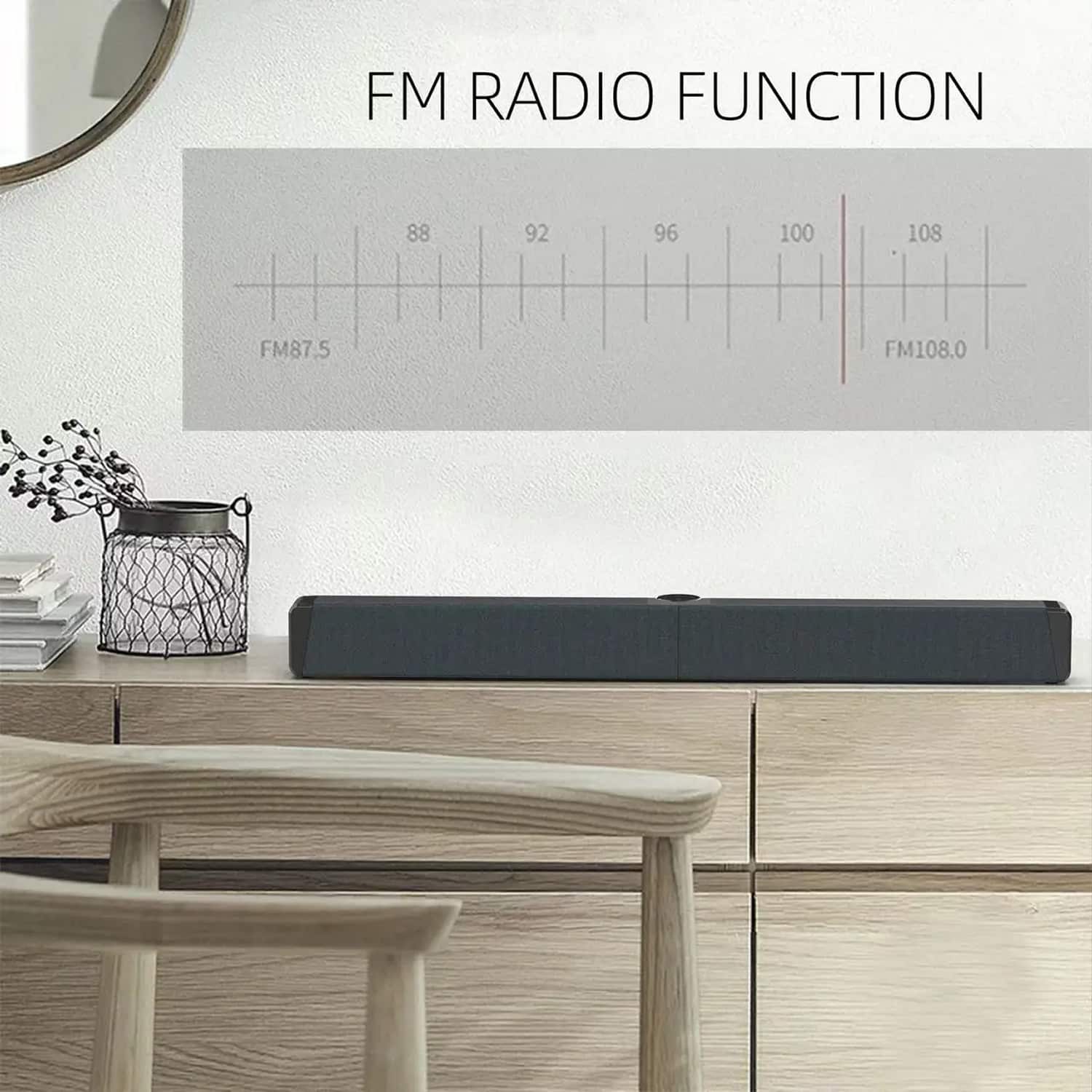
Integrated FM Radio With Preset Memory Functionality
The SonoAudi Soundbar delivers impressive audio clarity and bass response for its size. The metal construction of speaker components ensures durability while maintaining excellent sound quality across various frequencies.
Six Reasons Why Smart Homeowners Choose the SonoAudi Soundbar With Subwoofer
SonoAudi FEATURES ALL YOU CAN EXPECT:
PREMIUM AUDIO QUALITY
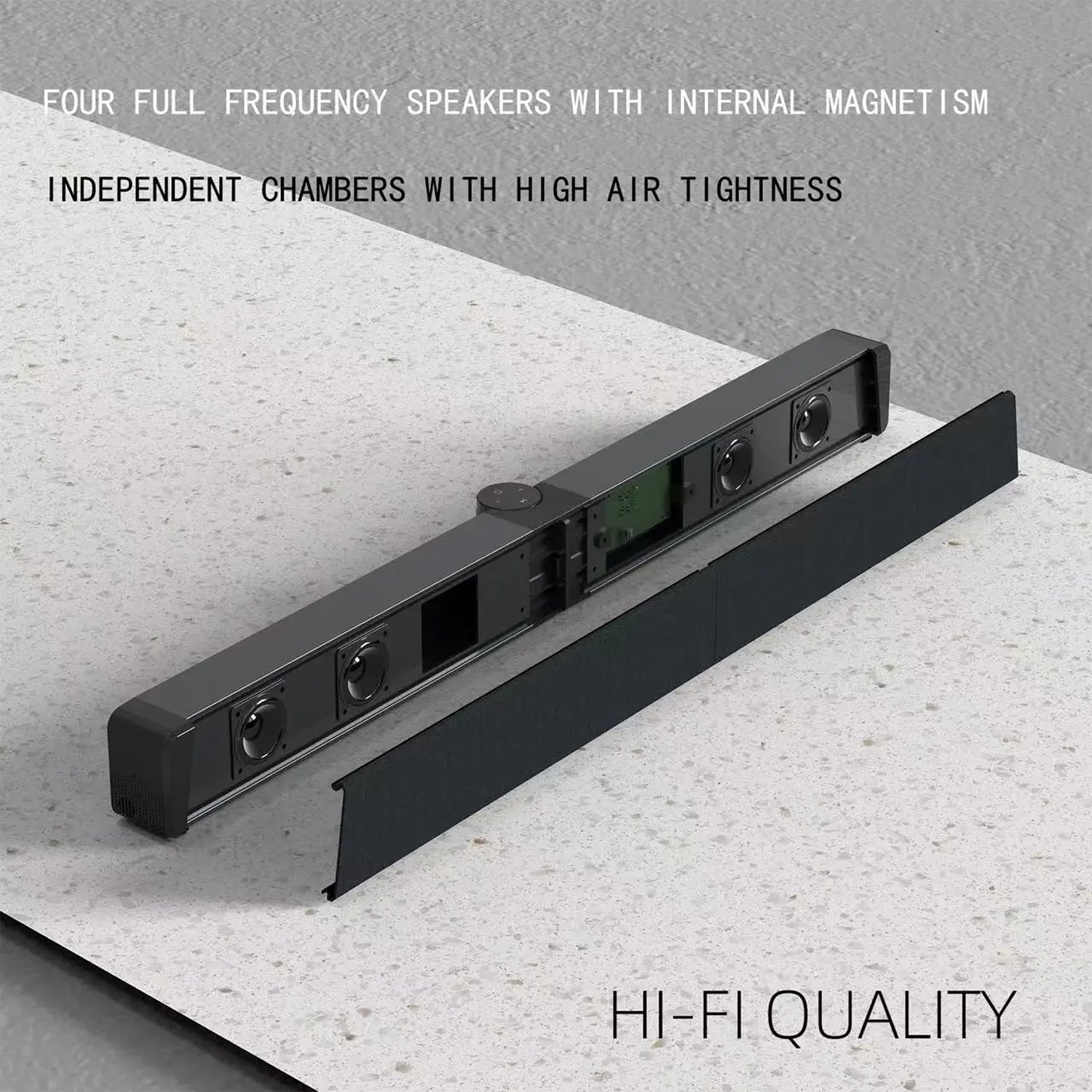
Experience professional-grade audio with four internal magnetic full-frequency speakers and metal tweeters that deliver crisp highs, detailed mids, and powerful bass response across all sound modes including Hi-Res and 3D Surround settings for immersive listening.
VERSATILE CONNECTIVITY
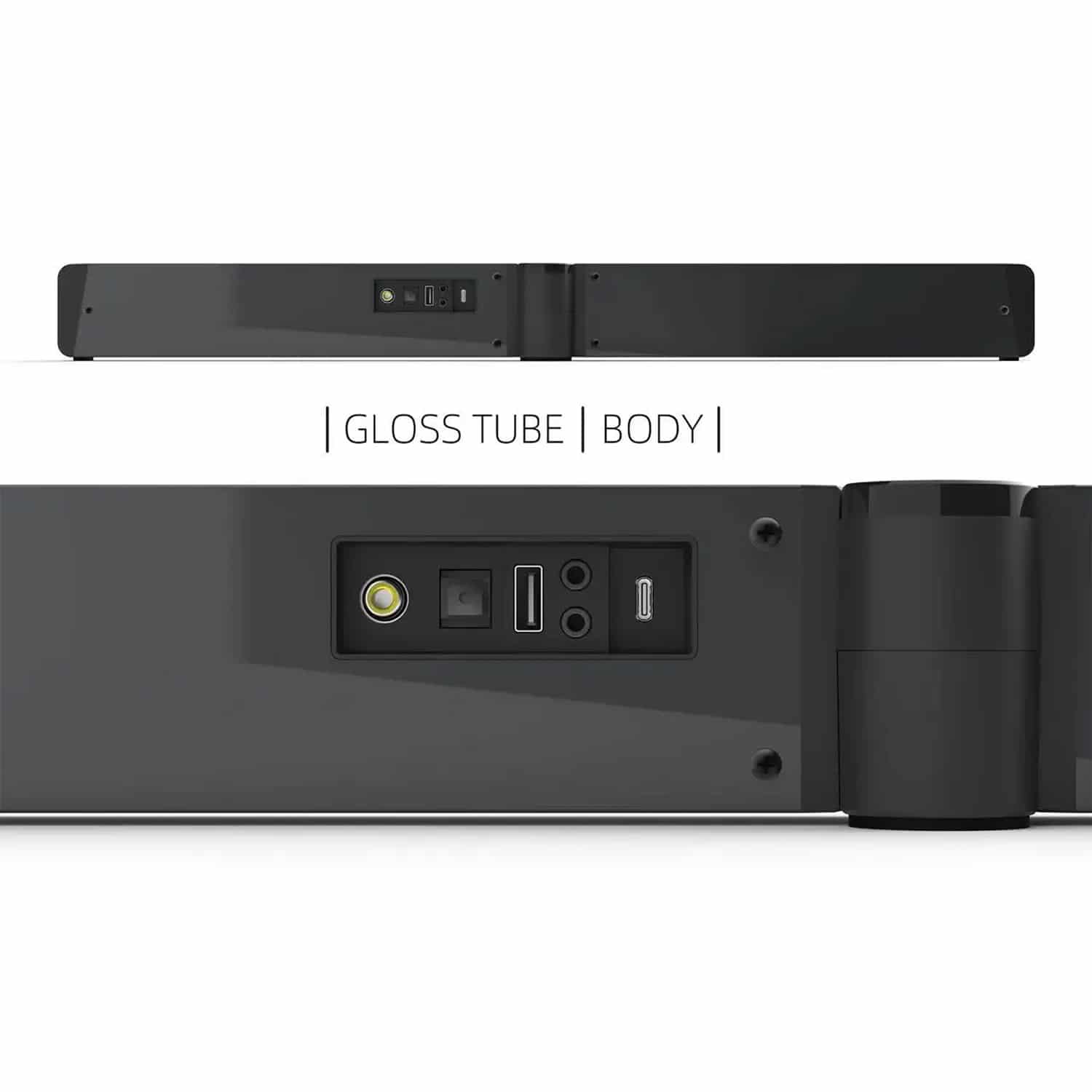
Connect effortlessly to all your devices with Bluetooth 5.0, AUX input, USB port, TF card slot, and built-in FM radio. This extensive connectivity ensures compatibility with TVs, computers, smartphones, and other audio sources without any limitations.
PORTABLE DESIGN
The innovative foldable design and built-in rechargeable battery make this soundbar perfectly portable. Enjoy high-quality audio anywhere in your home, from the living room to the patio, without being tethered to power outlets.
USER-FRIENDLY CONTROLS
Operate your sound system with ease using the intuitive touch buttons, clear display screen, and included wireless remote control. The user-friendly interface makes adjusting volume, changing modes, and switching inputs simple and straightforward.
LONG BATTERY LIFE
With its substantial 2000-4000mAh battery capacity, the SonoAudi Soundbar provides extended playback time for movies, music, and entertainment. The battery display keeps you informed about power levels for uninterrupted audio enjoyment.
DURABLE CONSTRUCTION
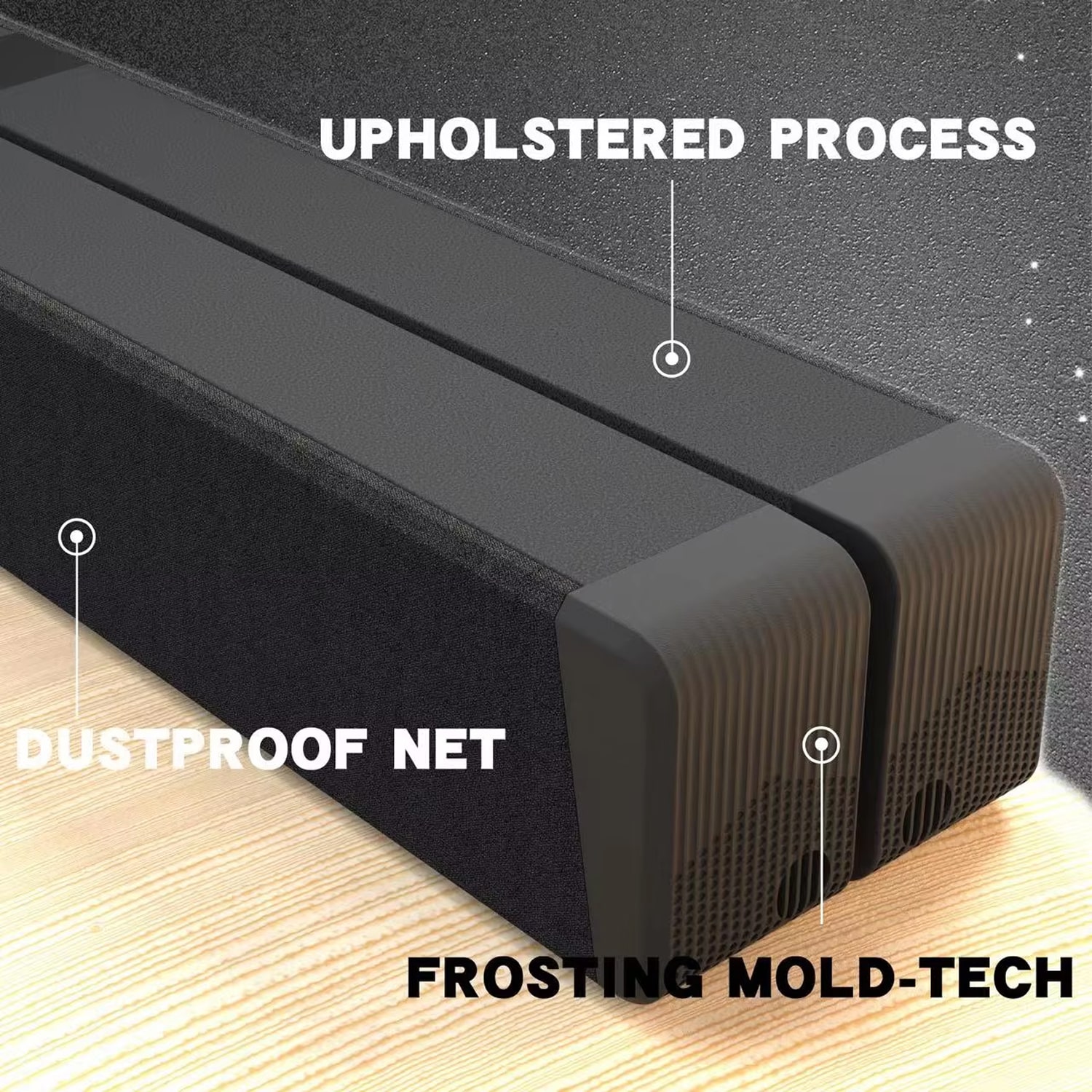
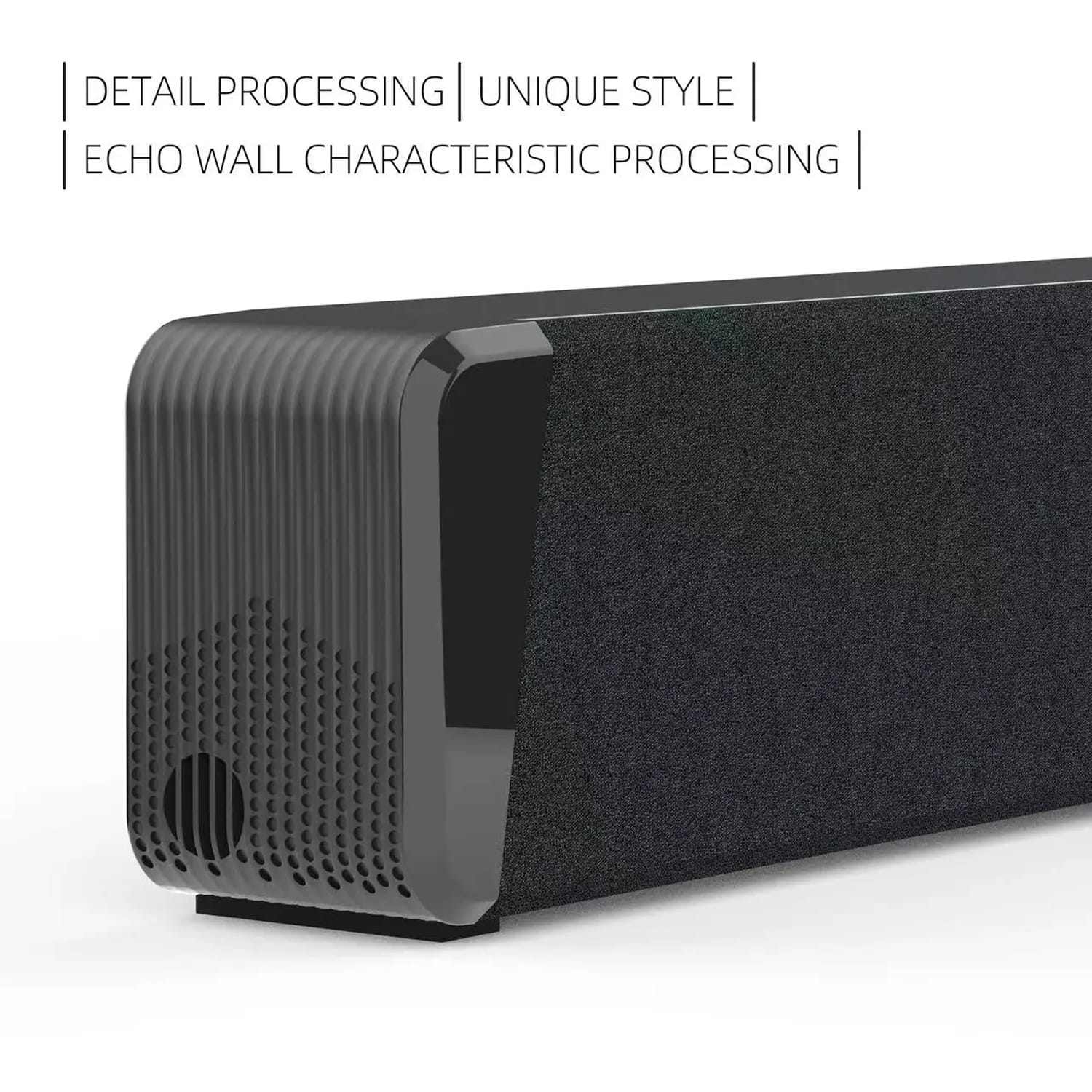
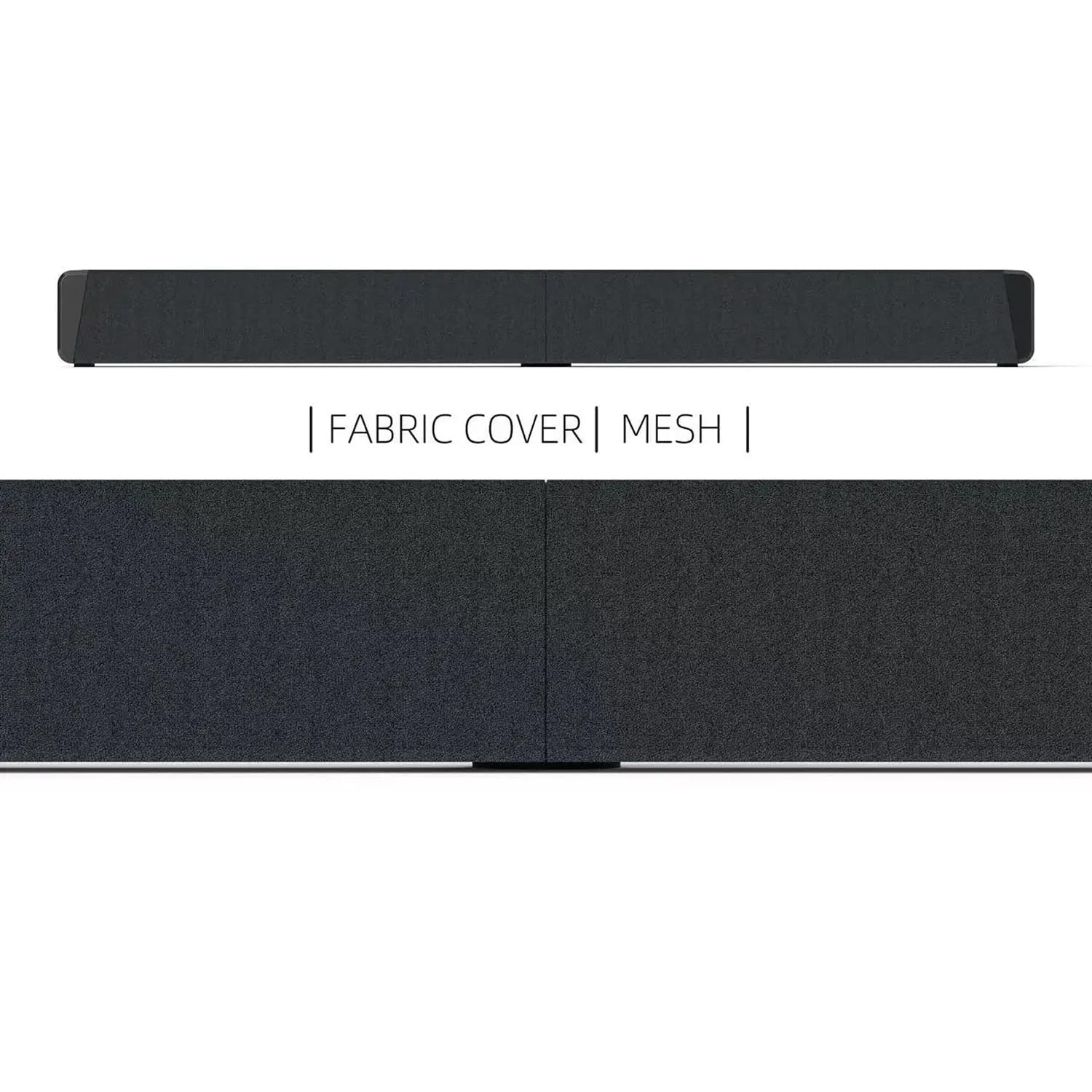
Built with metal speaker components and quality plastic housing, this soundbar is designed for long-term reliability. The robust construction ensures consistent performance and durability through years of regular use in your home environment.
Image Gallery
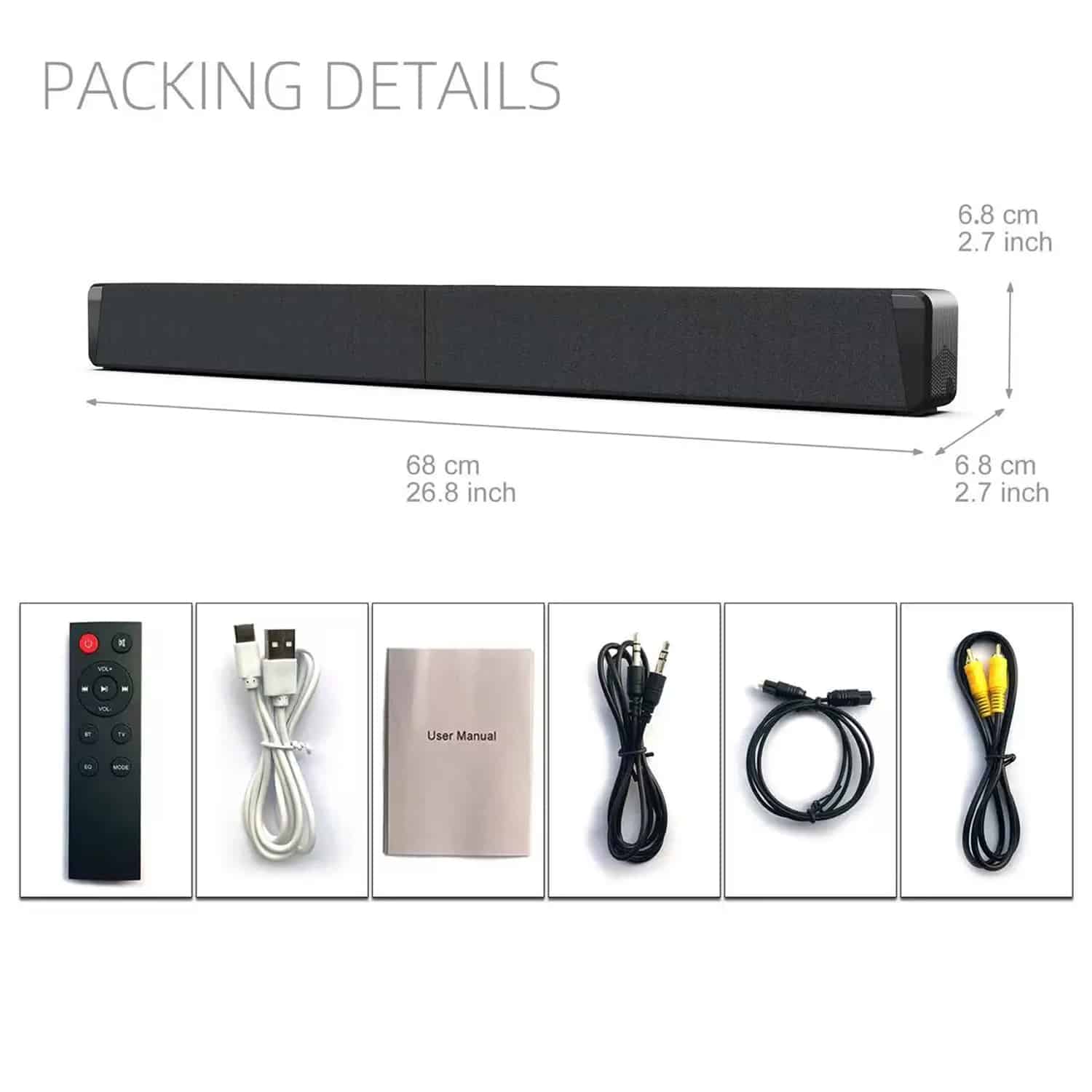
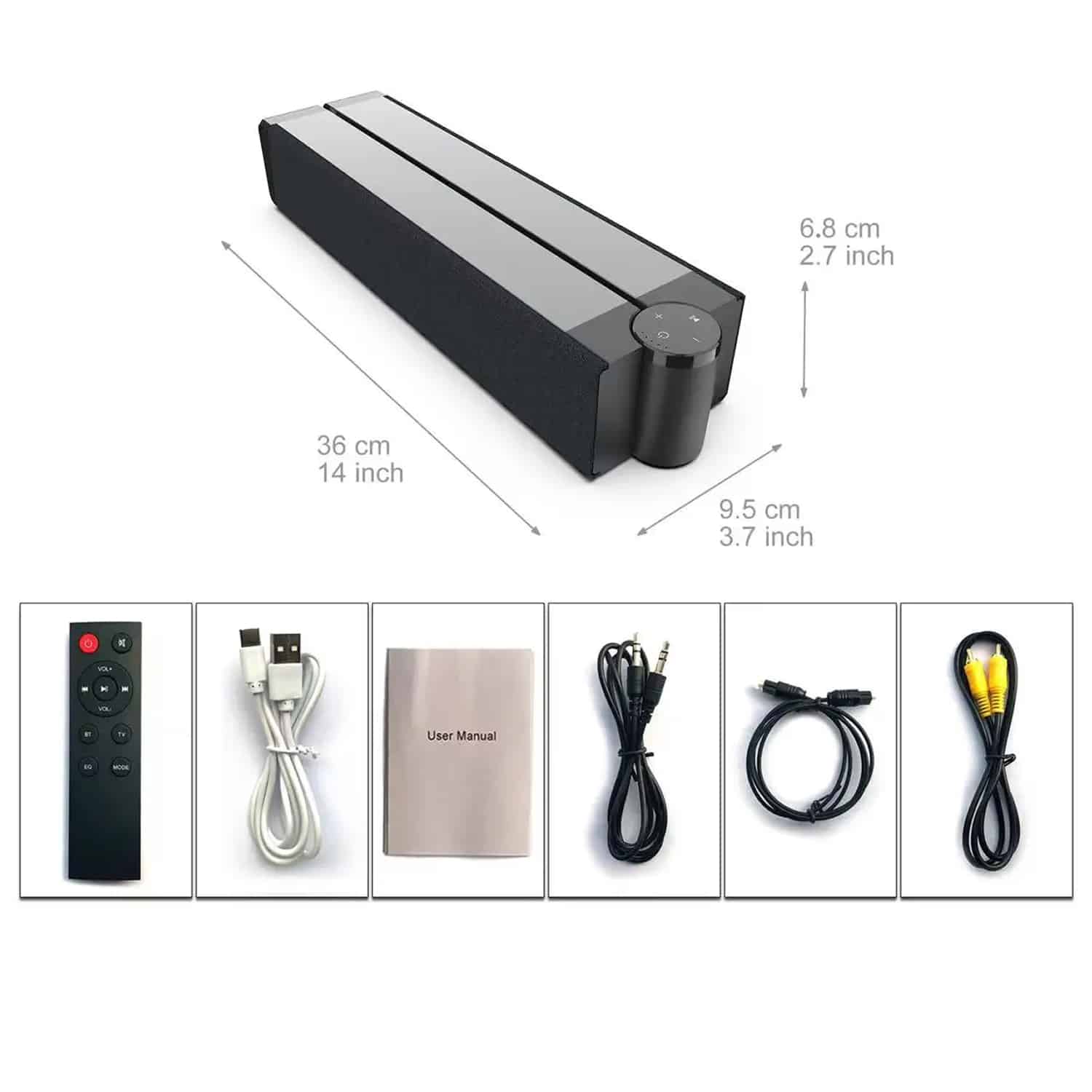
What's Included in the SonoAudi?
Soundbar with subwoofer
Remote control
USB charging/connection cable
User manual
3.5mm audio cable
Power cable
RCA audio cable
24/7 Customer Support
Our top-rated customer service team is available seven days a week to address your questions via email or live chat. Simply reach out to us, and we’ll gladly assist you.
Learn More About SonoAudi
Frequently Asked Questions
−How does the SonoAudi Soundbar connect to my television?
The SonoAudi Soundbar connects to your TV using the included AUX cable or via Bluetooth 5.0 wireless connection. Simply plug the AUX cable into your TV's audio output or pair via Bluetooth for seamless audio streaming from your television.
+What is the battery life of the SonoAudi Soundbar With Subwoofer?
The built-in 2000-4000mAh lithium battery provides approximately 4-6 hours of continuous playback at medium volume levels. The actual battery life may vary depending on volume settings and sound mode selection during use.
+Can I connect multiple SonoAudi speakers together?
Yes, the SonoAudi Soundbar features TWS (True Wireless Stereo) technology that allows you to connect two identical speakers together for synchronized stereo sound. This creates a more immersive audio experience throughout your space.
+How many sound modes does the SonoAudi Soundbar offer?
The SonoAudi Soundbar offers six distinct sound modes: Hi-Res Sound Mode, 3D Surround Sound Mode, Stereo Sound Mode, Live Sound Mode, Extra Bass Mode, and Standard Mode. Each mode optimizes audio for different content types.
+Is the SonoAudi Soundbar compatible with Apple devices?
Absolutely. The SonoAudi Soundbar is fully compatible with Apple devices including iPhones, iPads, and Mac computers through Bluetooth connectivity. It also supports Apple Music streaming when connected via Bluetooth.
+What is the wireless range of the Bluetooth connection?
The Bluetooth 5.0 technology provides a stable wireless connection with a range of 10-20 meters (33-66 feet) depending on environmental factors. This allows flexible placement within your living space without connection drops.
+Does the SonoAudi Soundbar support memory cards?
Yes, the SonoAudi Soundbar includes a TF card slot that supports memory cards for direct music playback. You can load your music files onto a memory card and play them directly through the soundbar's system.
+How do I switch between different audio sources?
Switching between audio sources is simple using the mode button on the soundbar itself or the wireless remote control. The display screen shows which input source is active, making source selection intuitive and straightforward.
TOP #1 FAVORITE Soundbar With Subwoofer
Trusted by Thousands of Satisfied Customers
Michael Rodriguez
I’ve been thoroughly impressed with the SonoAudi Soundbar’s audio quality. The 360 surround sound creates an immersive experience for movie nights, and the multiple sound modes let me customize the audio for different content. The foldable design is perfect for my apartment, and the battery life lasts through entire films without needing recharge.
VERIFIED BUYER
Sarah Johnson
This soundbar has completely transformed my home entertainment setup. The Bluetooth connectivity works flawlessly with all my devices, and the touch controls are responsive and intuitive. I particularly appreciate the built-in FM radio and the clear display that shows battery level. The sound quality exceeds expectations for the price point.
VERIFIED BUYER
James Thompson
As an audio enthusiast, I’m amazed by the performance of the SonoAudi Soundbar. The metal construction of the speakers delivers crisp, clear audio with impressive bass response. The wireless remote makes adjusting settings convenient, and the TWS function allows me to create a stereo pair with another speaker. Highly recommended for anyone seeking quality audio.