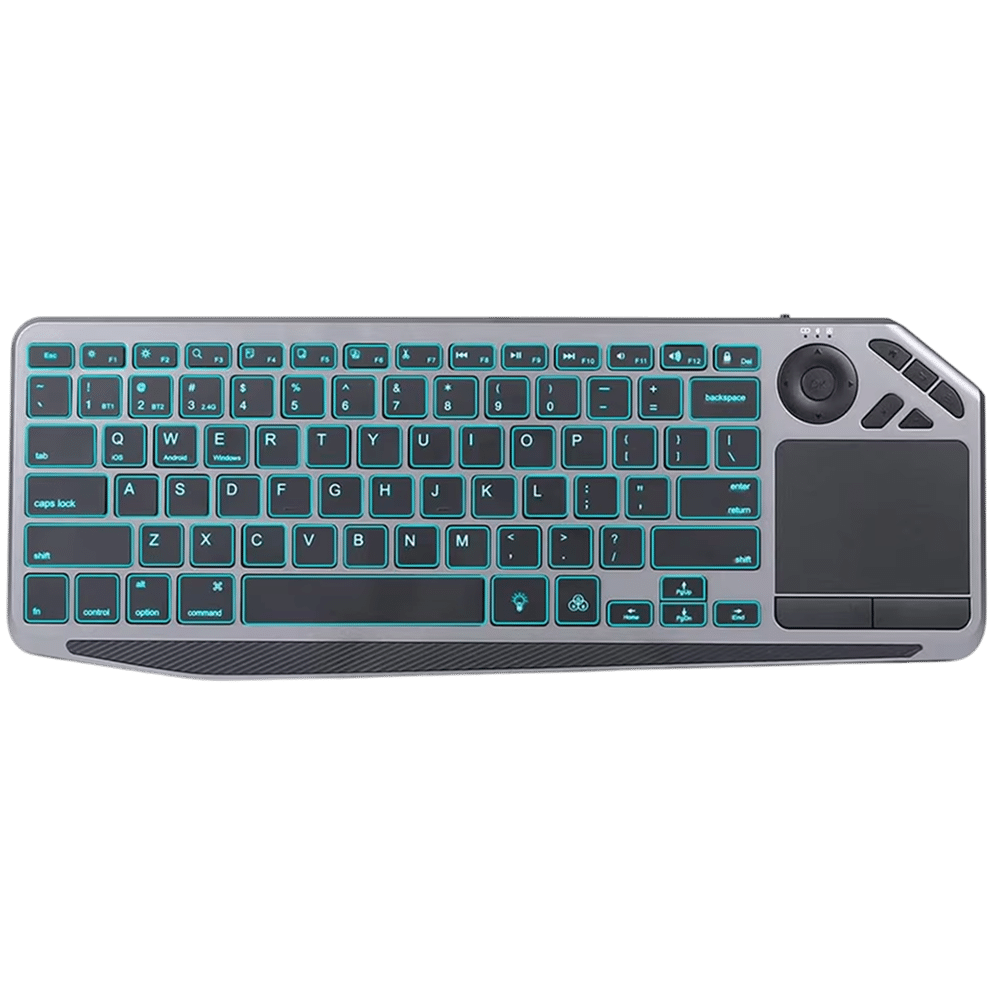
Unleash Unmatched Precision and Control with PixelKibo Bluetooth Trackpad for PC
Looking For Seamless Multi-Device Control?
The PixelKibo Bluetooth Trackpad for PC offers effortless multi-device connectivity, allowing you to switch between your computer, tablet, and smartphone with a simple button press. This feature enhances your workflow by eliminating the need for multiple peripherals, saving you time and reducing desk clutter. Experience true versatility and streamline your digital life with this innovative solution.
Tired Of Limited Wireless Range?
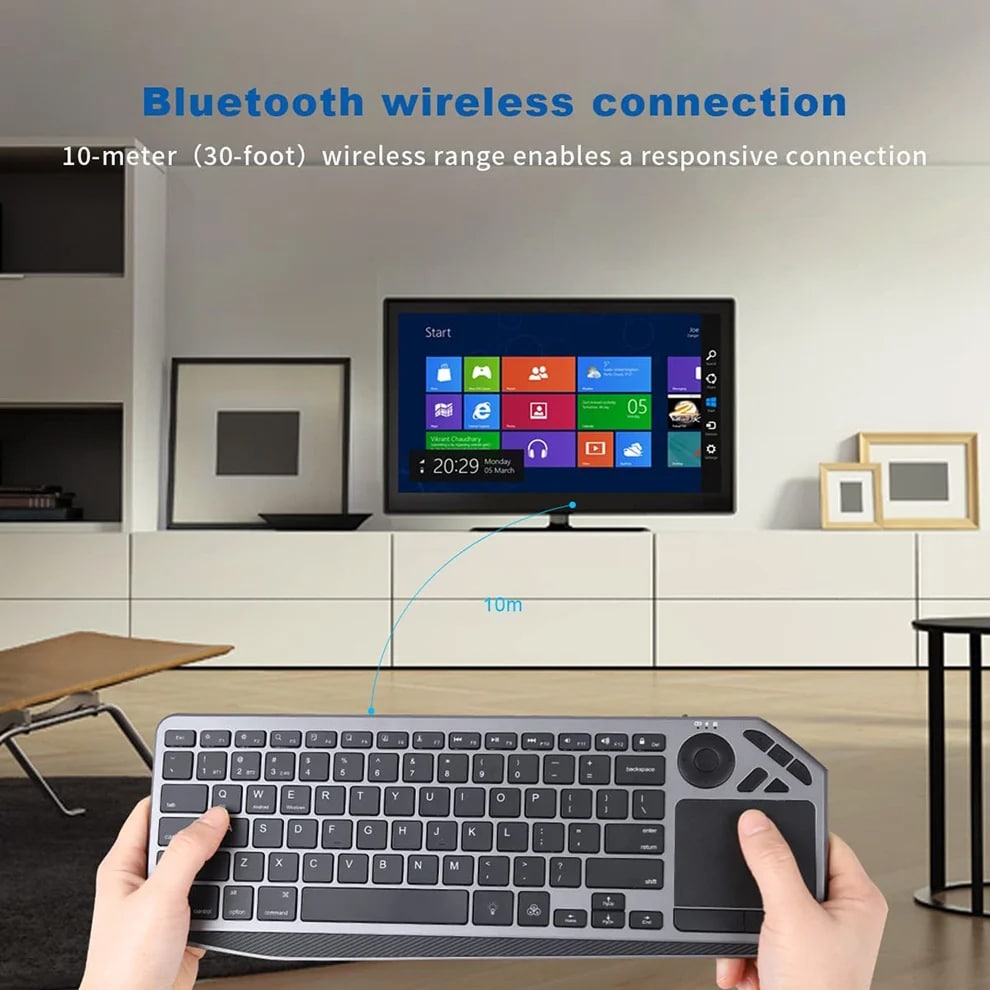
Say goodbye to restrictive cords and limited movement. The PixelKibo Trackpad provides a robust 10-meter wireless range, giving you the freedom to control your PC from across the room. Whether you’re presenting in a meeting or relaxing on your couch, enjoy reliable, lag-free performance without being tethered to your device.
Worried About Battery Life Drain?
Our trackpad is equipped with a high-capacity 1000mAh rechargeable battery that supports extended use, so you can work or play for hours without interruption. The efficient power management system ensures long-lasting performance, reducing the frequency of charges and providing peace of mind for your busiest days.
Join 50,000+ Professionals Enhancing Productivity With PixelKibo
4.8 rating based on total orders
Designed for Modern Professionals Who Demand Efficiency and Style
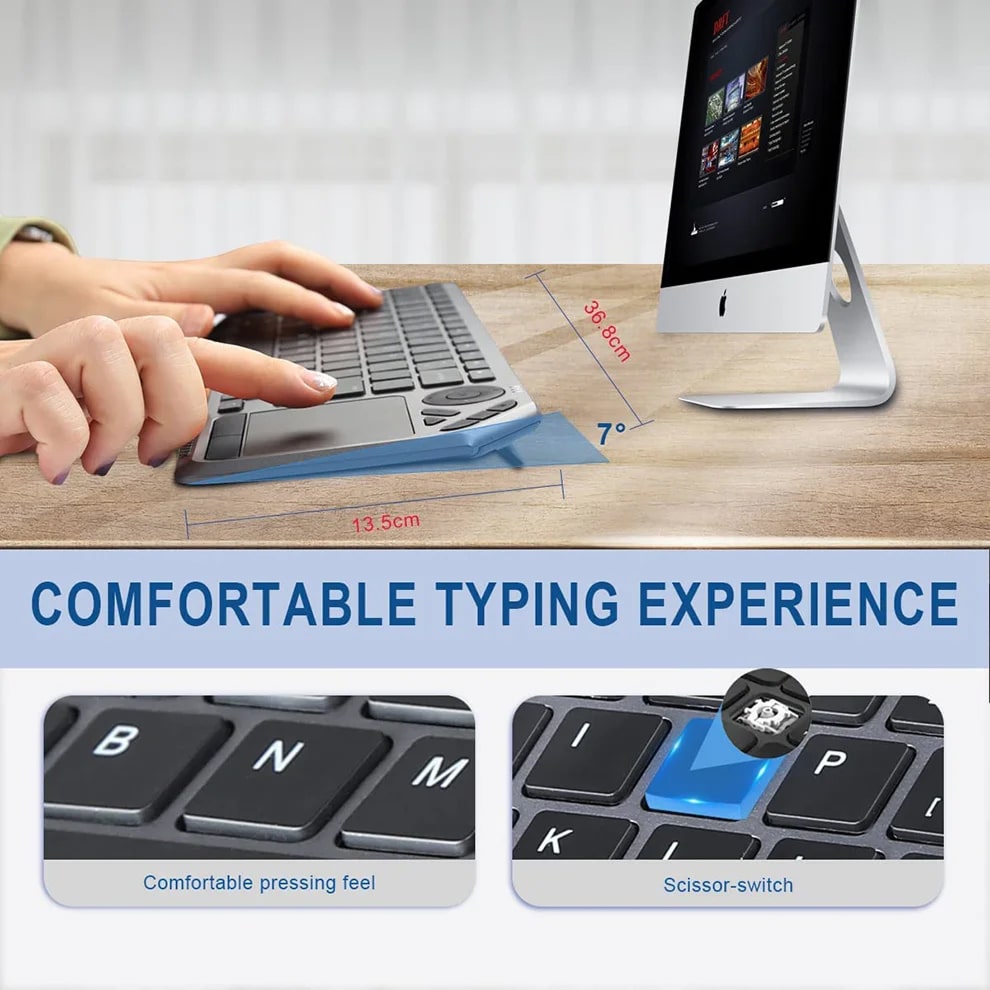
Beyond its core functions, the PixelKibo Trackpad boasts a sleek, compact design that saves valuable desk space. Its intuitive setup and user-friendly interface ensure you can start benefiting from enhanced navigation immediately, without a steep learning curve.
The PixelKibo Trackpad sets a new standard for responsiveness and build quality in wireless peripherals. Its precision is exceptional for both creative and office tasks.
Six Reasons Professionals Everywhere Are Switching to PixelKibo Bluetooth Trackpad for PC
PixelKibo FEATURES ALL YOU CAN EXPECT:
ULTIMATE PRECISION CONTROL
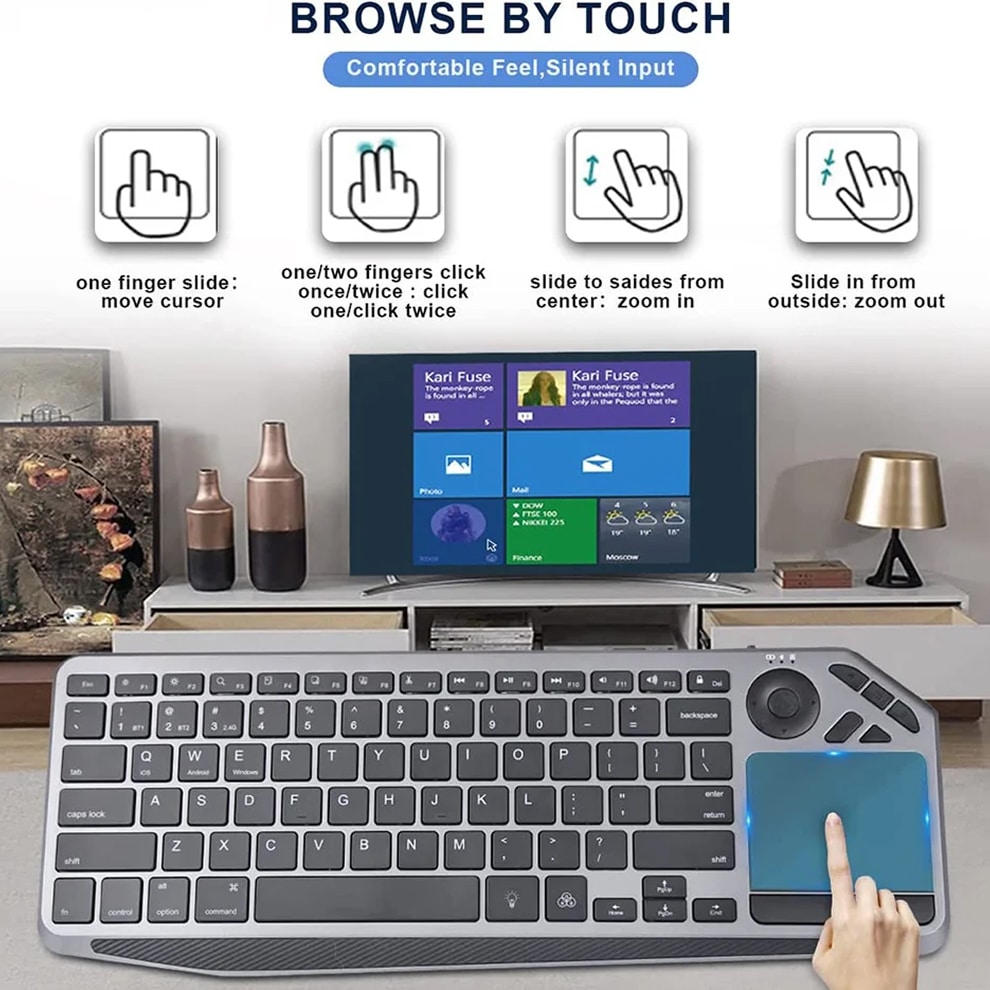
Experience pixel-perfect cursor control that enhances every task, from detailed graphic design work to efficient spreadsheet navigation. The smooth, responsive surface of the PixelKibo Trackpad provides accuracy that traditional mice simply cannot match.
MULTI-DEVICE VERSATILITY
Seamlessly connect and switch between up to three different devices, such as your desktop, laptop, and tablet. This versatility eliminates peripheral clutter on your desk and streamlines your entire digital workflow across all your gadgets.
EXTENDED WIRELESS FREEDOM
With a powerful 10-meter operating range, you are no longer tethered to your computer. Present confidently in meeting rooms or control media from your couch without any lag or connectivity drops.
LONG-LASTING BATTERY LIFE
The robust 1000mAh battery supports weeks of use on a single charge, depending on usage. This reliability ensures your trackpad is always ready for important tasks, never failing you at a critical moment.
EFFORTLESS SETUP PROCESS
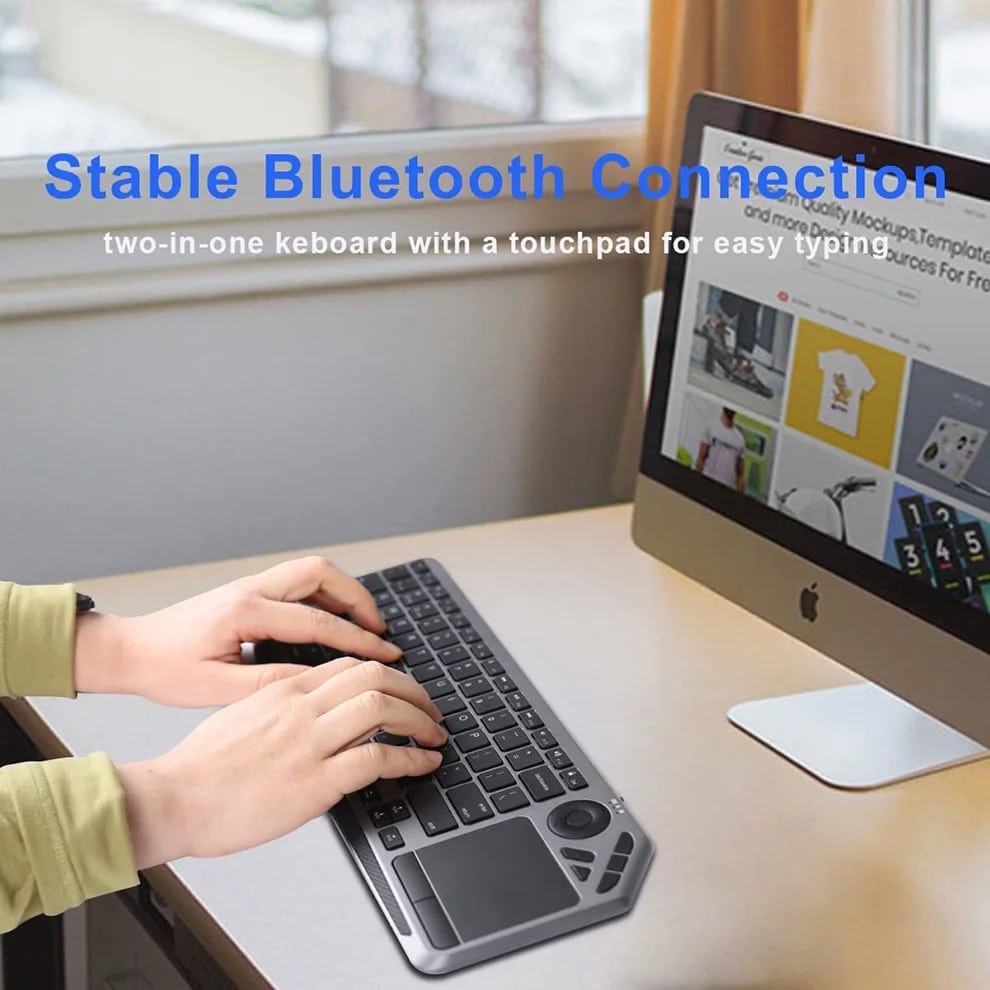
Get started in seconds with simple Bluetooth pairing—no complicated drivers or software installations needed. The intuitive design means anyone can achieve a premium computing experience immediately out of the box.
PREMIUM DURABLE CONSTRUCTION
Built with high-quality materials to withstand the rigors of daily use, this trackpad is an investment in your productivity. Its robust design ensures it will be a reliable tool in your arsenal for years to come.
Image Gallery
What's Included in the PixelKibo?
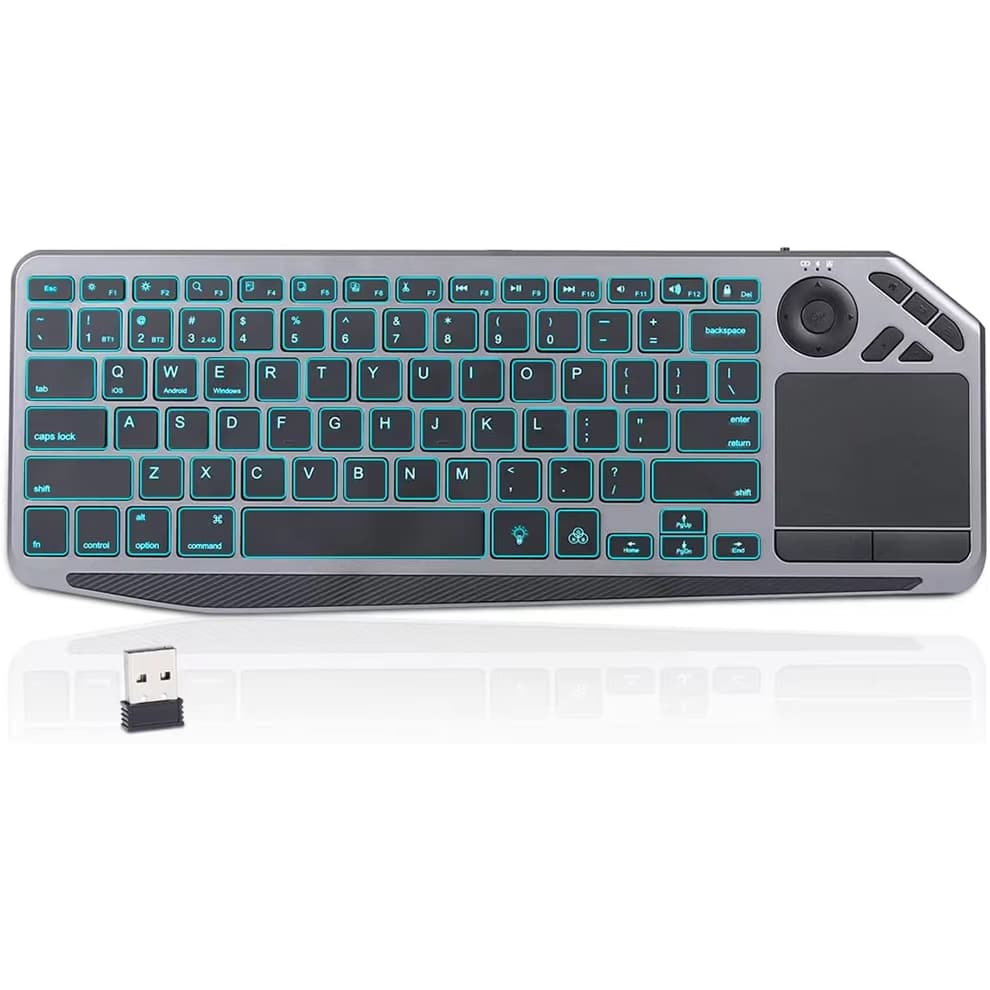
1 x Wireless Bluetooth keyboard
1 x Type C charging cable
1 x User manual
24/7 Customer Support
Our top-rated customer service team is available seven days a week to address your questions via email or live chat. Simply reach out to us, and we’ll gladly assist you.
Learn More About PixelKibo
Frequently Asked Questions
−Is the PixelKibo Trackpad compatible with my Windows 11 laptop?
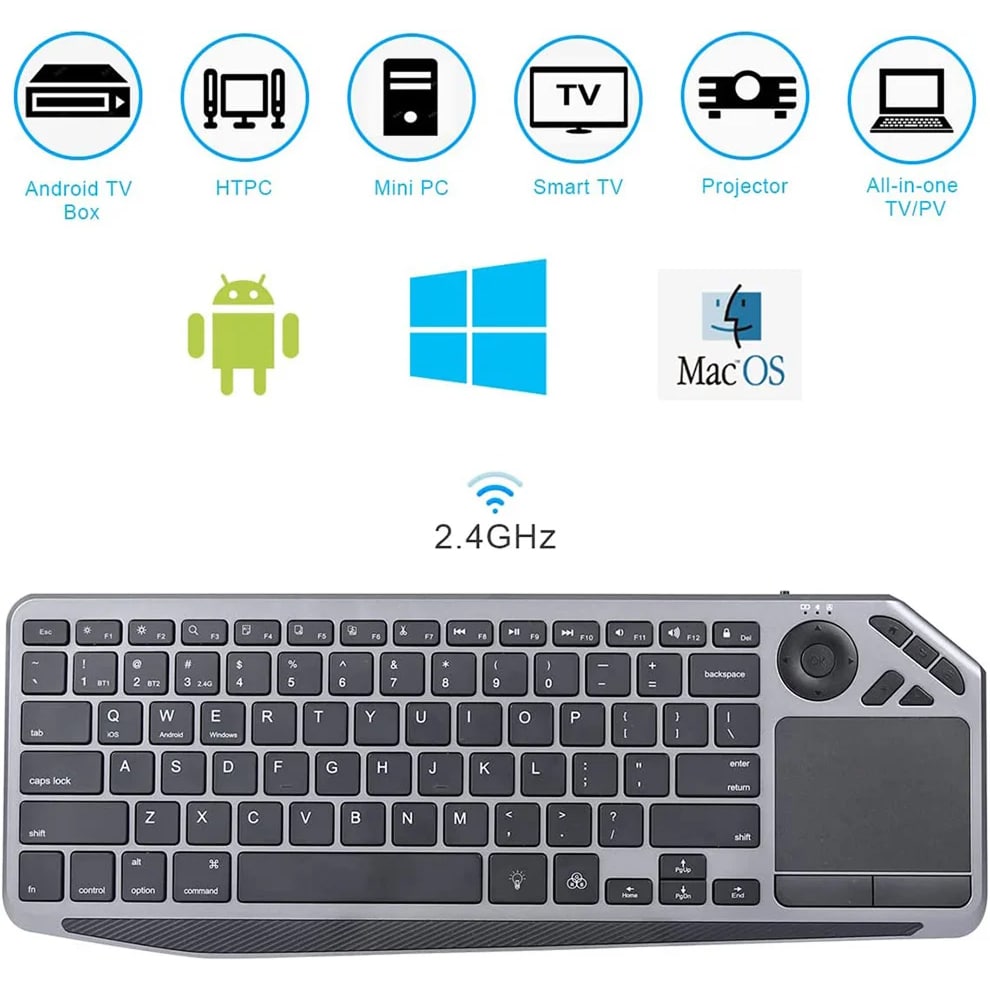
Yes, the PixelKibo Bluetooth Trackpad is fully compatible with Windows 11, 10, and 8. It uses standard Bluetooth HID protocols for seamless plug-and-play functionality without the need for additional drivers.
+How do I connect the PixelKibo Trackpad to multiple devices?
To connect to multiple devices, put the PixelKibo Trackpad into pairing mode and connect it to the first device via Bluetooth. Then, use the device switch button to pair with the second and third devices in the same manner for easy switching.
+What is the actual battery life of the PixelKibo Trackpad?
The battery life varies with usage and backlight settings, but the 1000mAh battery typically provides several weeks of normal use on a single charge. Continuous use with max backlight will naturally reduce this duration.
+Can I use the PixelKibo Trackpad for gaming?
While the PixelKibo Trackpad is optimized for productivity and general navigation, its high precision also makes it suitable for casual gaming and strategy titles that benefit from accurate cursor control.
+How do I check the battery level on my PixelKibo Trackpad?
Most operating systems will display the battery level of connected Bluetooth devices in their settings menu. You can check the battery status for your PixelKibo Trackpad in the Bluetooth settings of your PC or Mac.
+Does the PixelKibo Trackpad work with macOS?
Absolutely. The PixelKibo Trackpad is designed for universal compatibility and works flawlessly with macOS, supporting all standard multi-touch gestures and providing a native feel for Mac users.
+What is the best way to clean the PixelKibo Trackpad surface?
To clean the surface, first power off the device. Then, gently wipe the trackpad with a soft, slightly damp, lint-free cloth. Avoid using harsh chemicals or abrasive materials that could damage the sensitive surface.
+Is the backlighting on the PixelKibo Trackpad adjustable?
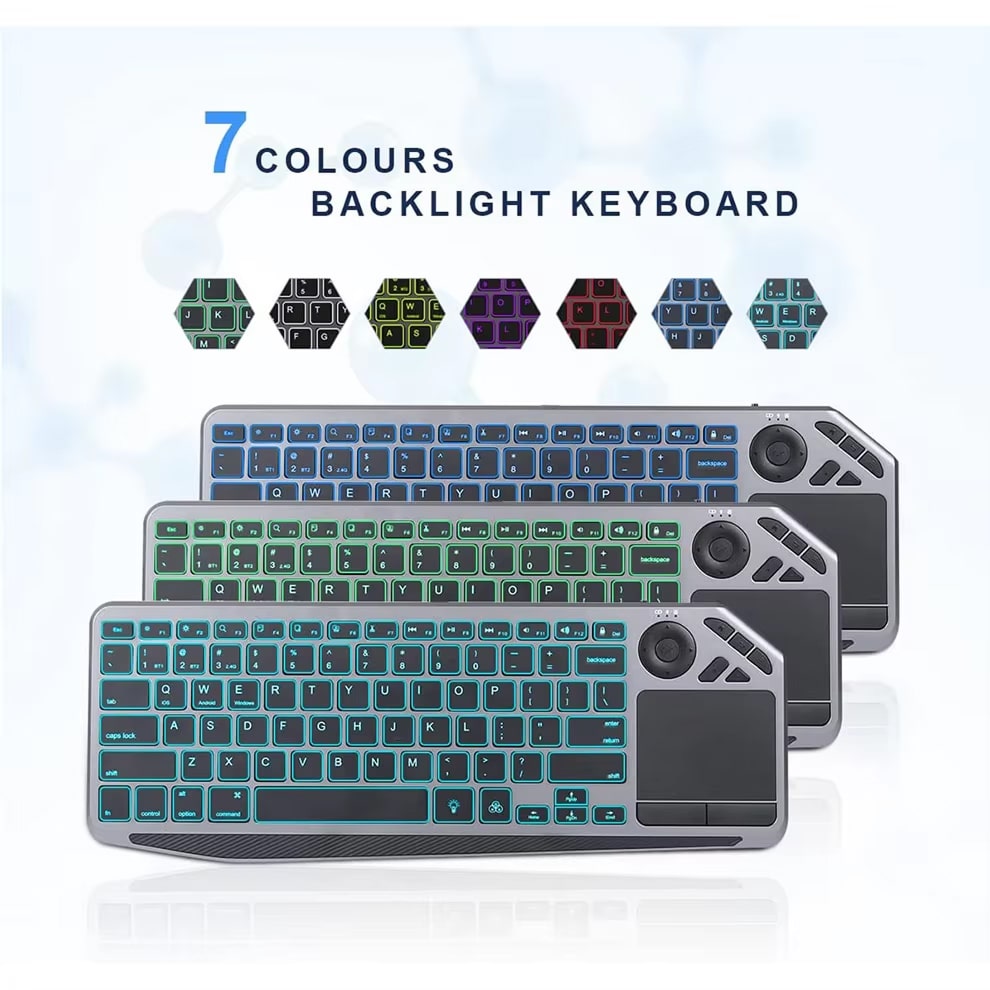
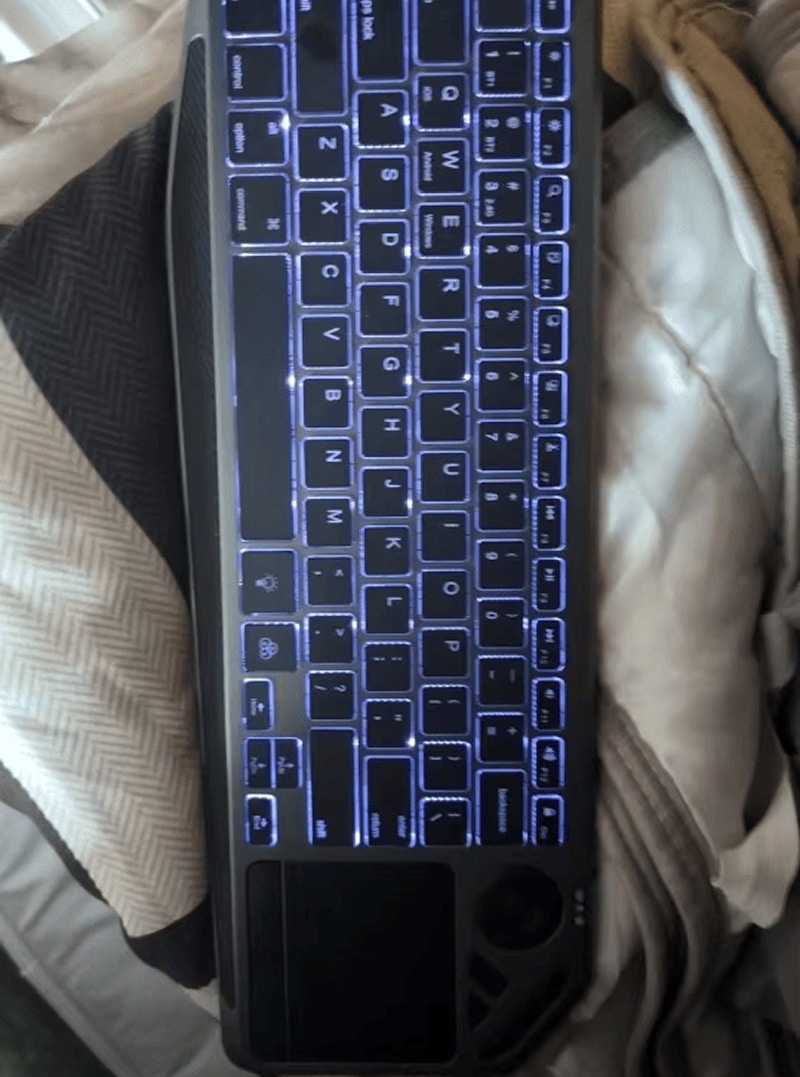
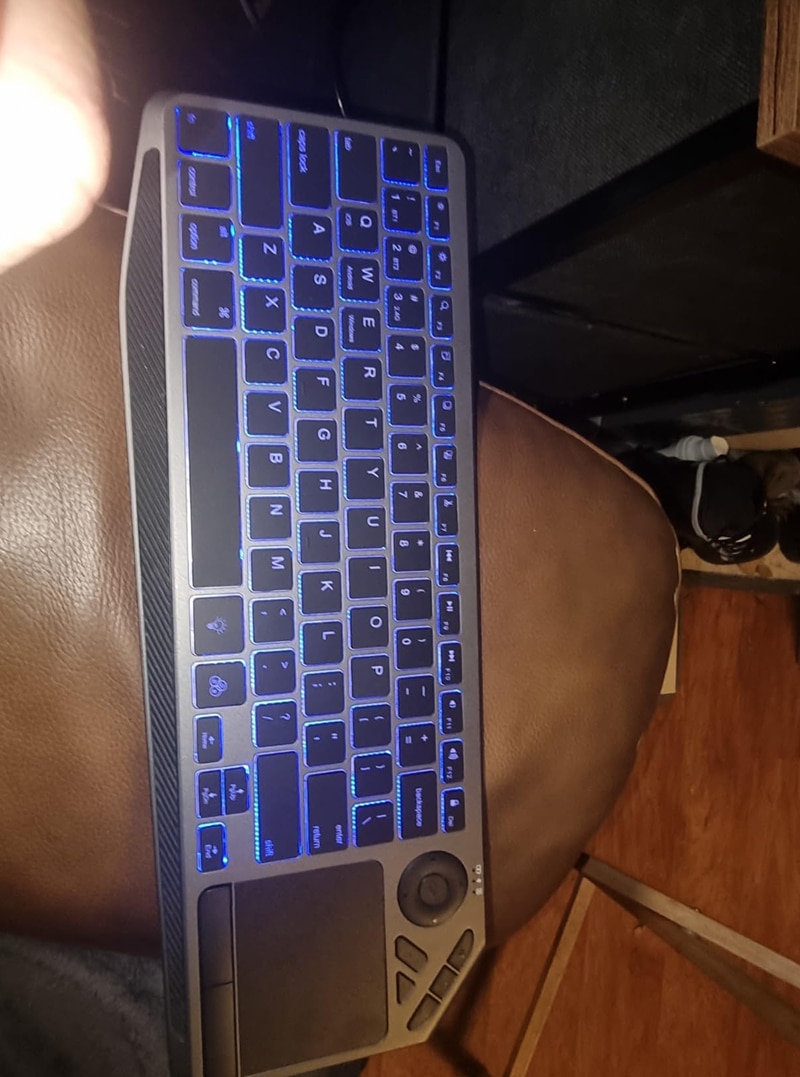
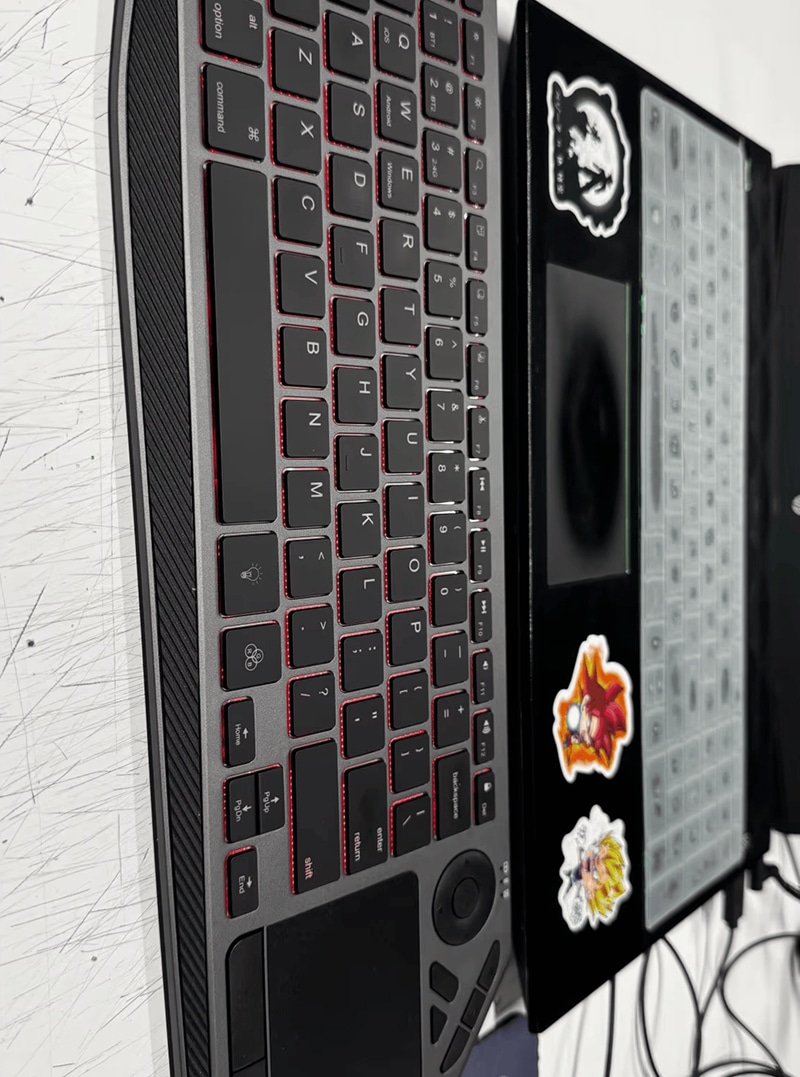
Yes, the 7-color backlighting on the PixelKibo Trackpad is fully adjustable. You can cycle through the colors and adjust the brightness levels to suit your preference and ambient lighting conditions.
TOP #1 FAVORITE Bluetooth Trackpad for PC
Trusted by Thousands of Satisfied Customers
Michael Rodriguez
As a graphic designer, precision is everything. The PixelKibo Trackpad has transformed my workflow. The cursor control is incredibly accurate for fine details in Adobe Illustrator, and the ability to switch between my desktop and tablet seamlessly is a huge time-saver. The build quality feels premium and it has significantly reduced the wrist strain I used to get from a mouse.
VERIFIED BUYER
Sarah Jenkins
I purchased this for working from home and it has exceeded all expectations. The battery life is phenomenal—I’ve only charged it twice in over a month. The 10-meter range allows me to control presentations from anywhere in my office, and the multi-device pairing means I can quickly jump from my work laptop to my personal computer.
VERIFIED BUYER
James Kim
This trackpad is an absolute game-changer for my programming setup. The gestures make navigating code and multiple desktops incredibly efficient. It’s very responsive and the sleek design looks great on my desk. Setup was instant with my MacBook Pro and Windows PC. Highly recommend for any tech professional.