Discover How the Calenvex Clock Empowers Seniors to Regain Control of Time
Worried About Missing Important Medication Times?
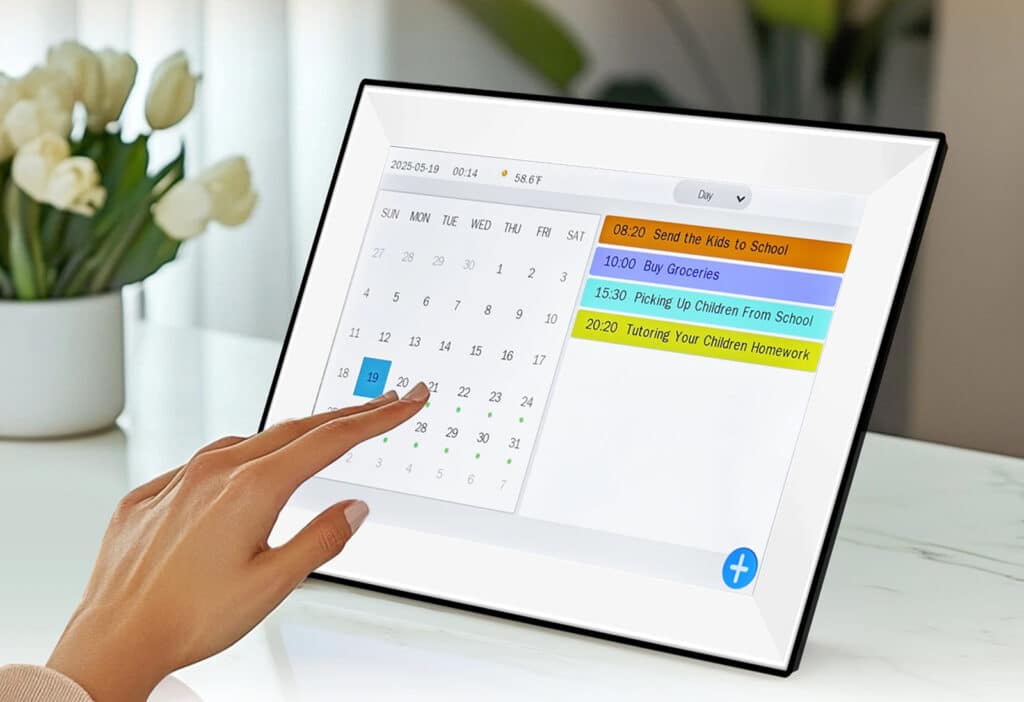
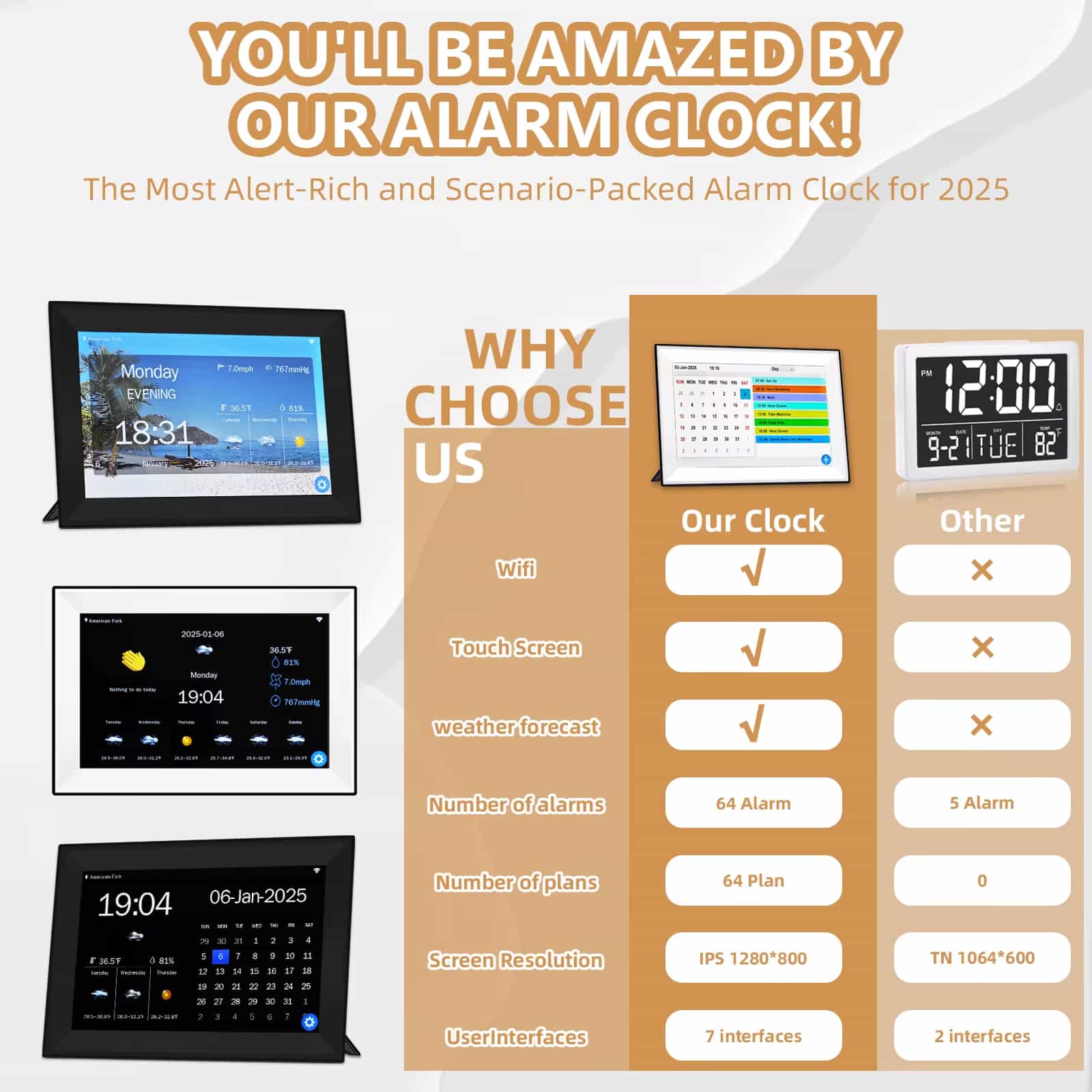
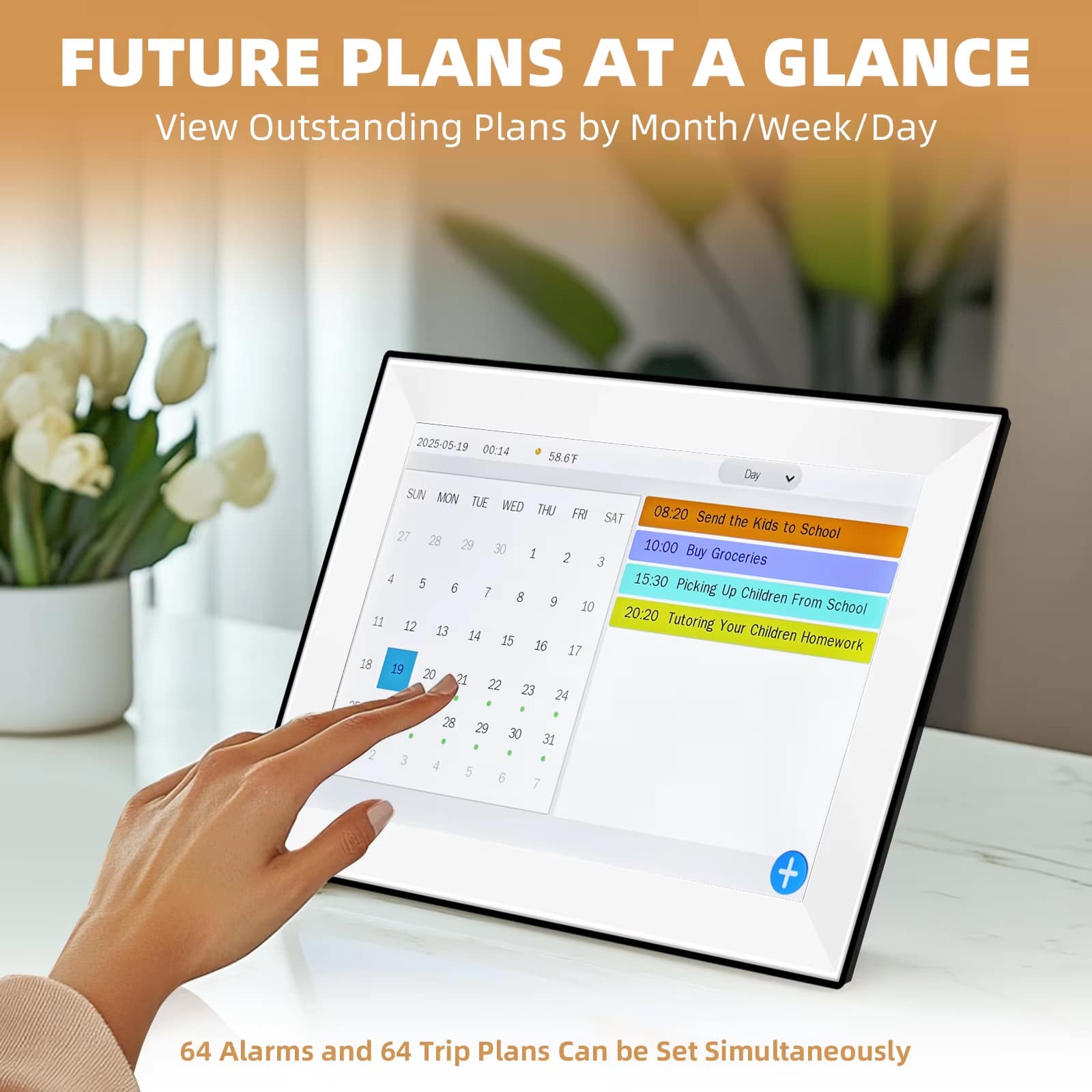
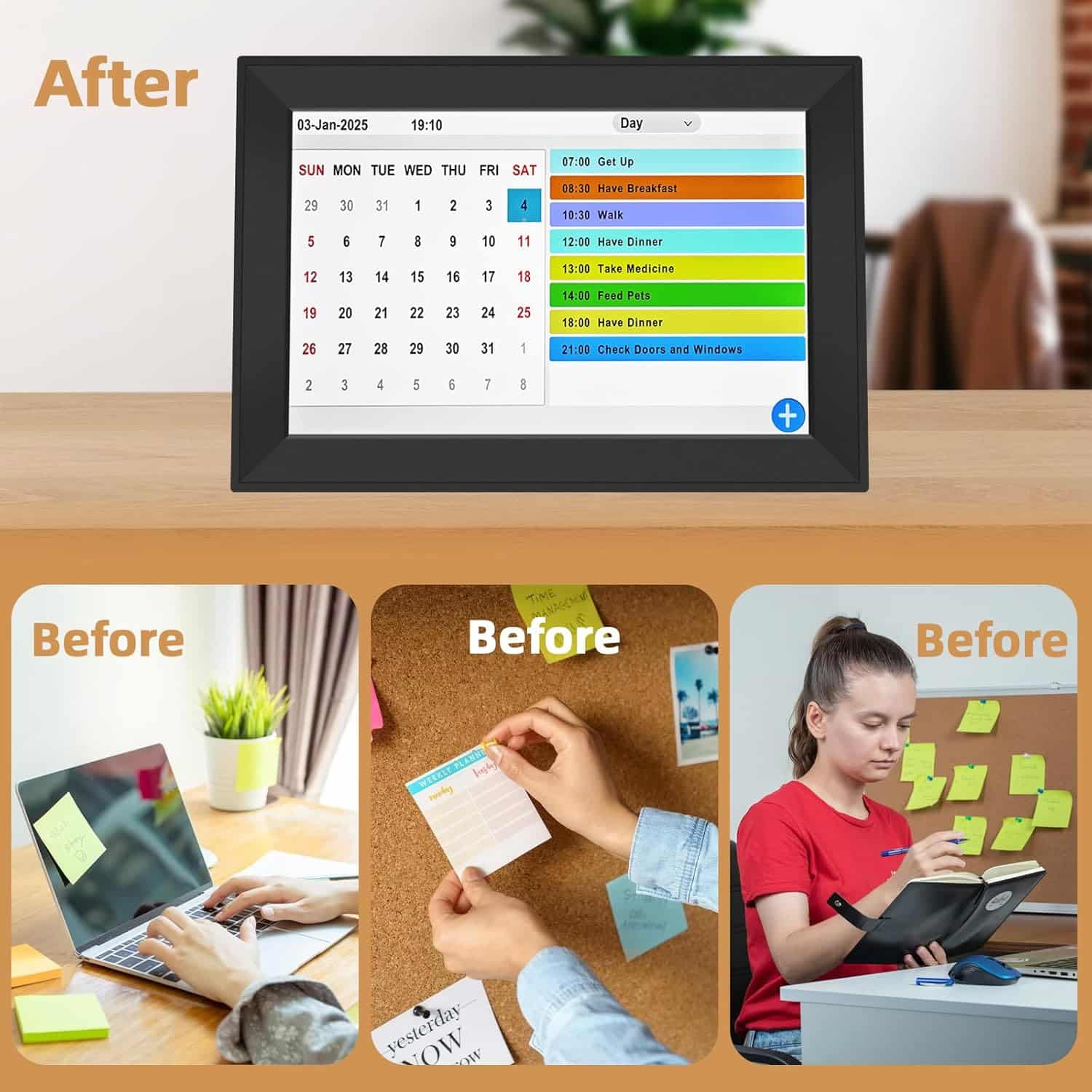
The Calenvex eliminates medication anxiety with 64 customizable alarms and 40 built-in life scene reminders. Set alerts for pills, appointments, blood pressure checks, and daily activities, ensuring your loved one never misses critical health routines.
Tired of Confusing Clocks with Tiny Displays?
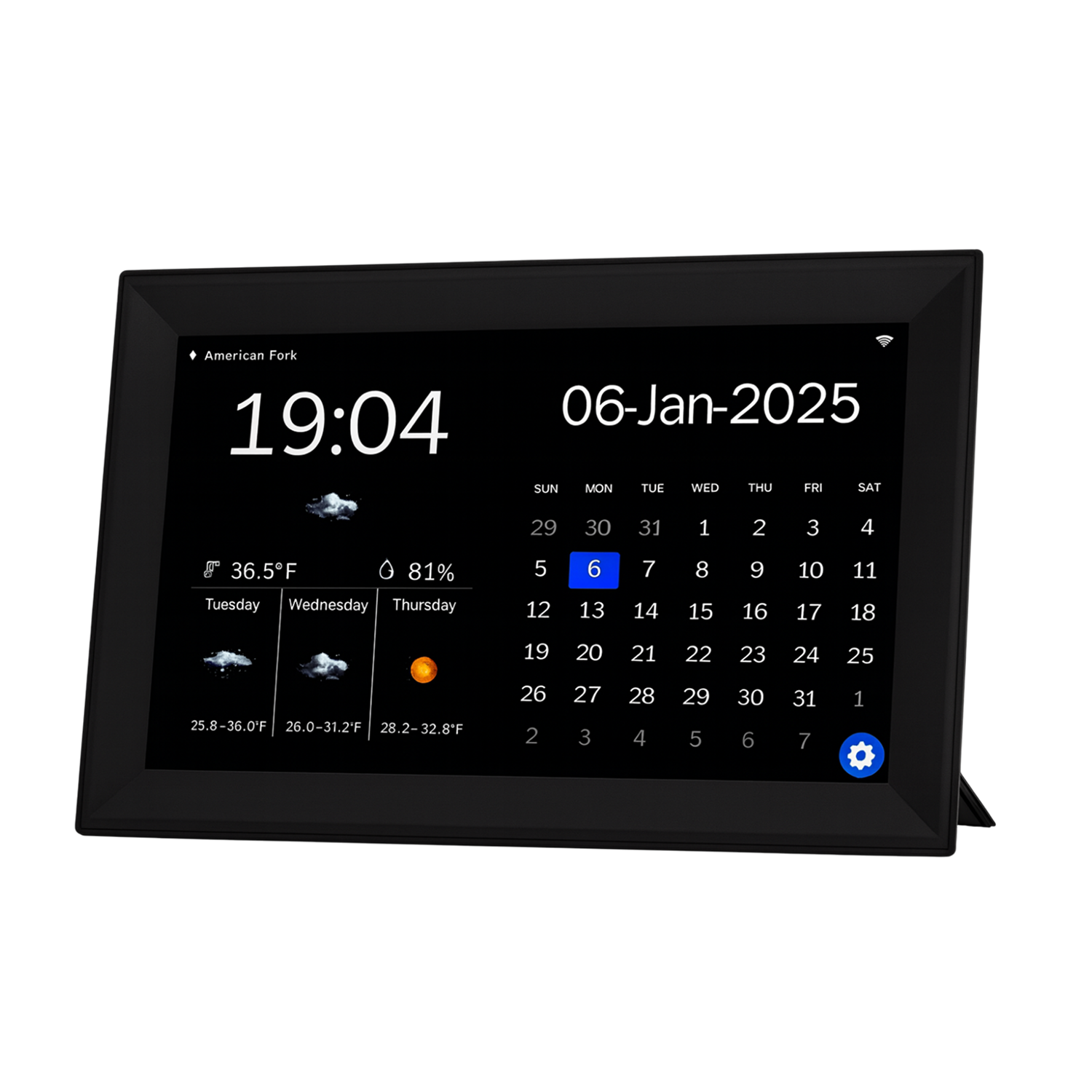
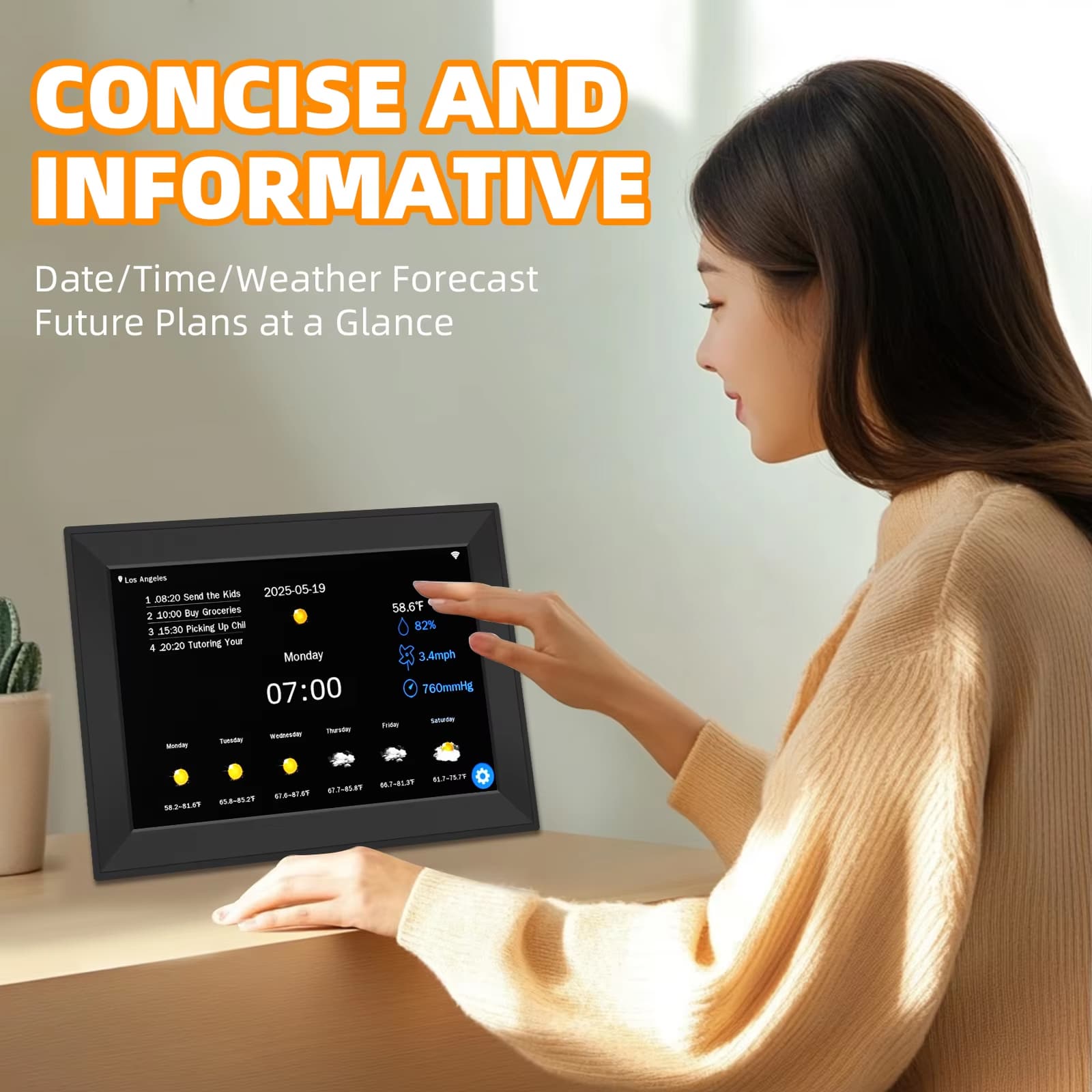
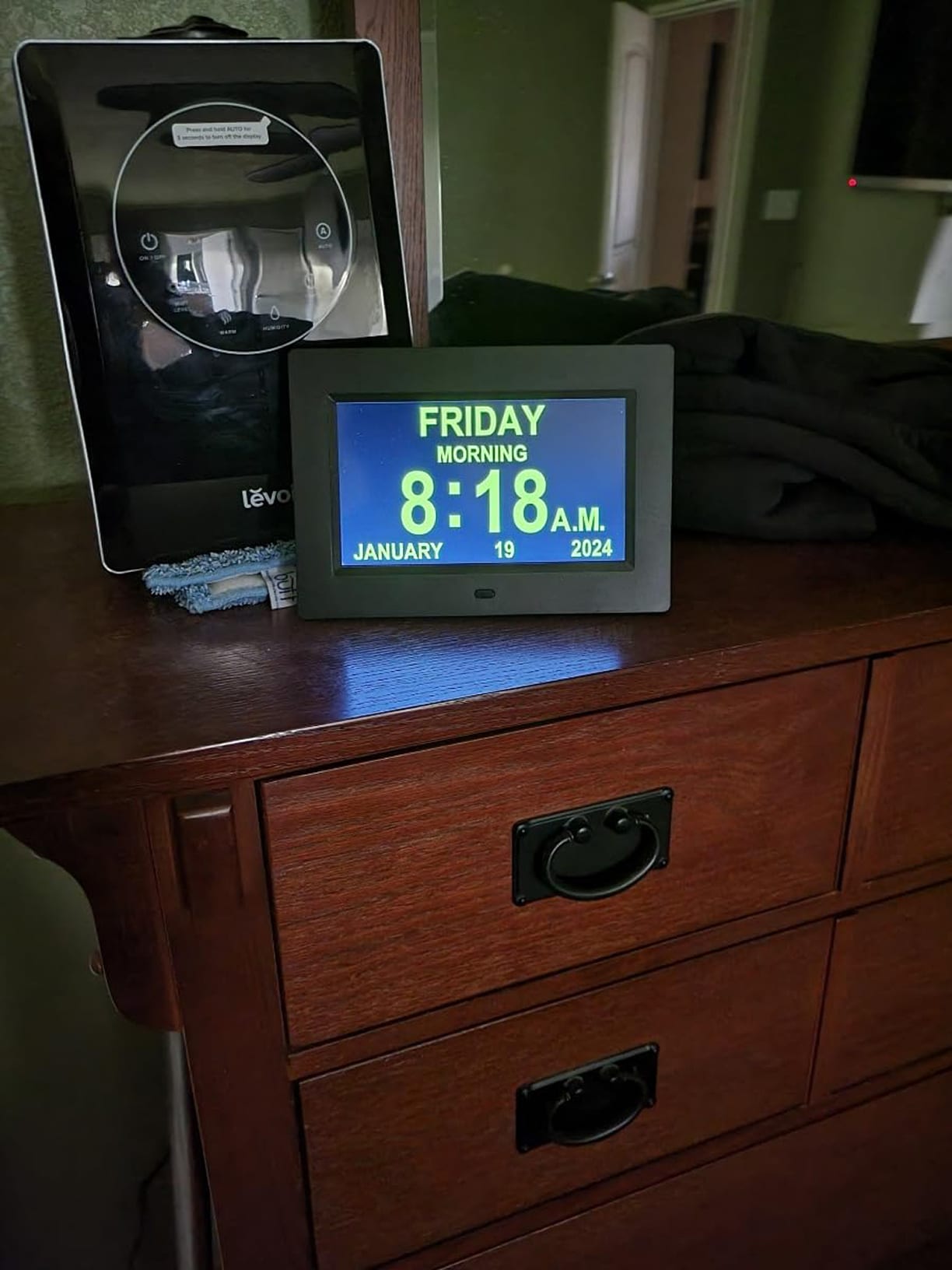
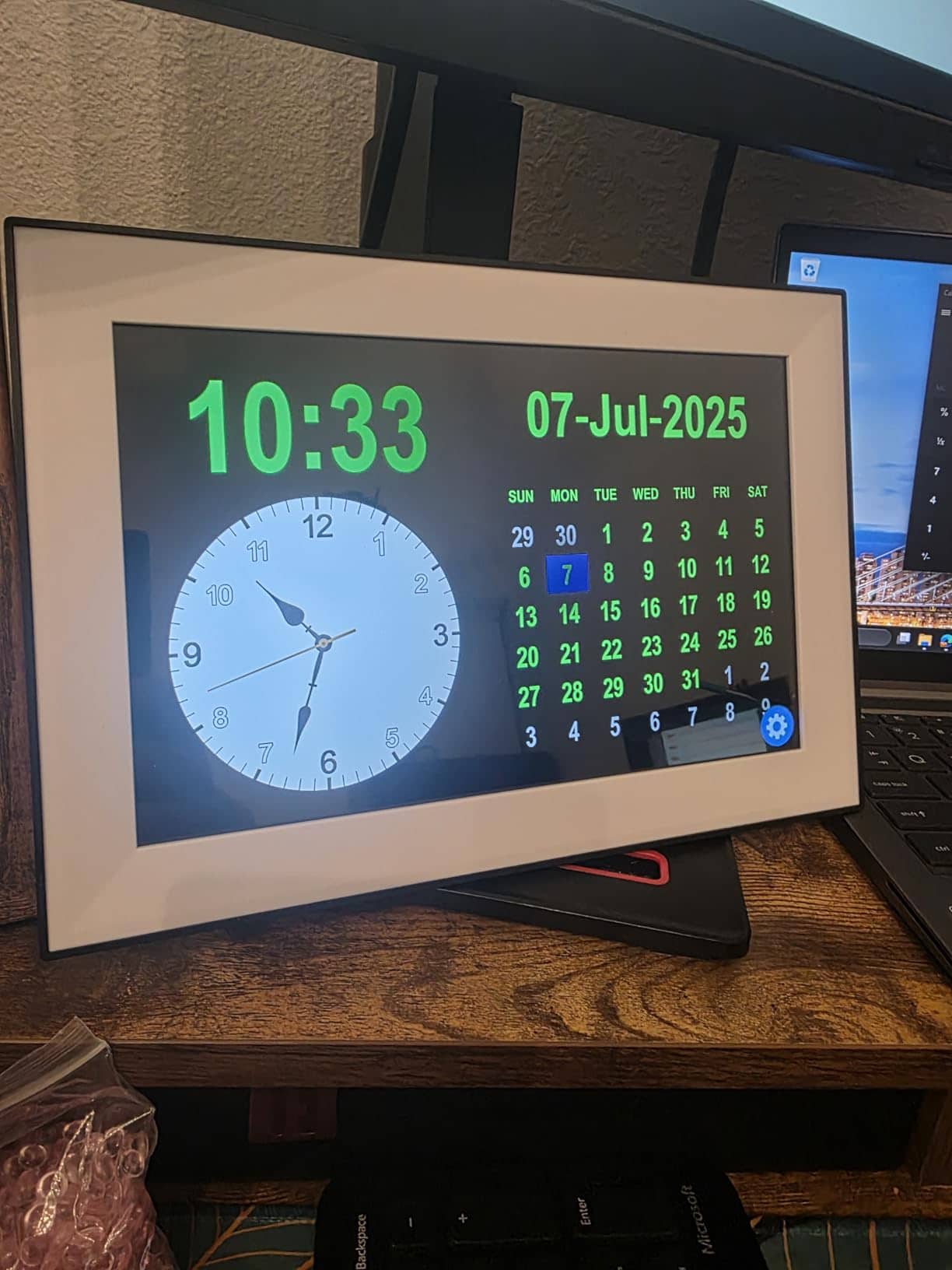
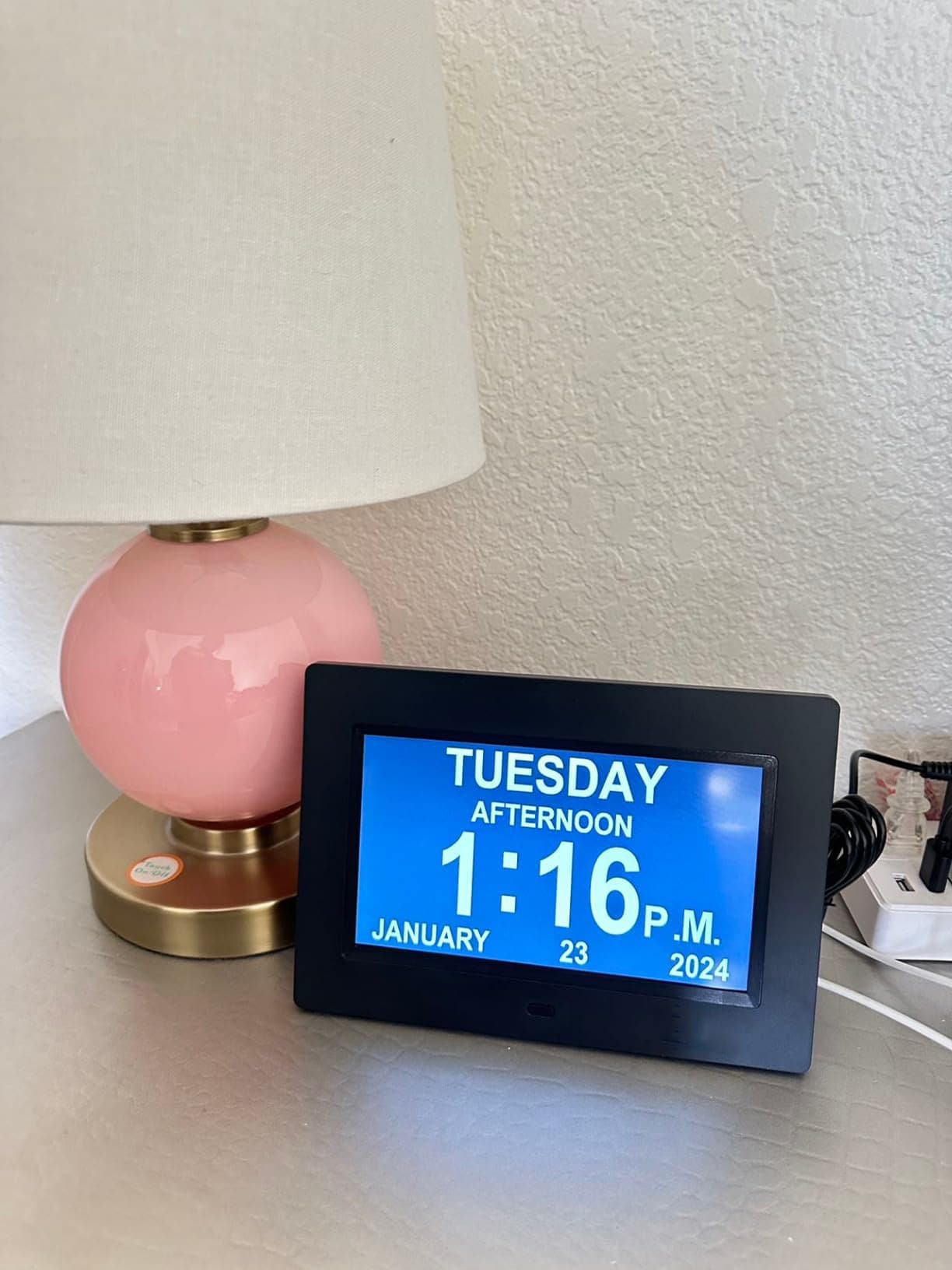
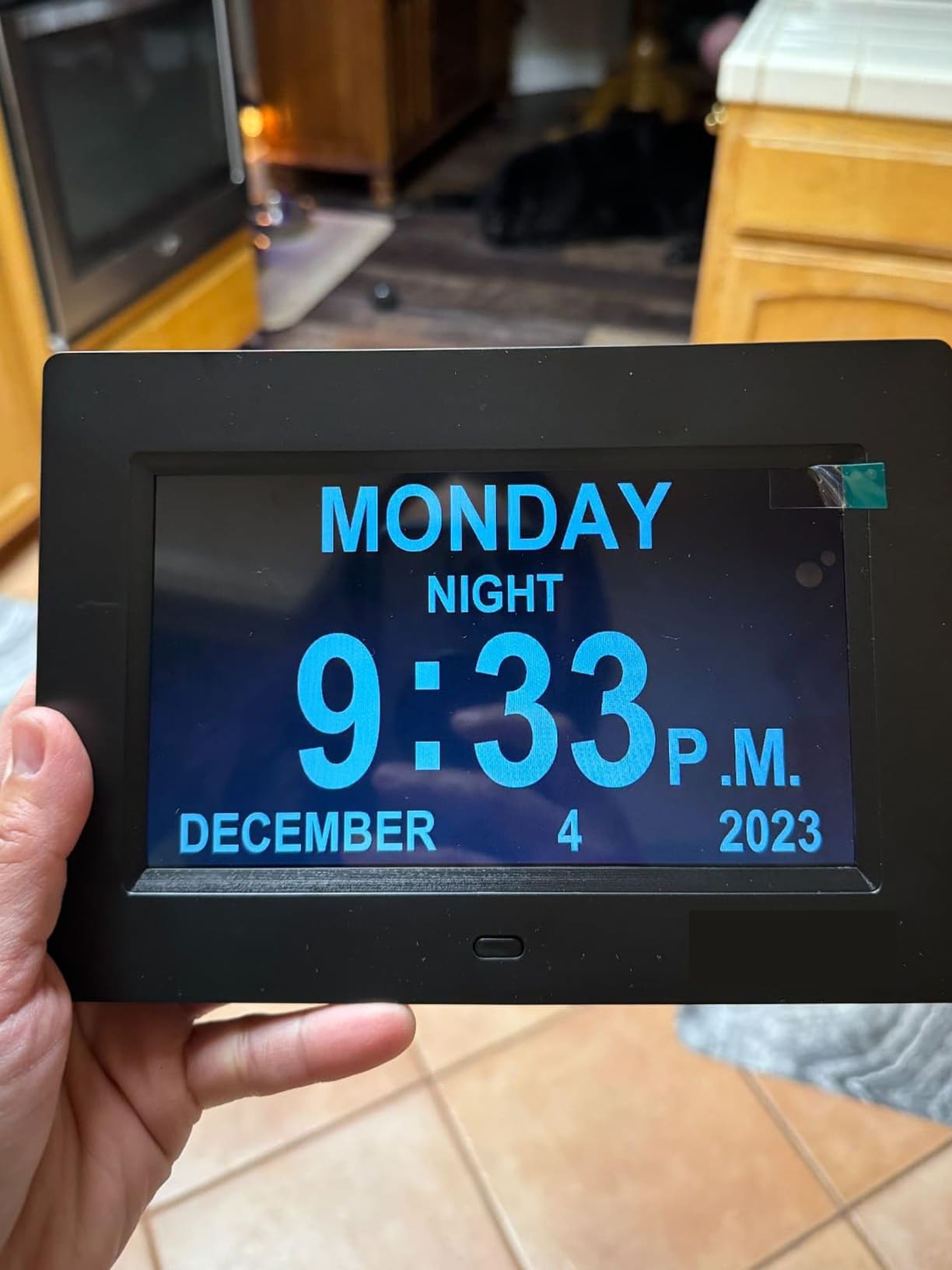
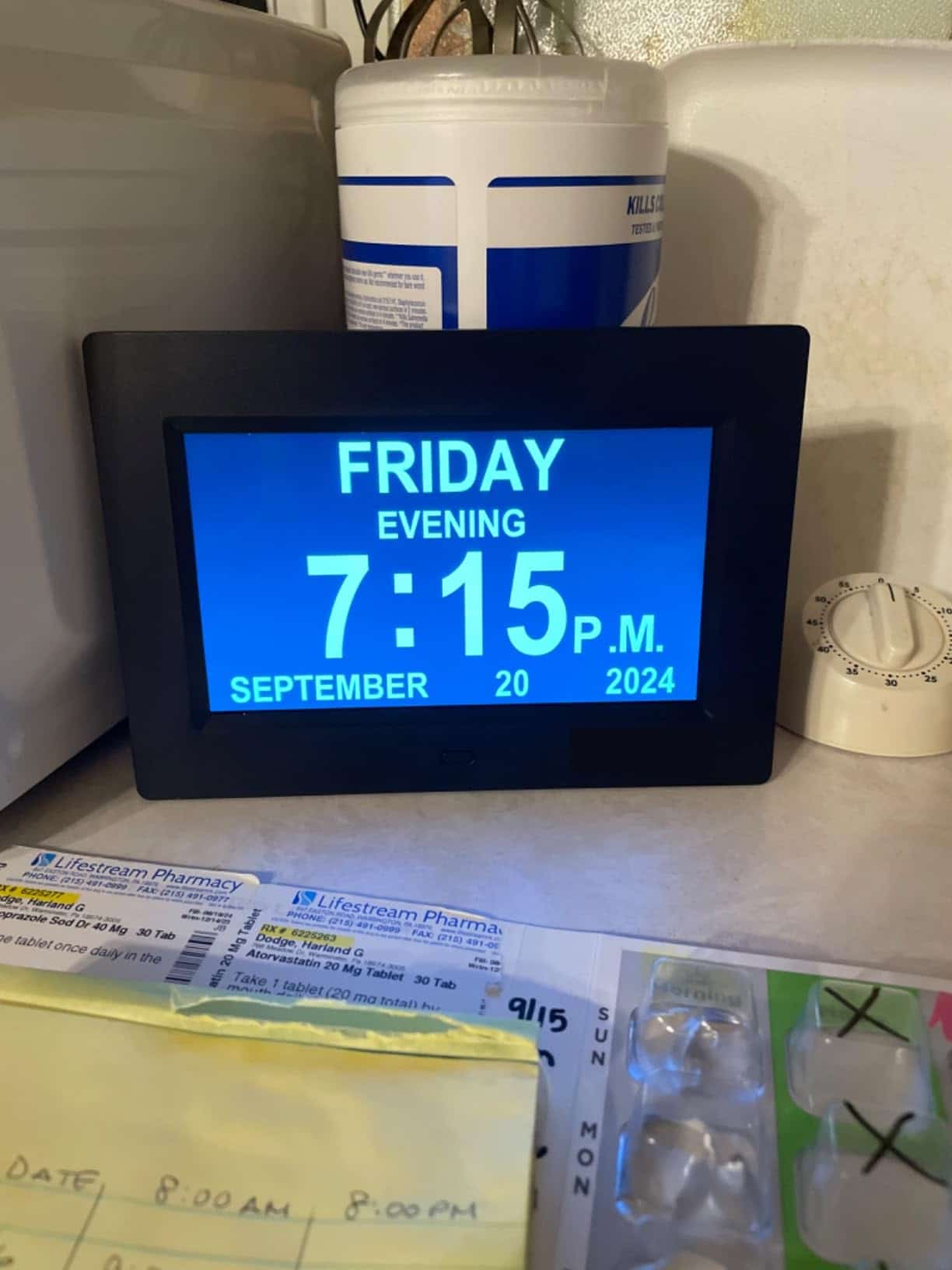
The Calenvex features a massive 10.1-inch IPS touchscreen with extra-large fonts visible from any angle. The high-resolution 1280×800 display clearly shows the month, day, date, and time, making it effortless for seniors to stay oriented.
Looking for Independence Without Constant Caregiver Assistance?
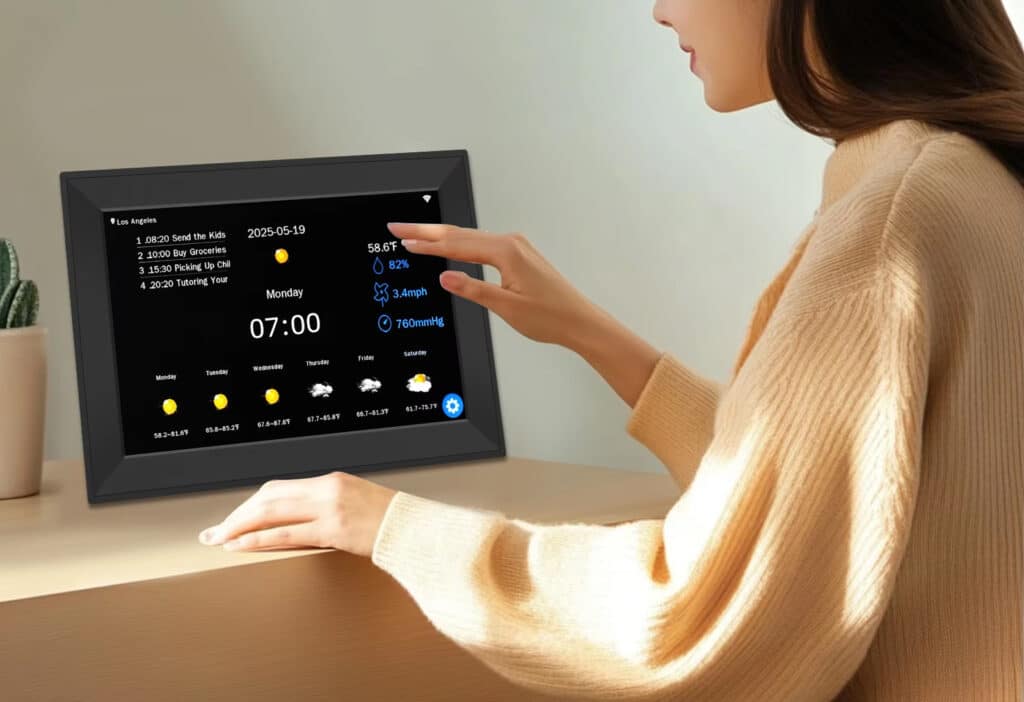
The Calenvex promotes dignity and self-reliance with simple touch controls—no confusing remotes or complicated buttons. Seniors can independently manage their schedules, reducing dependence on caregivers while maintaining their daily routines with confidence.
Join 50,000+ Users Loving Calenvex for Daily Independence
4.8 rating based on total orders
Versatile Design Meets Practical Functionality in Every Room of Your Home
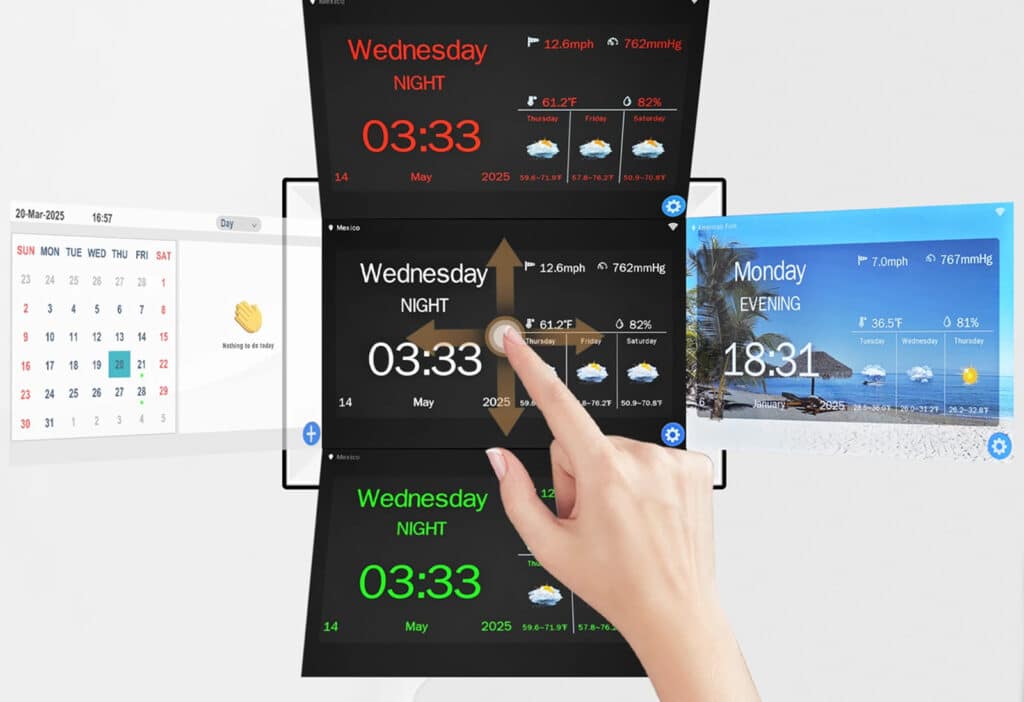
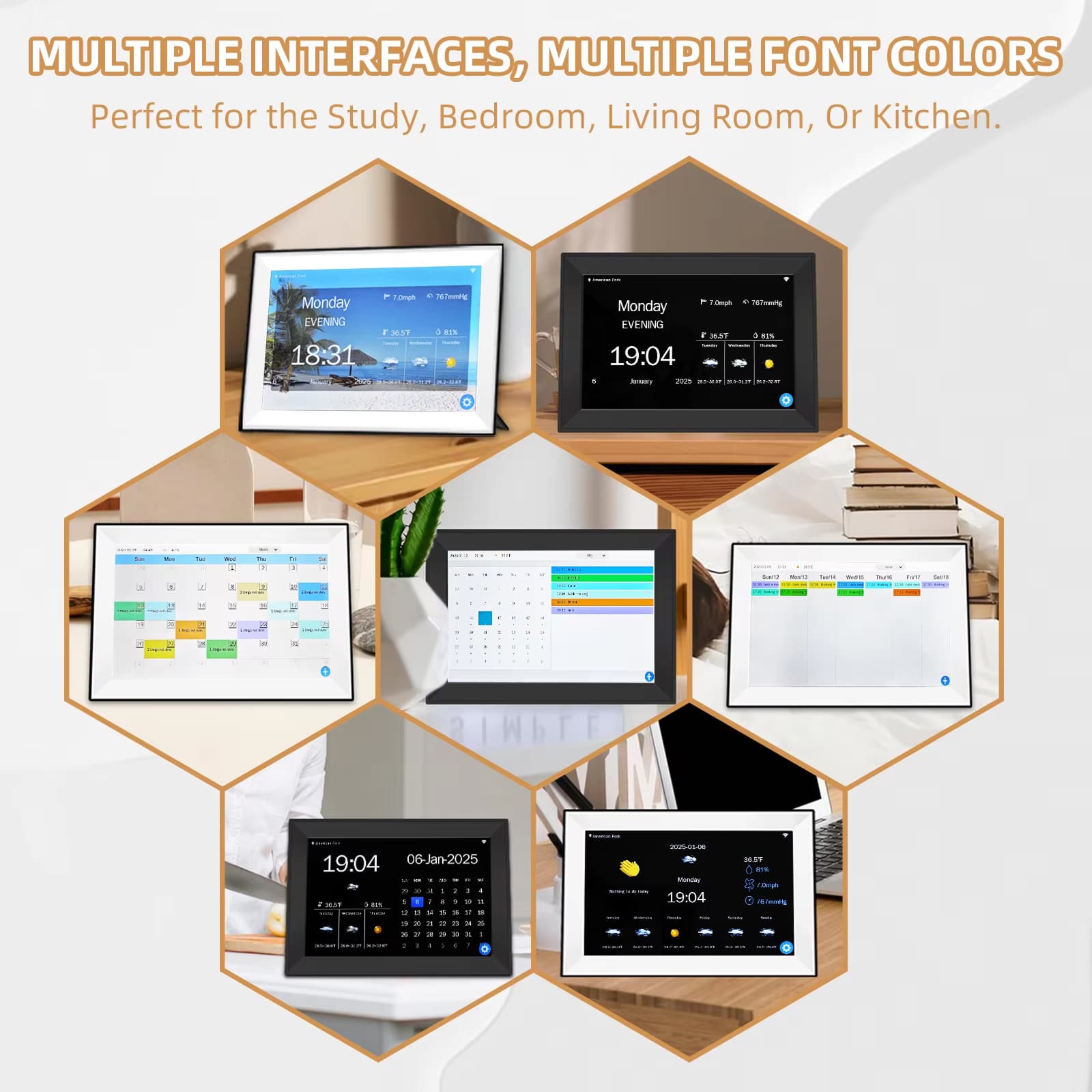
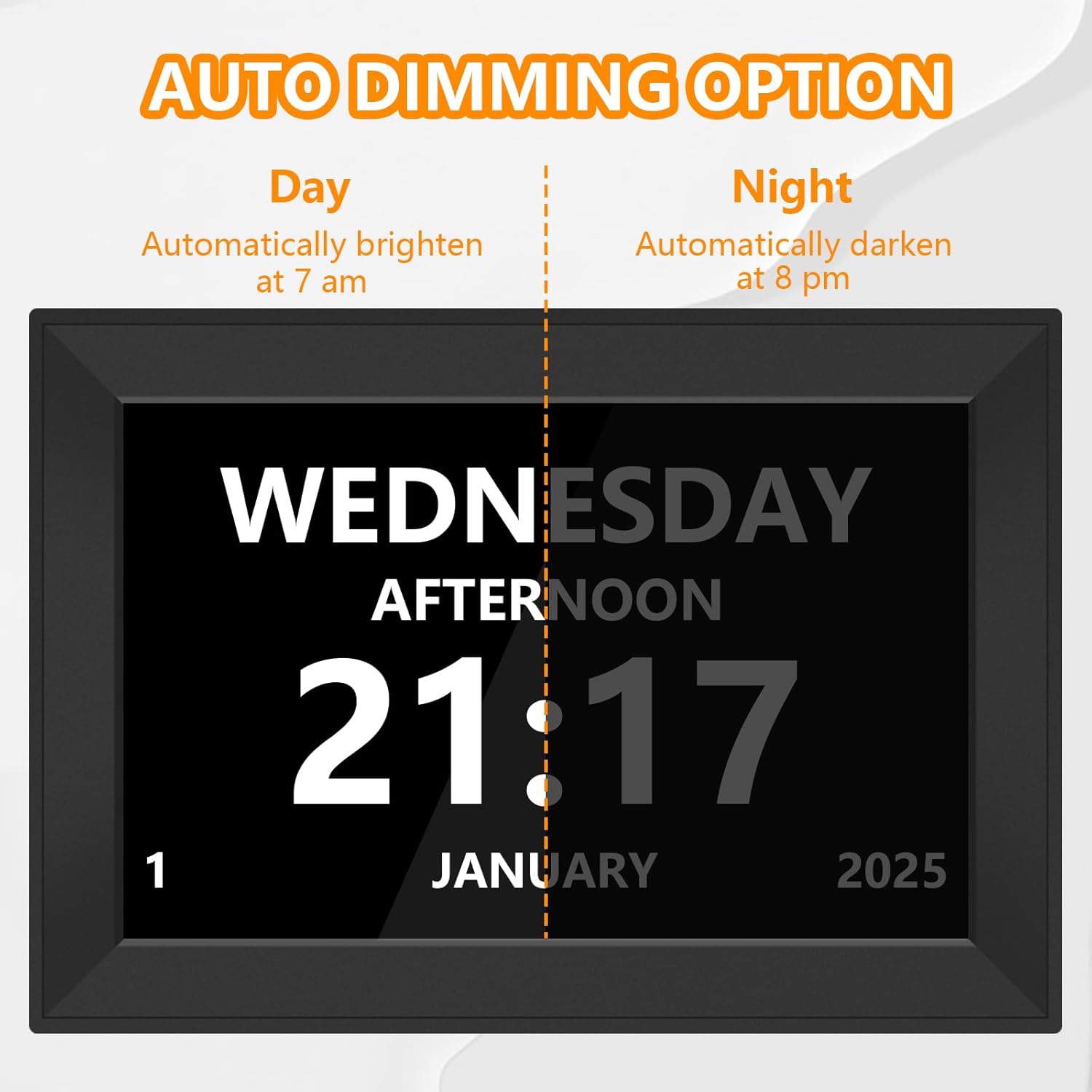
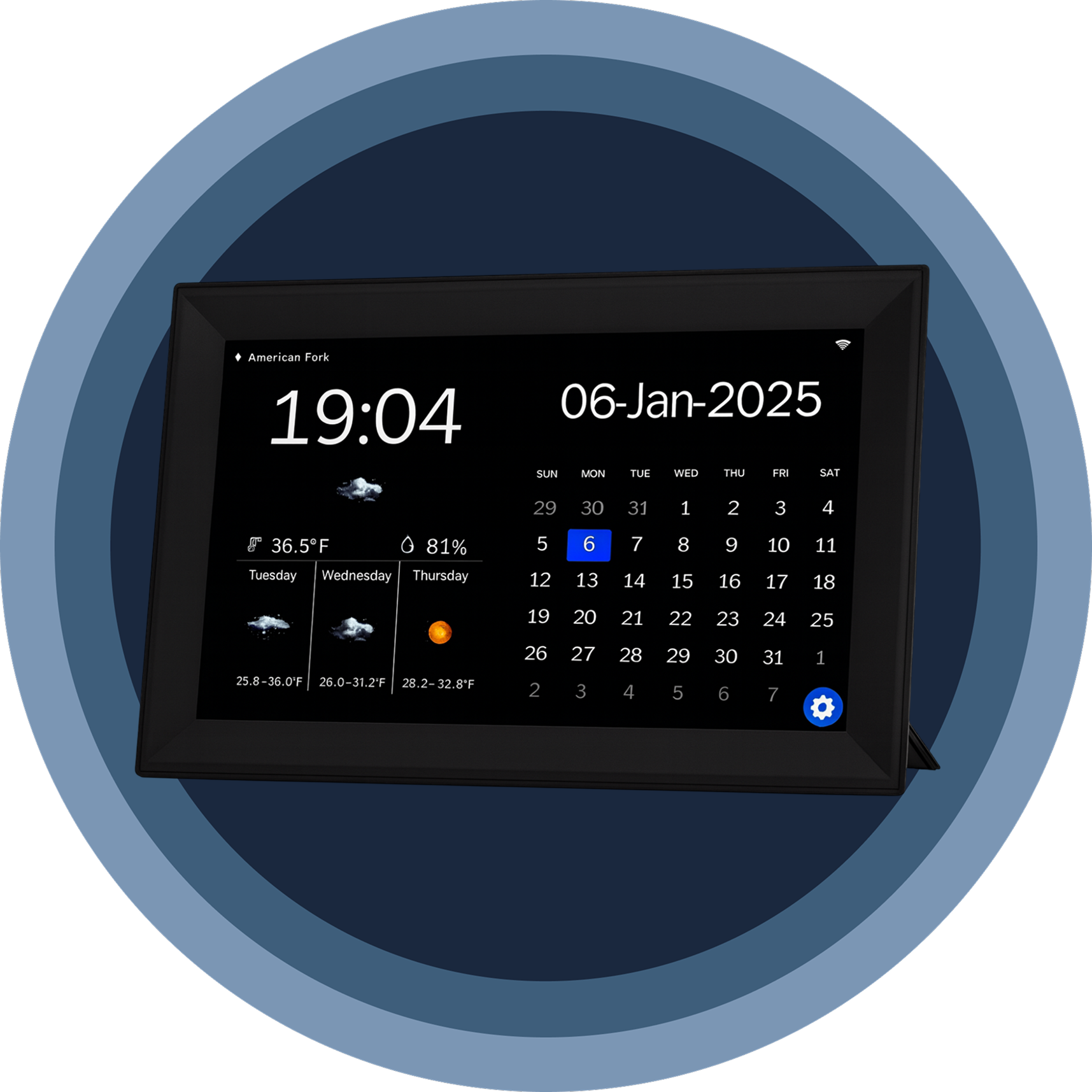
The Calenvex seamlessly fits any lifestyle with multiple display modes, automatic brightness adjustment, and sleep mode functionality, making it perfect for bedrooms, kitchens, and bathrooms.
The Calenvex represents a breakthrough in senior care technology, combining intuitive design with practical functionality that genuinely improves quality of life for individuals with memory challenges.
Why Choose Calenvex as Your Trusted Daily Companion for Seniors
Calenvex FEATURES ALL YOU CAN EXPECT:
CRYSTAL-CLEAR VISIBILITY
The 10.1-inch IPS display with 1280×800 resolution ensures every number and word appears sharp and legible from any viewing angle, eliminating squinting and confusion throughout the day.
MEDICATION MANAGEMENT
With 64 programmable alarms and 40 preset life scenarios, the Calenvex keeps medication schedules, doctor appointments, and daily activities organized, providing peace of mind for families and caregivers.
TOUCH-SIMPLE OPERATION
Forget complicated remotes and confusing button combinations. The Calenvex responds instantly to finger touches on the screen, making setup and daily adjustments accessible for everyone, regardless of technical experience.
DIGNIFIED PACKAGING
Thoughtfully packaged without mentioning dementia or Alzheimer’s, the Calenvex arrives as a respectful, practical gift that celebrates independence rather than highlighting limitations, preserving dignity for your loved ones.
VERSATILE PLACEMENT
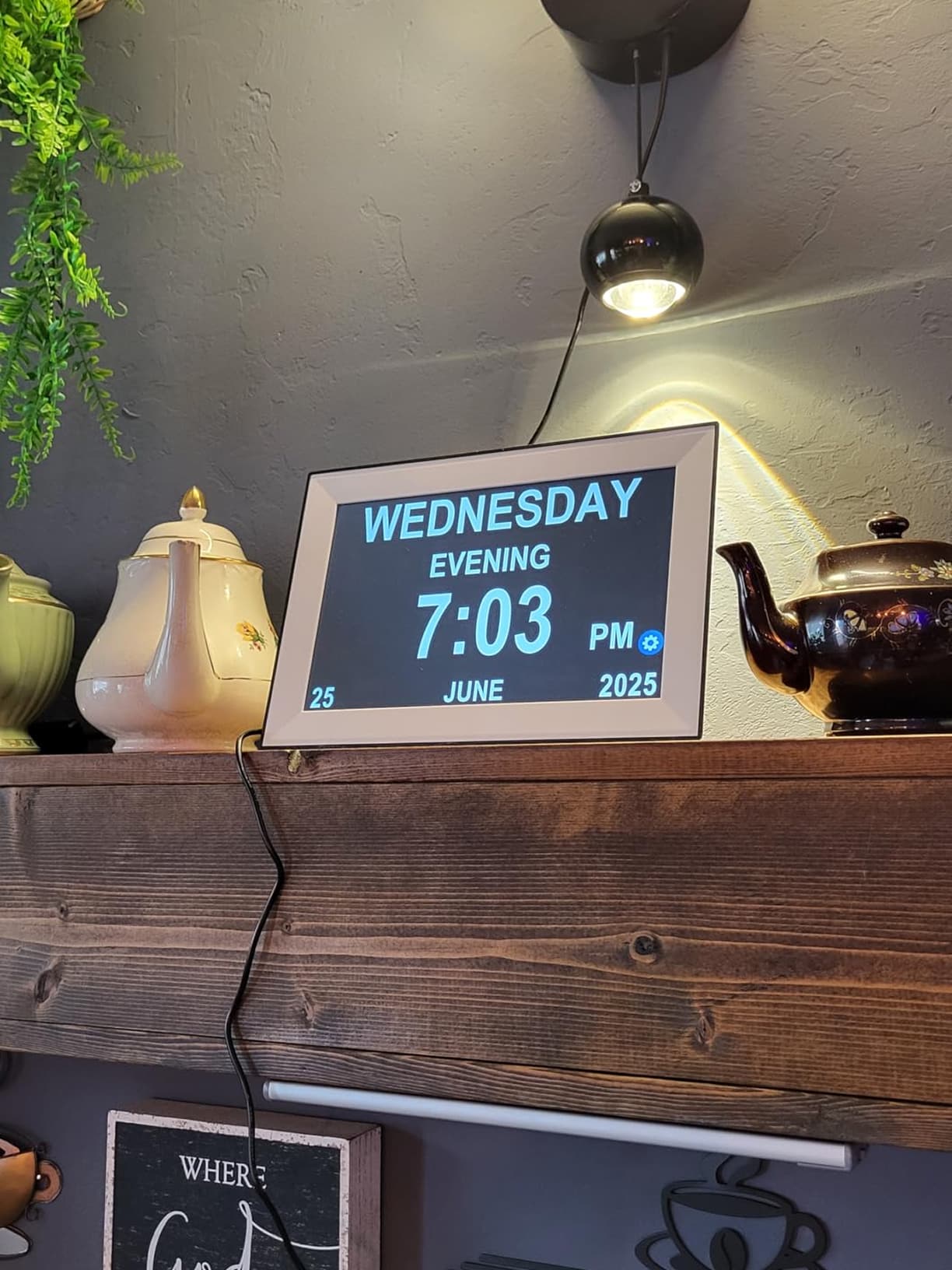
Whether on a kitchen counter, bedroom nightstand, or bathroom shelf, the Calenvex’s sleek design complements any décor while providing essential time management functionality wherever it’s needed most.
COMPREHENSIVE WARRANTY
Your purchase includes a full one-year warranty with responsive customer service, ensuring the Calenvex continues supporting your family’s needs with reliable performance and dedicated assistance whenever questions arise.
Image Gallery
What's Included in the Calenvex?
Calenvex Family Digital Calendar
User Manual
24/7 Customer Support
Our top-rated customer service team is available seven days a week to address your questions via email or live chat. Simply reach out to us, and we’ll gladly assist you.
Learn More About Calenvex
Frequently Asked Questions
−How easy is it to set up alarms on the Calenvex?
Setting alarms is incredibly simple—just tap the screen and follow the intuitive prompts. No manuals or technical knowledge required, making it perfect for seniors and caregivers alike.
+Can the screen brightness adjust automatically?
Yes, the Calenvex features automatic brightness adjustment that adapts to room lighting conditions, ensuring comfortable viewing day and night without manual intervention or eye strain.
+Is the Calenvex suitable for someone with severe vision impairment?
Absolutely. The extra-large fonts on the 10.1-inch display are specifically designed for seniors with vision challenges, and the high-contrast interface ensures maximum readability from across the room.
+How many medication reminders can I program?
You can program up to 64 individual alarms plus access 40 preset life scene reminders for medications, appointments, meals, and other daily activities—more than enough for comprehensive care.
+Does the clock require complicated installation?
Not at all. Simply plug in the Calenvex, select your language and time zone, and you're ready. The touchscreen interface guides you through setup in minutes without tools or technical expertise.
+Can I use the Calenvex in a humid bathroom environment?
While the Calenvex is durable, we recommend placing it in areas with normal humidity levels. For bathrooms, ensure adequate ventilation and avoid direct water exposure to maintain optimal performance.
+What happens if the power goes out?
The Calenvex retains all settings and alarms when power is restored. However, we recommend using a surge protector to safeguard your device and ensure uninterrupted operation for critical reminders.
+Is the touchscreen responsive for seniors with limited dexterity?
The touchscreen is highly sensitive and responds to gentle finger pressure, making it accessible for seniors with arthritis or limited hand strength. No hard pressing or precise tapping required.
TOP #1 FAVORITE Digital Calendar
Trusted by Thousands of Satisfied Customers
Patricia Morrison
The Calenvex has been life-changing for my mother with dementia. She’s more independent now, confidently checking appointments and taking medications on time without constant reminders from me.
VERIFIED BUYER
Robert Chen
I bought the Calenvex for my father, and the difference is remarkable. The large display and simple touch controls mean he manages his daily routine without frustration or confusion.
VERIFIED BUYER
Linda Fitzgerald
As a caregiver, the Calenvex saves me countless hours. My client follows medication schedules independently, and the multiple alarms ensure nothing gets missed throughout the day. Absolutely worth it.