Experience Unmatched Workspace Illumination and Comfort With ViewyBar
Looking For Screen Glare Elimination?
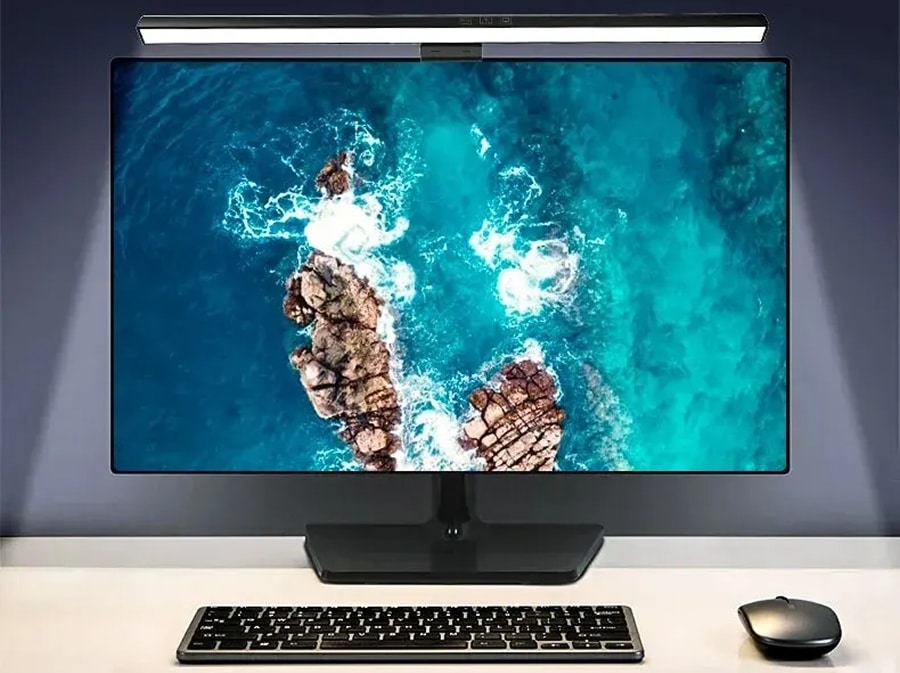
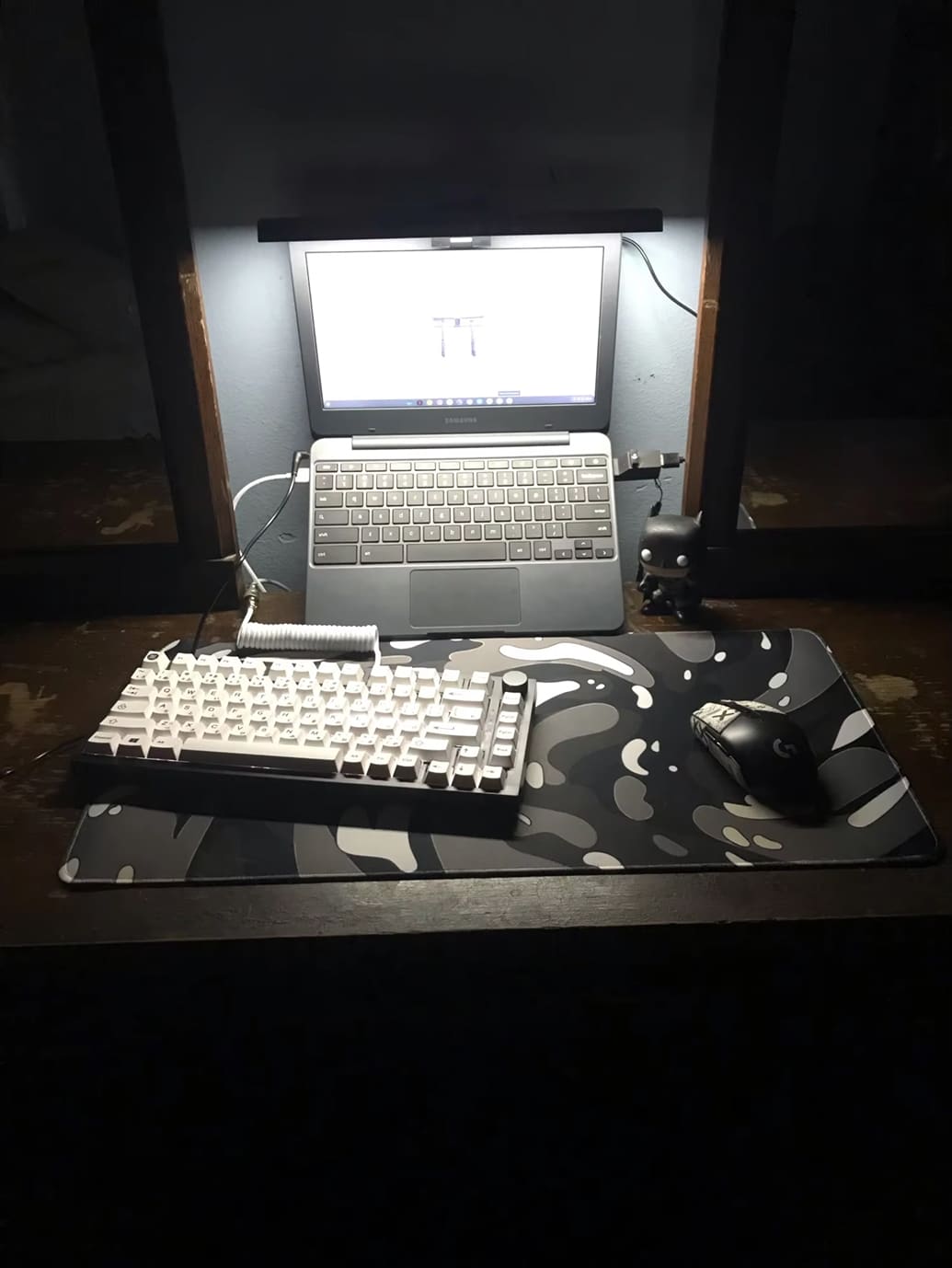
ViewyBar features an innovative asymmetric optical design that specifically illuminates your workspace without casting any light on your monitor screen. This eliminates reflected glare completely, allowing you to work for hours without eye strain or discomfort while maintaining perfect screen visibility.
Tired Of Limited Lighting Options?
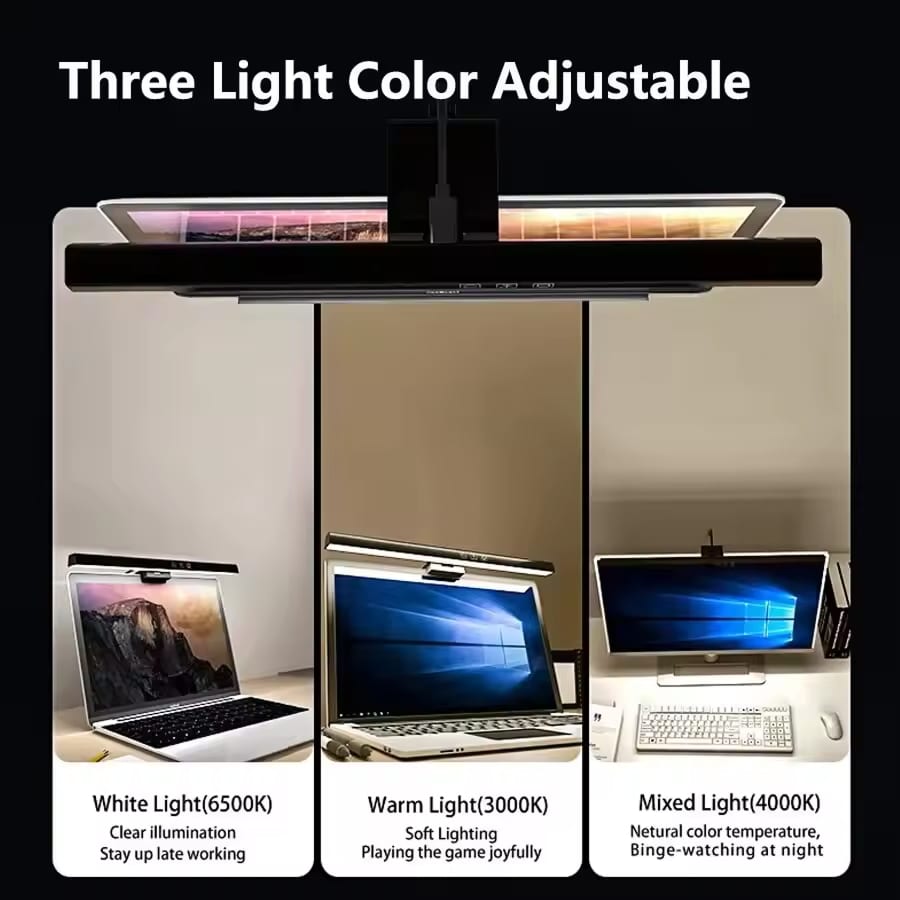
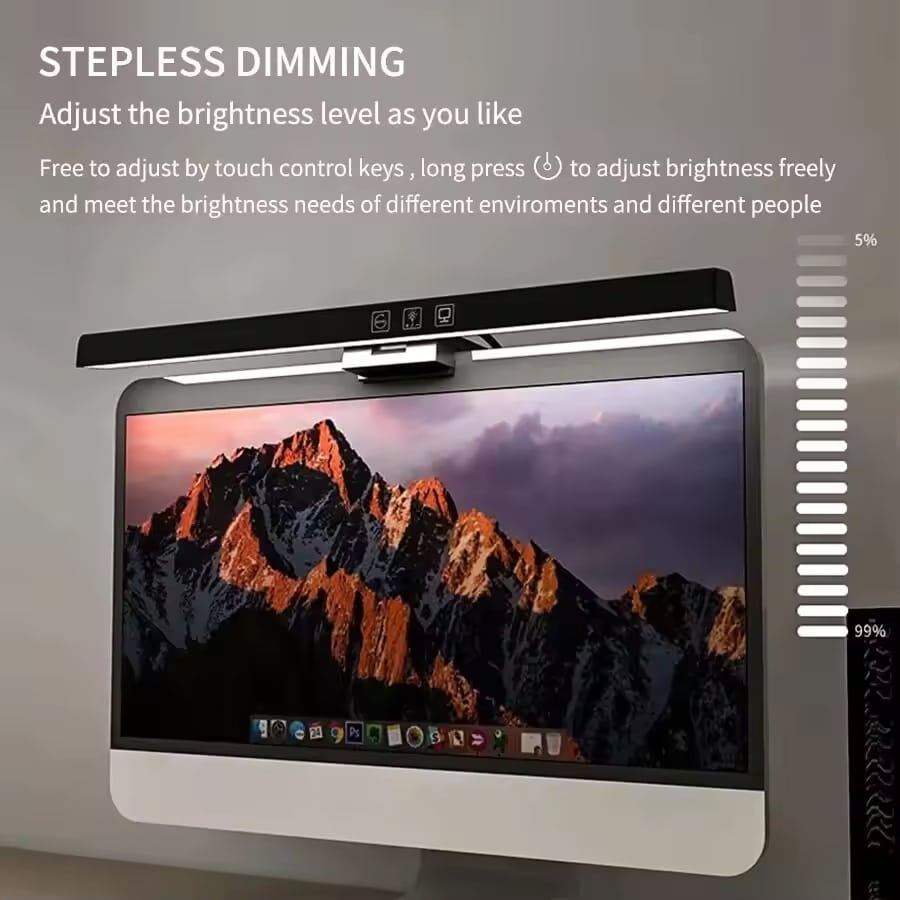
ViewyBar offers complete lighting control with stepless dimming from 10-100% brightness and three color temperature options (3000K, 4000K, 6000K). The memory function preserves your preferred settings, ensuring your perfect lighting environment is always ready when you need it most.
Worried About Complicated Installation?
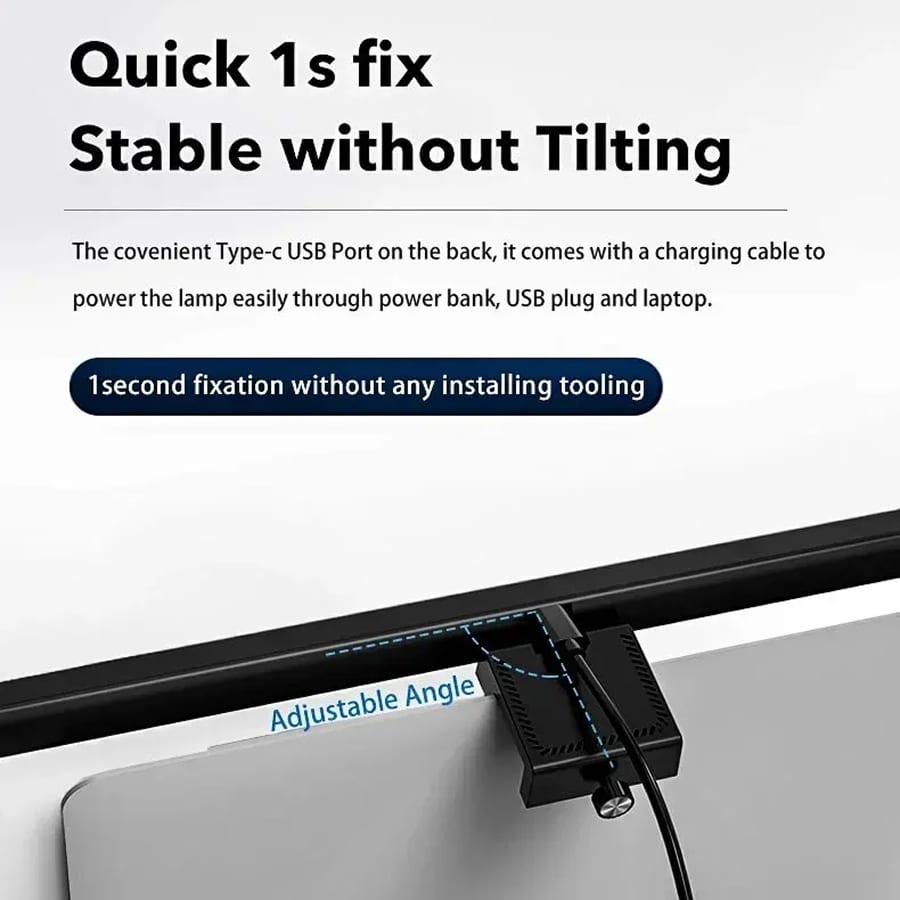
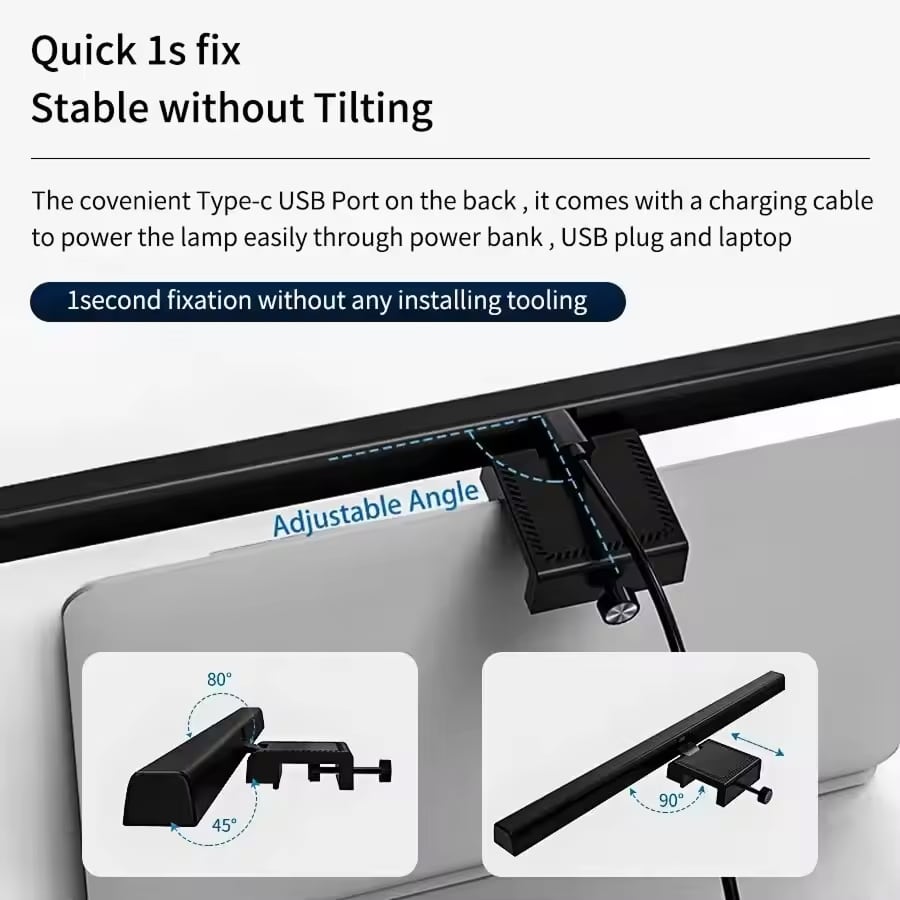
ViewyBar installs in seconds without any tools, screws, or adhesives. The universal clip fits monitors up to 22mm thick and connects via standard USB power, making it compatible with computers, power banks, and any device with a USB port for ultimate convenience.
Join 50,000+ Professionals Enhancing Their Workspace With ViewyBar
4.8 rating based on total orders
Maximize Your Productivity With Intelligent Lighting Design
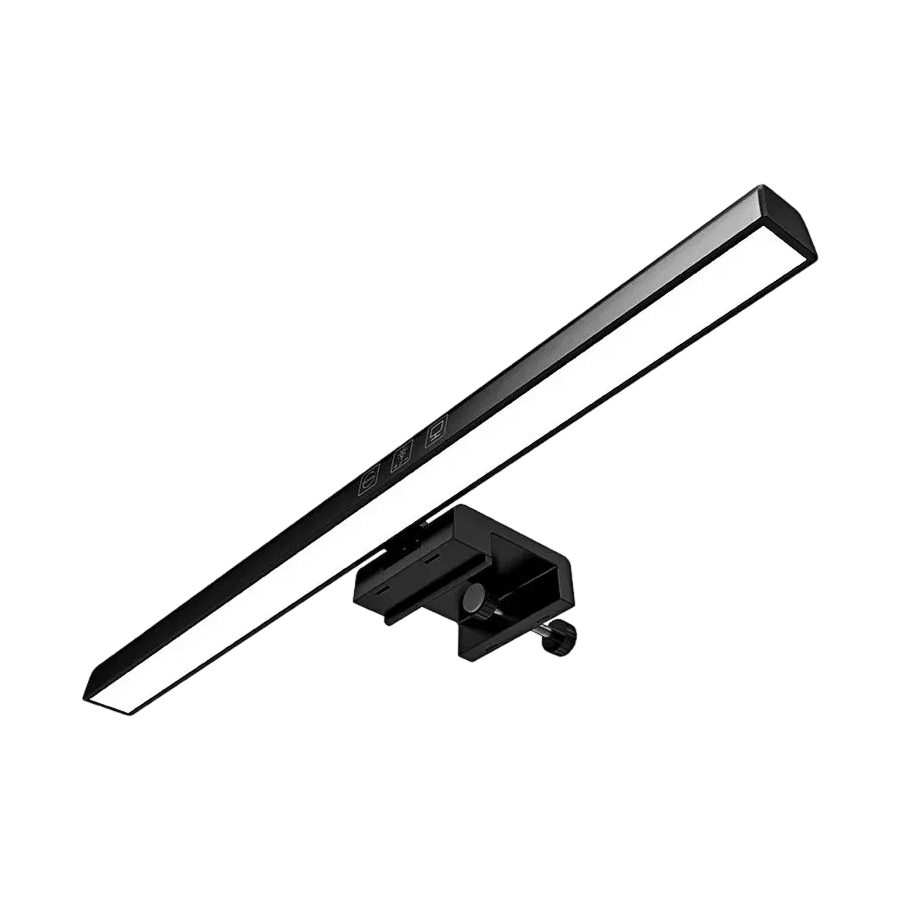
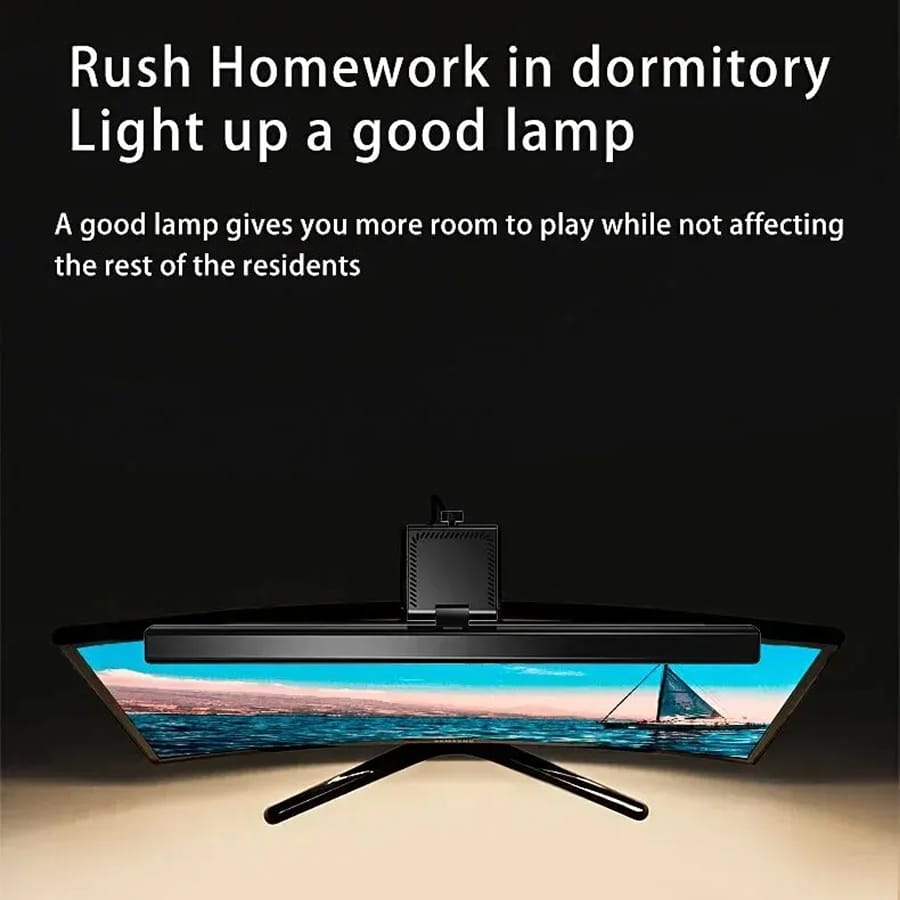
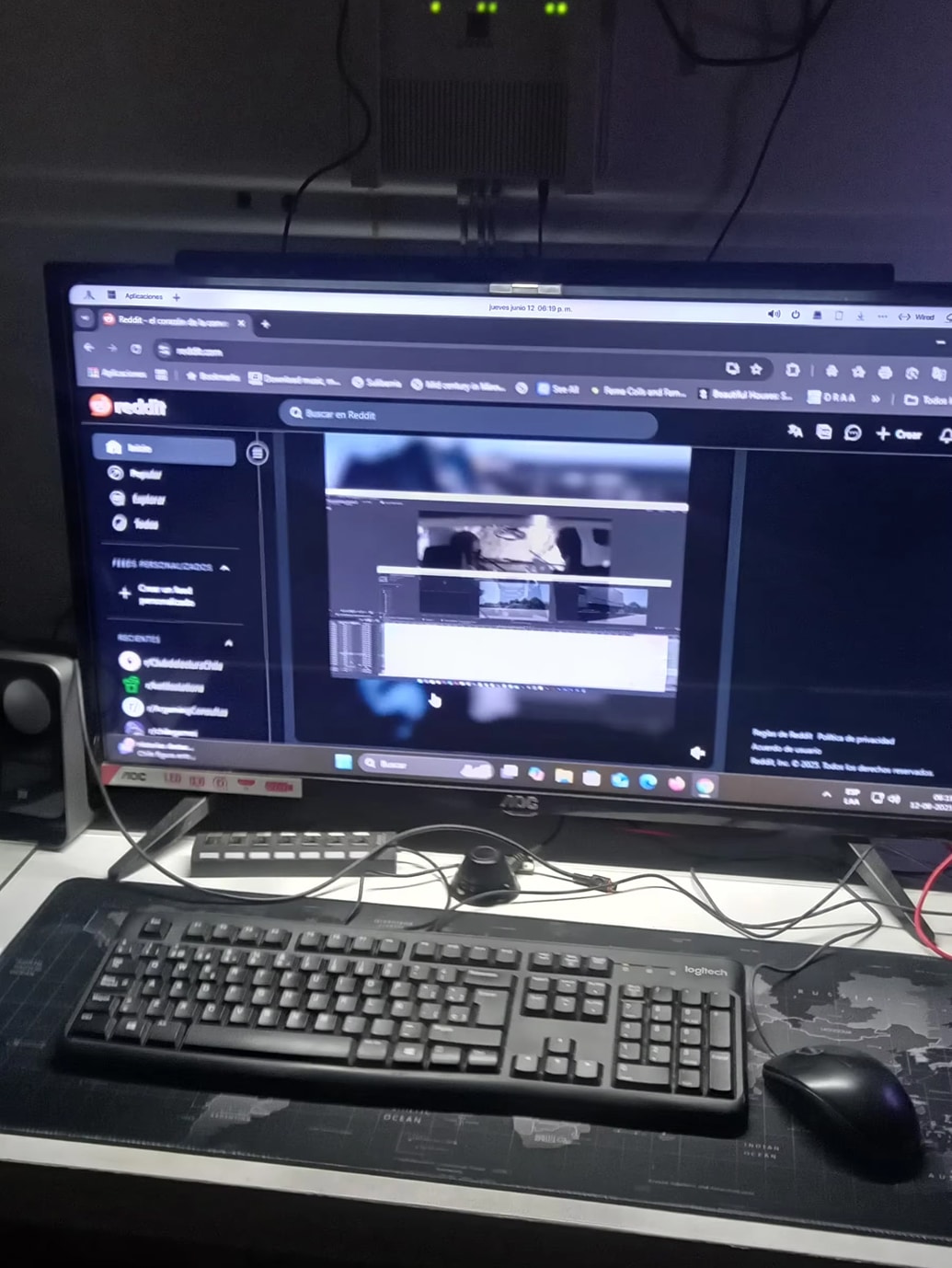
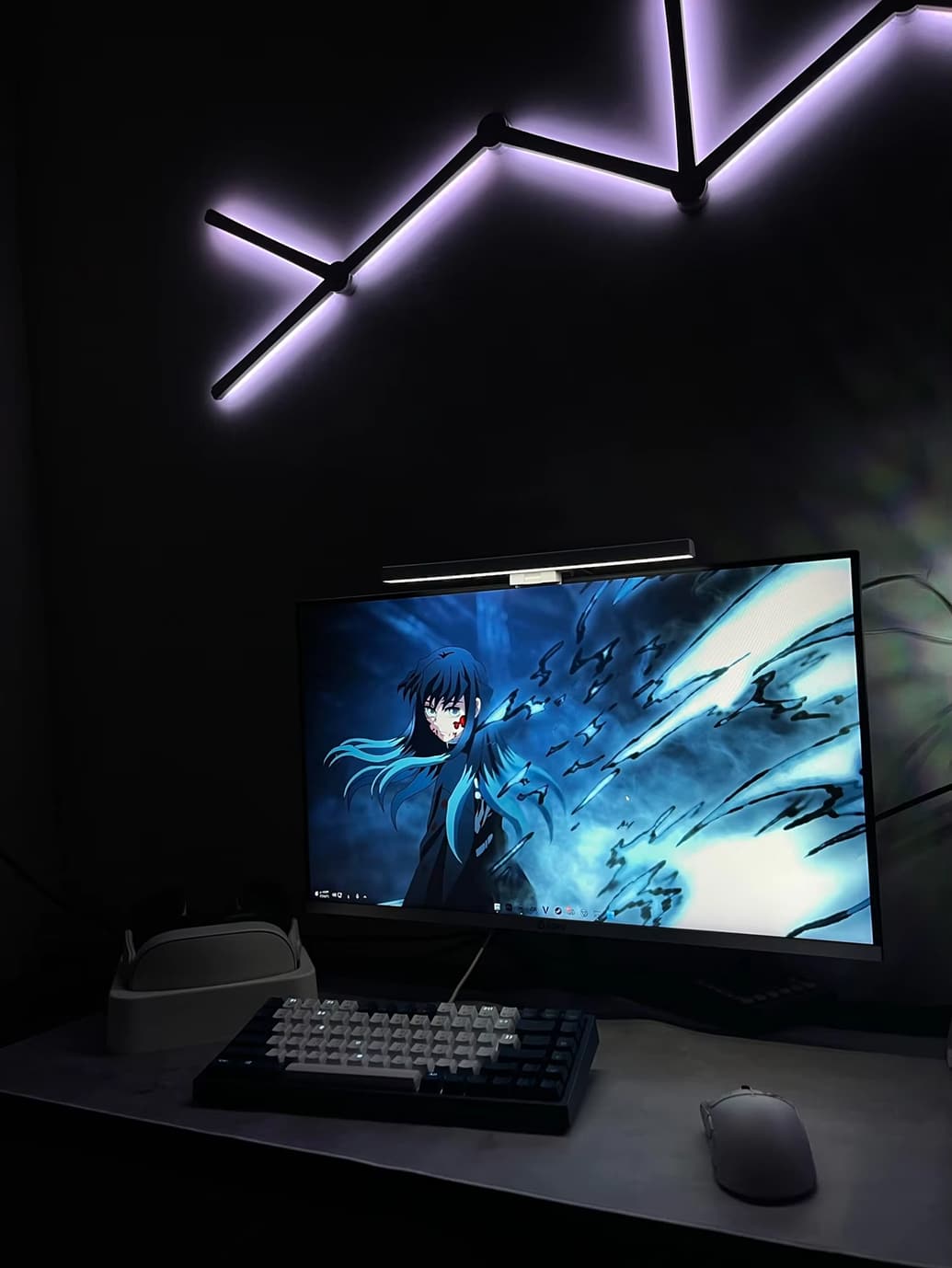
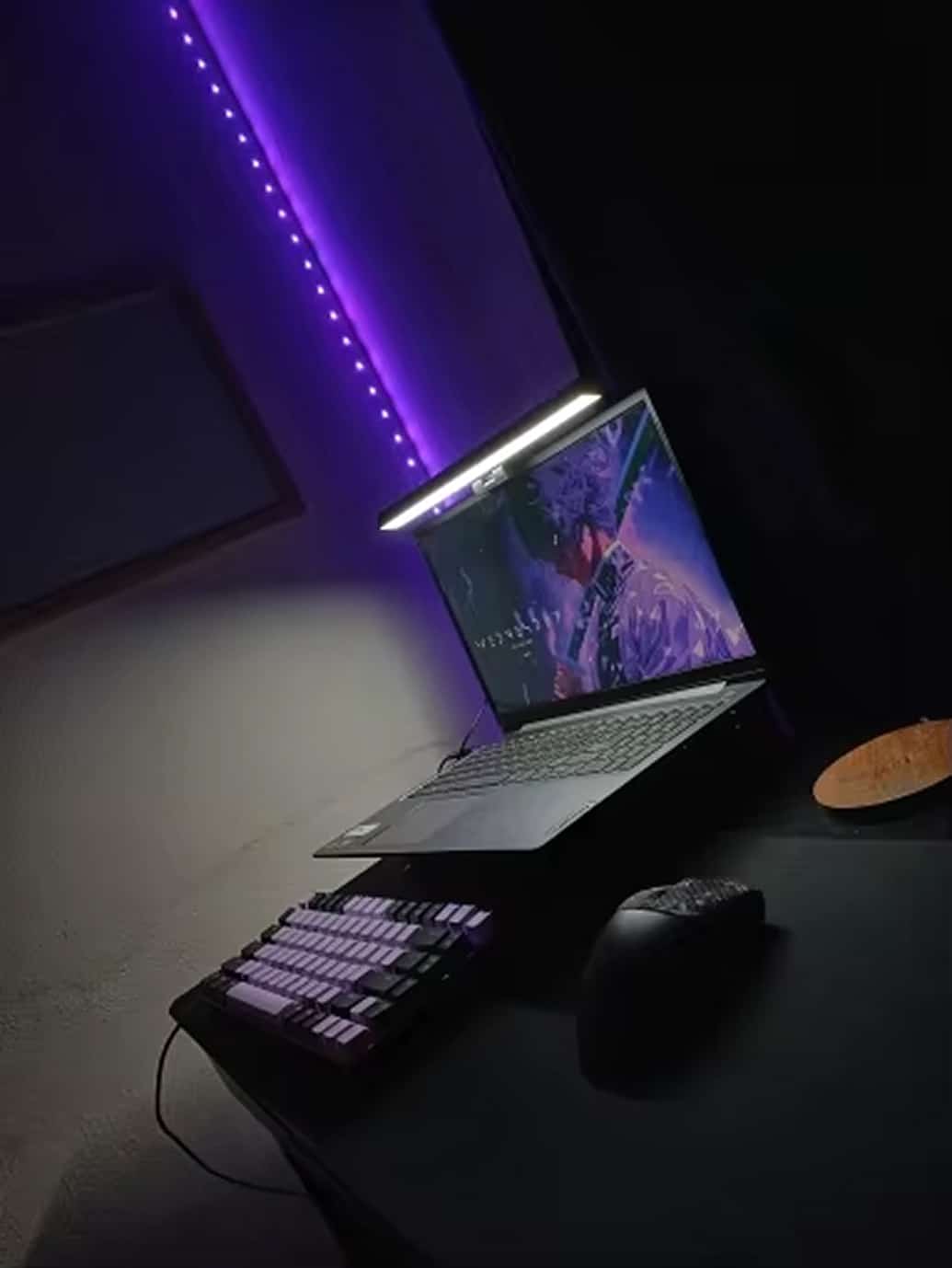
ViewyBar’s compact design mounts directly to your monitor, freeing up valuable desk space while providing versatile lighting solutions for reading, working, or creating. The perfect addition to any home office or workspace.
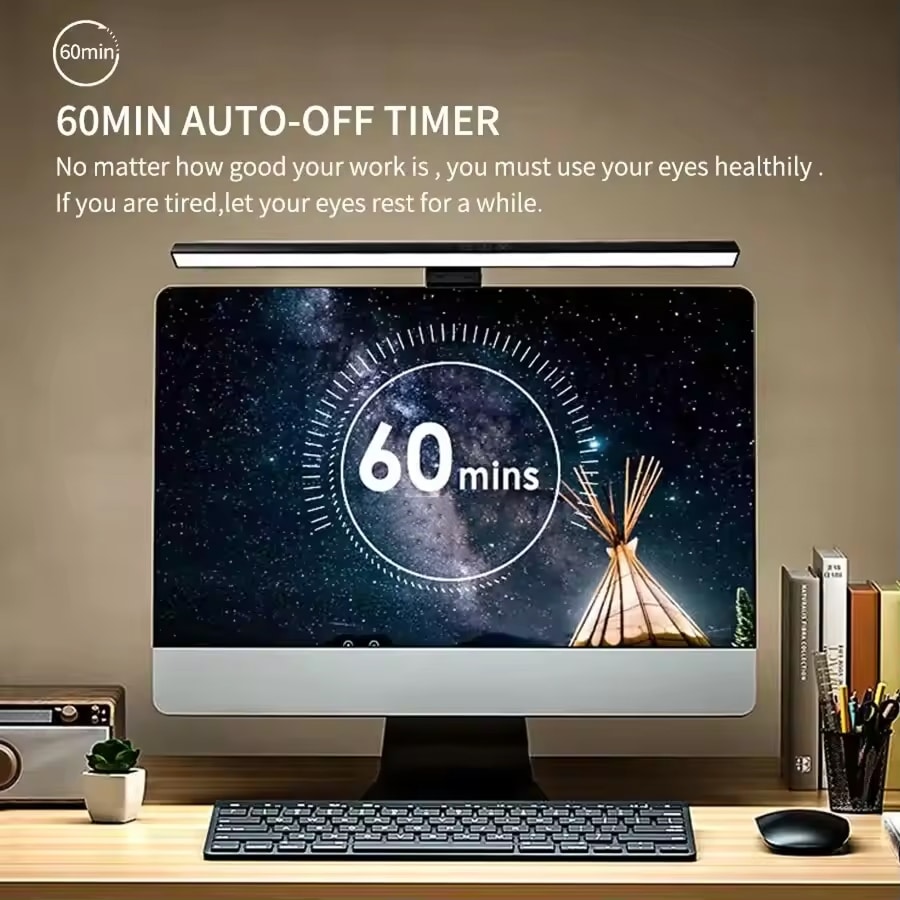
60-minute automatic shut-off timer for energy savings
High color rendering index exceeding 90 for true colors
ViewyBar represents a significant advancement in workspace lighting technology, combining ergonomic design with professional-grade illumination that genuinely reduces eye fatigue while enhancing productivity.
Six Reasons Professionals Worldwide Choose ViewyBar
ViewyBar FEATURES ALL YOU CAN EXPECT:
GLARE-FREE ILLUMINATION
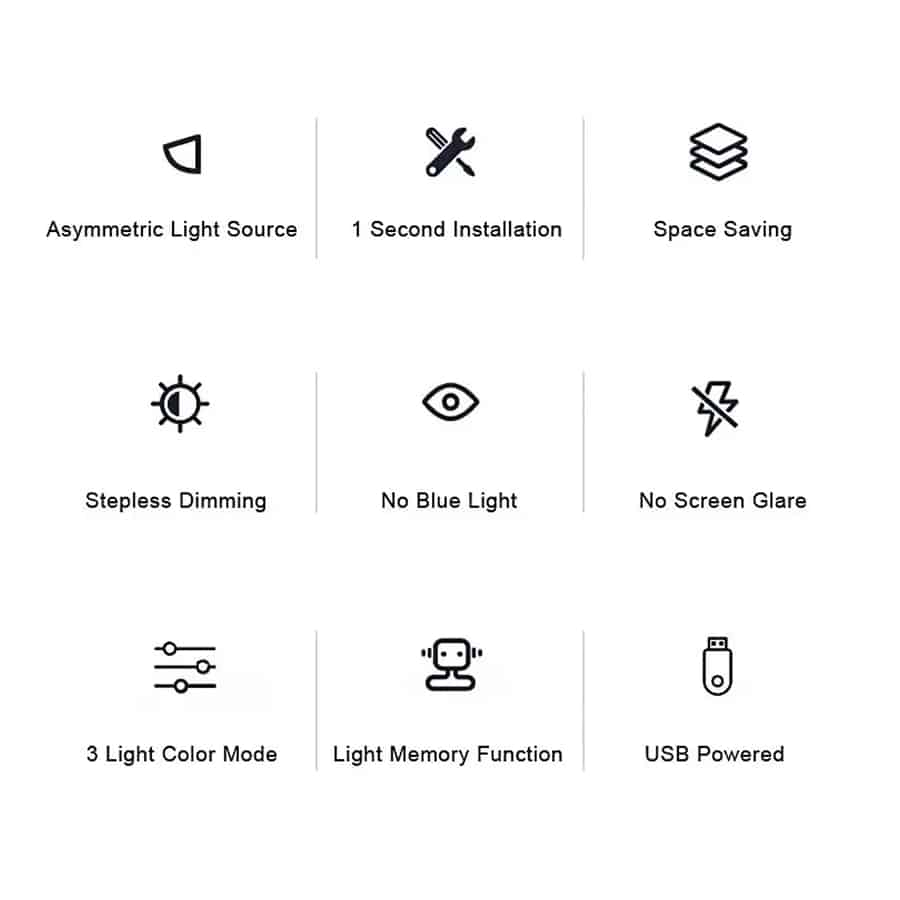
ViewyBar’s asymmetric optical design ensures light only illuminates your workspace, not your screen. This eliminates reflected glare completely, allowing for comfortable extended computer use without eye strain or visual discomfort during long work sessions.
CUSTOMIZABLE LIGHTING
With stepless dimming and three color temperatures, ViewyBar adapts to any task or preference. The memory function preserves your ideal settings, providing consistent, personalized lighting that enhances both focus and relaxation throughout your workday.
EASY INSTALLATION
ViewyBar requires no tools, screws, or adhesives for installation. The universal clip simply attaches to most monitors in seconds, making setup effortless and ensuring your monitor remains undamaged while providing instant professional lighting solutions.
SPACE EFFICIENCY
ViewyBar mounts directly to your monitor, completely freeing up valuable desk space. This innovative design keeps your workspace organized and clutter-free while providing superior lighting exactly where you need it most for maximum efficiency.
EYE COMFORT
ViewyBar’s high CRI rating and adjustable settings reduce eye strain significantly. The balanced illumination prevents harsh contrasts and provides comfortable lighting that maintains visual comfort during extended reading or computer work sessions.
VERSATILE COMPATIBILITY
ViewyBar works with any device featuring a USB port, including computers, power banks, and wall adapters. This universal compatibility ensures you can enjoy professional lighting anywhere, making it perfect for office, home, or mobile setups.
Image Gallery
What's Included in the ViewyBar?
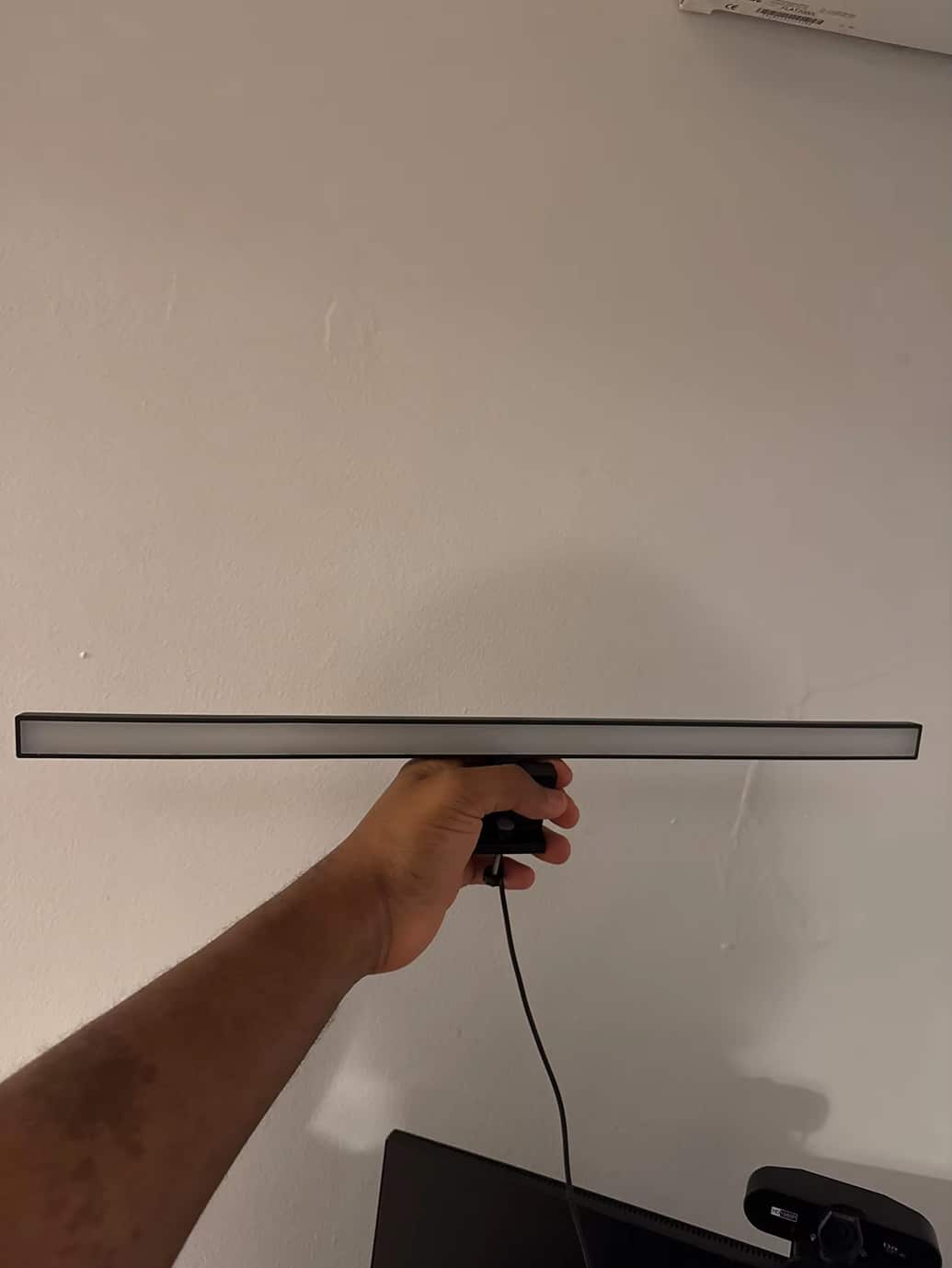
ViewyBar Monitor Light Bar
24/7 Customer Support
Our top-rated customer service team is available seven days a week to address your questions via email or live chat. Simply reach out to us, and we’ll gladly assist you.
Learn More About ViewyBar
Frequently Asked Questions
−What monitors is the ViewyBar compatible with?
ViewyBar fits most monitors with thickness up to 22mm using its universal clip design. The adjustable clamp accommodates various screen sizes and types without damaging your monitor's finish or requiring any special mounting hardware.
+How does ViewyBar prevent screen glare?
ViewyBar uses asymmetric optical technology that directs light downward onto your workspace while preventing any illumination from reaching your screen surface. This innovative design completely eliminates reflected glare and maintains optimal screen visibility.
+Can I adjust the brightness of ViewyBar?
Yes, ViewyBar features stepless dimming that allows you to adjust brightness from 10% to 100% using touch controls. The settings are memorized so your preferred brightness level is maintained between uses for consistent lighting.
+What color temperatures does ViewyBar offer?
ViewyBar provides three color temperature options: 3000K warm white for relaxation, 4000K natural white for balanced lighting, and 6000K cool white for focused work. You can easily switch between them based on your needs.
+How do I install ViewyBar on my monitor?
Installation is tool-free - simply place the clamp on top of your monitor and tighten the knob until secure. The weighted design ensures stability without damaging your screen, and setup takes less than 60 seconds complete.
+Does ViewyBar require special software or apps?
No software or apps are required. ViewyBar operates entirely through physical touch controls on the light bar itself, making it instantly usable without downloads, accounts, or complicated setup procedures of any kind.
+What power source does ViewyBar need?
ViewyBar uses standard USB power (5V/1A) and includes a USB cable. It works with computer USB ports, wall adapters, power banks, or any device with USB output, providing flexible power options anywhere.
+How does the automatic timer function work?
The timer automatically turns ViewyBar off after 60 minutes of continuous use. This feature helps conserve energy and provides peace of mind if you forget to turn off the light when leaving your workspace.
TOP #1 FAVORITE Monitor Light Bar
Trusted by Thousands of Satisfied Customers
Jennifer Martinez
ViewyBar has completely transformed my home office experience. The adjustable color temperatures let me switch between focused work mode and relaxing evening reading, while the lack of screen glare means I can work longer without eye strain. The installation was incredibly simple and it looks professional on my monitor.
VERIFIED BUYER
Michael Thompson
As someone who spends 10+ hours daily at the computer, ViewyBar has been a game-changer for my eye comfort. The stepless dimming allows perfect brightness adjustment throughout the day, and the asymmetric lighting truly eliminates all screen reflection. The space-saving design keeps my desk clutter-free too.
VERIFIED BUYER
Sarah Williams
I’ve tried several monitor lights before finding ViewyBar, and none compare to the quality of illumination and ease of use. The memory function remembers my preferred settings, the touch controls are responsive, and the build quality feels premium. It’s become an essential part of my workspace setup.